What Is Customer Support AI? A 2026 Guide
Customers expect answers immediately and at any hour, and meeting that expectation with a purely human team is expensive and difficult to staff. This is where artificial intelligence steps in to reshape the customer experience. So, what is customer support AI? At its core, it is a set of technologies — machine learning, natural language processing, and retrieval over your own documentation — used to automate and enhance customer service interactions. This article breaks down exactly what it is, how it works, what it genuinely cannot do, and how to add it to a WordPress site.
Why AI in Customer Service Matters in 2026
The demand for immediate, personalized support has never been higher. Customers are no longer willing to wait on hold for twenty minutes or sift through endless FAQ pages. They want their problem solved now, on their preferred channel. AI-powered customer support addresses that directly, turning a traditional cost center into something that measurably improves satisfaction and retention.
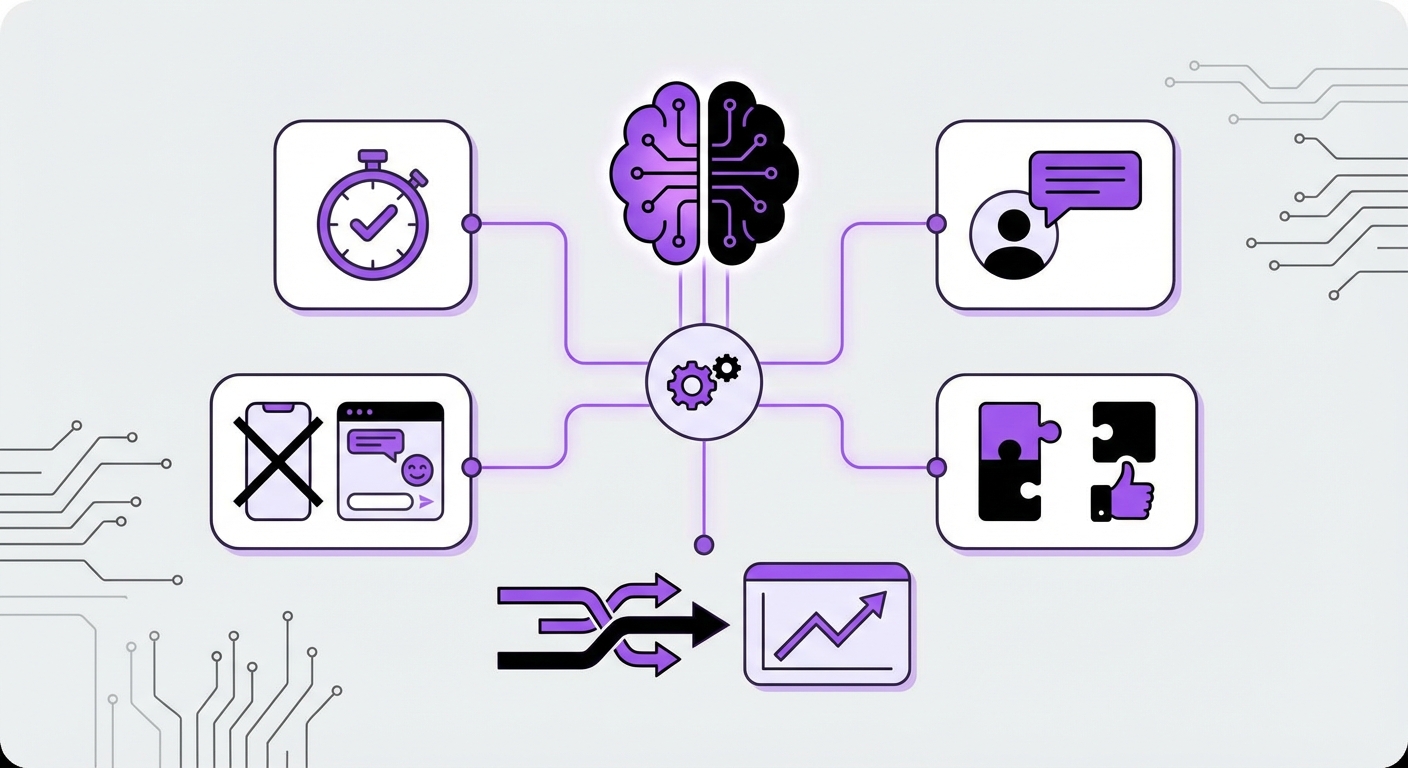
The commercial case is straightforward. A large share of inbound support volume on most sites is repetitive — order status, business hours, shipping policy, password resets, “does it work with X”. Automating that tier reduces cost, scales without hiring, and frees human agents for the complex, high-value cases where judgement actually matters. Well-implemented AI support doesn’t replace agents; it stops them spending their day on the same eight questions.
Breaking Down Customer Support AI: How It Works
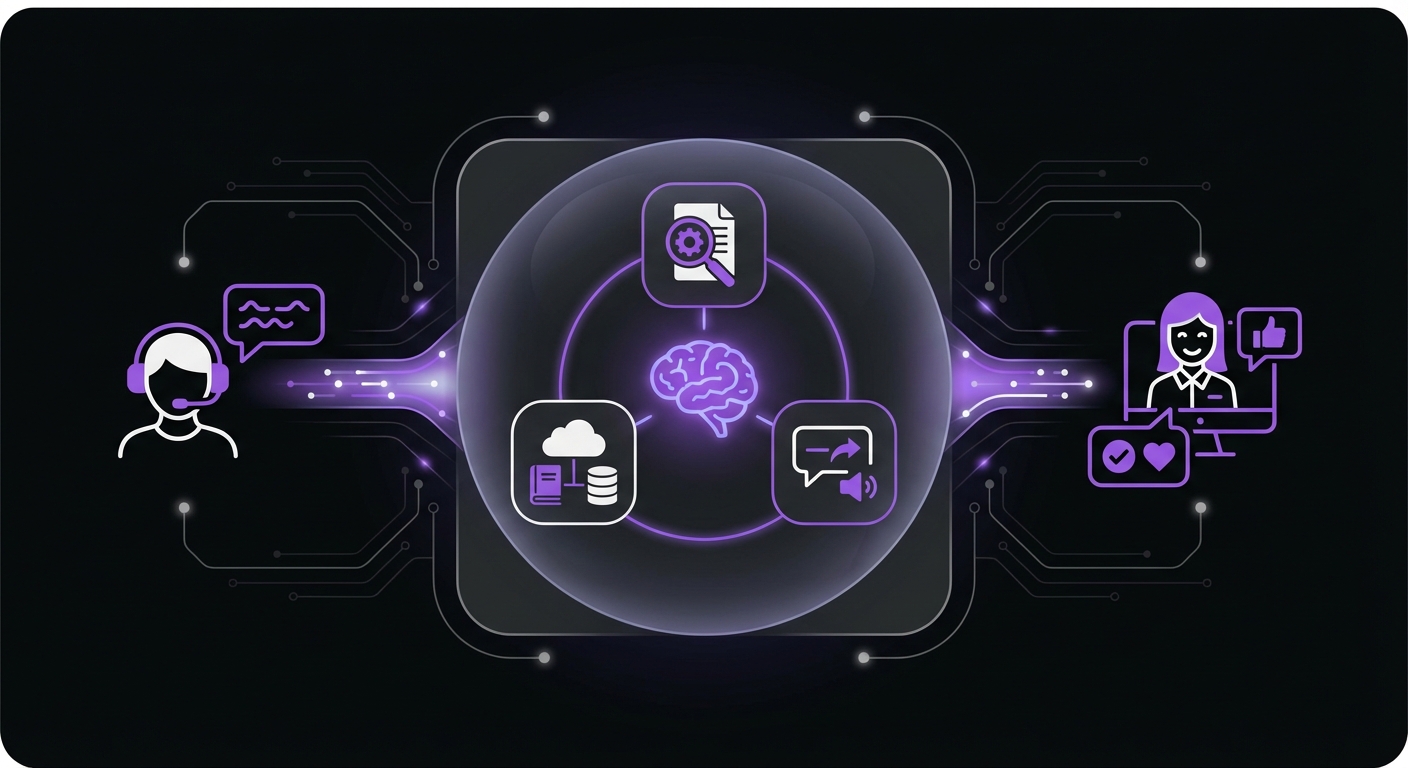
Understanding the technology behind the curtain helps demystify how an AI can hold a helpful, human-like conversation. The capability comes from several components working together.
The Core Technologies Powering AI Support
- Natural Language Processing (NLP): The technology that allows machines to read, understand, and interpret human language. Think of it as a translator between a customer’s question and a computer’s logic. NLP is what enables a chatbot to grasp the intent behind a badly-typed, half-finished question and still route it correctly.
- Large language models (LLMs): The generative layer that produces the actual reply. The model supplies fluency and reasoning; on its own it also supplies confident guesses, which is why the next component matters more than most vendors admit.
- Retrieval-augmented generation (RAG): Before answering, the system searches your documentation, product pages, and past tickets for relevant passages and hands them to the model as source material. This is the difference between a bot that knows your refund policy and a bot that invents a plausible one.
- Vector embeddings: The mechanism that makes retrieval work on meaning rather than exact keywords, so “my package never showed up” finds your delivery-issues article even though it shares no words with it.
- Intent classification and routing: Deciding whether a message is a sales question, a support issue, or something requiring a human — and escalating cleanly when it’s the third.
What Customer Support AI Actually Does Well
- Deflects repetitive questions. Hours, shipping, sizing, compatibility, policy. This is the bulk of the volume and the clearest win.
- Answers instantly, at any hour. Overnight and weekend coverage without a night shift.
- Handles many conversations at once. Traffic spikes during a launch or a sale don’t create a queue.
- Captures context before handoff. A good implementation collects the order number and the problem description, so the human agent starts informed rather than starting over.
- Surfaces what your docs are missing. Reviewing transcripts tells you exactly which questions your content fails to answer — often the single most useful by-product.
What It Doesn’t Do — The Honest Limits
Any vendor who tells you their AI handles everything is selling you a future support problem. The real constraints:
- It cannot resolve what your content doesn’t cover. A retrieval-grounded bot is only as good as the documentation behind it. Thin docs produce a thin bot.
- It handles emotional escalation poorly. An angry customer with a legitimate grievance wants a person with authority to fix it. Detect that case and escalate fast.
- It can still be confidently wrong. Grounding reduces hallucination substantially; it does not eliminate it. For anything financial, medical, legal, or safety-related, the correct behaviour is to hand off rather than answer.
- It needs maintenance. Prices change, policies change, products get discontinued. A bot trained once and never revisited slowly becomes a liability.
Adding Customer Support AI to a WordPress Site
For a WordPress site, this is far less work than it sounds. The practical sequence:
- Gather your source material. Existing FAQ pages, product documentation, shipping and returns policy, and the answers your team already sends repeatedly by email.
- Install a chatbot plugin and load that content so replies are grounded in your material rather than general model training.
- Write the escalation rule first. Decide which topics must always reach a human, and configure the handoff before you go live.
- Launch narrow, then widen. Start on one page or one topic, read the transcripts, fix the gaps, and expand once it’s answering well.
- Review transcripts weekly. Every wrong answer is a documentation gap you can close permanently.
For the plugin shortlist, see our roundup of the best WordPress chatbot plugins and our comparison of AI customer support tools for WordPress. If budget is the deciding factor, our guide to what a chatbot actually costs covers the pricing models vendors use and how to estimate your monthly spend.
Customer Support AI FAQ
Is customer support AI the same as a chatbot?
A chatbot is the interface; customer support AI is the broader category, which also covers ticket triage, agent-assist tools that draft replies for human review, and automated tagging and routing. For most small and mid-sized websites, the chatbot is the part that matters.
Will it replace human support agents?
Not in any implementation worth deploying. It absorbs the repetitive tier and escalates the rest. The realistic outcome is a smaller queue of harder problems reaching better-informed agents, not an empty support team.
How accurate is AI customer support?
Accuracy depends almost entirely on grounding. A bot answering from your own documentation is reliable on questions that documentation covers, and unreliable outside it. This is why the setup work — loading real content and configuring escalation — matters more than which model you pick.
What does it cost to add AI customer support to a website?
Anywhere from nothing to several hundred dollars a month, depending mostly on the billing model rather than the product. Self-hosted plugins with your own API key sit at the cheap end; per-resolution SaaS platforms scale with your traffic.
How long does it take to set up?
Installing a plugin and connecting a knowledge base is typically an afternoon. Getting it genuinely good — the transcript review, the documentation gaps, the escalation tuning — is a few weeks of light, ongoing work.