How to Leverage AI in Customer Service: A 2026 Guide
In 2026, customer expectations are at an all-time high. Instant, personalized, and 24/7 support is no longer a perk—it’s the standard. For many businesses, meeting this demand with human agents alone is a significant challenge, leading to burnout and rising operational costs. This is precisely where learning how to leverage AI in customer service becomes a strategic imperative. By automating routine inquiries and providing immediate assistance, AI empowers you to scale your support, delight your customers, and free your team to focus on what matters most.
Why AI in Customer Service is a Game-Changer in 2026
The shift towards AI-powered support isn’t just about cutting costs; it’s about creating a fundamentally better customer experience. The benefits are clear and compelling.
A recent 2026 study by Forrester shows that companies effectively integrating AI into their customer support see a 35% increase in customer retention and a 40% improvement in first-contact resolution rates. This is driven by several key advantages:
- 24/7 Availability: AI agents never sleep, ensuring your customers get instant help anytime, day or night.
- Instantaneous Responses: Eliminate wait times for common questions, drastically improving customer satisfaction.
- Scalability: Effortlessly handle spikes in inquiry volume during peak seasons or product launches without needing to scale your human team linearly.
- Data-Driven Insights: AI tools can analyze thousands of conversations to identify emerging trends, product issues, and customer pain points, providing invaluable feedback for your business.
A Step-by-Step Guide to Implementing AI in Customer Support
Ready to transform your customer service operations? Follow these actionable steps to integrate AI effectively.
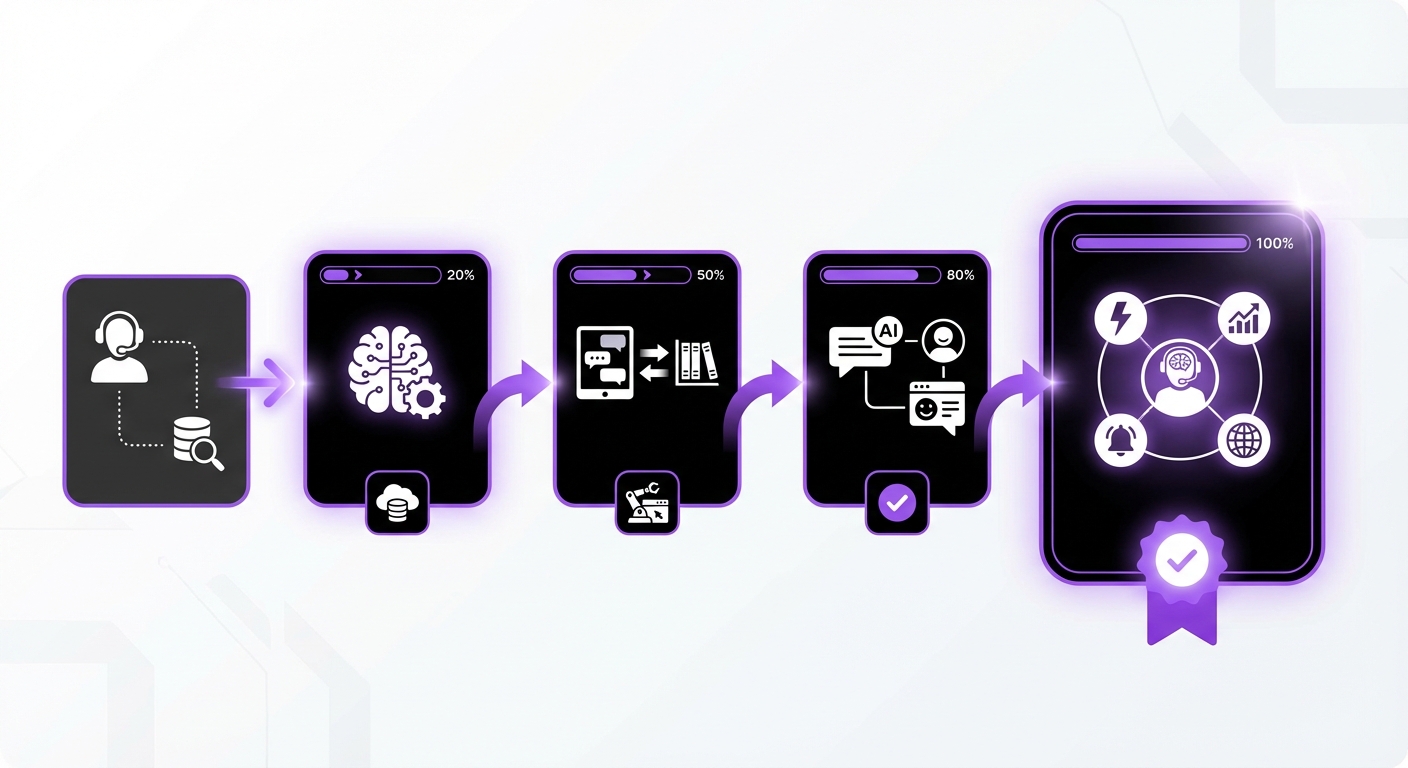
Step 1: Identify Your Goals and Customer Pain Points
Before you choose any tool, you must define what success looks like. Start by asking critical questions:
- What is our primary goal? (e.g., reduce agent response time, decrease ticket volume, improve CSAT scores).
- What are the most common, repetitive questions our support team answers? These are the perfect candidates for automation.
- Where do customers experience the most friction in their support journey?
Step 2: Choose the Right AI Platform and Tools
The market for AI tools has matured significantly by 2026. Your choice will depend on your technical ecosystem, budget, and goals. For most businesses, a no-code solution is the most efficient path forward.
Look for platforms with these key features:
- Seamless Integration: The tool should work effortlessly with your existing website platform and CRM.
- Advanced AI Capabilities: Modern platforms use technologies like Retrieval-Augmented Generation (RAG) to provide highly accurate, context-aware answers by pulling information directly from your knowledge base.
- Ease of Use: A no-code or low-code interface allows your non-technical team members to build, manage, and update the AI agent.
Step 3: Build and Train Your AI Agent
An AI agent is only as smart as the data it’s trained on. The initial setup is crucial for its long-term success.
Start by feeding your AI with high-quality, structured information from your:
- Frequently Asked Questions (FAQ) page
- Knowledge base articles and tutorials
- Product documentation and user manuals
- Company policies (e.g., shipping, returns)
Step 4: Define a Clear AI-to-Human Handoff Protocol
No AI can solve every problem. One of the most critical parts of a successful AI implementation is creating a seamless escalation path to a human agent.
Your system should be designed to hand off a conversation when:
- The customer explicitly asks to speak to a person (e.g., uses phrases like “talk to an agent”).
- The AI fails to understand the query after two or three attempts.
- The customer’s sentiment is detected as highly negative or frustrated.
- The query involves a sensitive or complex issue like a security concern or a major billing dispute.
Step 5: Deploy, Monitor, and Continuously Improve
Your AI implementation is not a “set it and forget it” project. It’s a living part of your customer service ecosystem that requires ongoing attention.
- Start with a Phased Rollout: Deploy the AI agent on a less-critical page first, or offer it as an option alongside traditional support channels.
- Monitor Key Metrics: Track metrics like resolution rate (how many queries the AI solves independently), escalation rate, and customer satisfaction scores from post-chat surveys.
- Review Conversations: Regularly review conversation logs to identify areas where the AI is struggling or providing incorrect information. Use these insights to refine its responses and update your knowledge base.
Common Mistakes to Avoid When Integrating AI Support
Learning how to leverage AI in customer service also means knowing what not to do. Avoid these common pitfalls:
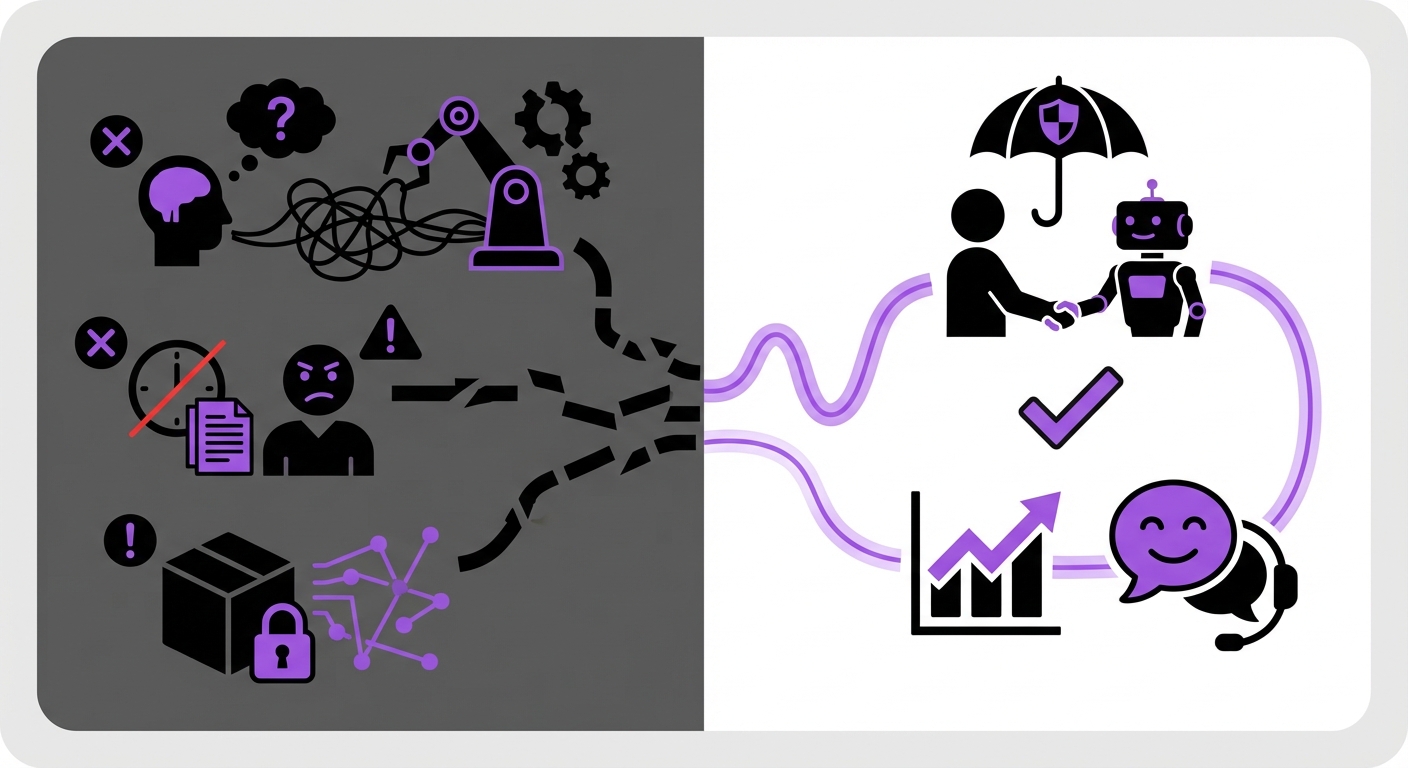
- Hiding the Human Option: Never make it a maze for customers to reach a human. This creates immense frustration and damages brand trust. Always provide a clear and easy way to escalate.
- Forgetting Your Brand Voice: Your AI is an extension of your brand. Configure its tone and language to match your company’s personality, whether it’s formal, friendly, or fun.
- Neglecting Maintenance: An AI trained on outdated information is worse than no AI at all. Regularly update its knowledge base with new product features, policies, and solutions.
- Over-automating Complex Issues: Do not try to automate emotionally charged or highly complex problems. Reserve AI for transactional, informational, and high-volume inquiries.
Expected Outcomes: The Future of Your Customer Service
By following these steps, you can expect a dramatic transformation in your support operations. The results go beyond simple cost savings.
You will build a more resilient, efficient, and customer-centric support system characterized by:
- Improved Agent Productivity: Your human agents are freed from repetitive queries, allowing them to focus their expertise on high-impact issues that require empathy and complex problem-solving.
- Enhanced Customer Satisfaction: Customers get the instant gratification of 24/7 support for their most common questions, leading to higher loyalty and trust.
- Effortless Scalability: Your business can grow and handle more customers without a proportional increase in support headcount.
Conclusion: Start Your AI-Powered Support Journey
In 2026, leveraging AI in customer service is no longer optional—it’s essential for staying competitive and meeting modern customer expectations. By strategically identifying your goals, choosing the right platform, training your AI with quality data, and establishing clear human handoff protocols, you can build a support system that is both highly efficient and deeply customer-focused.
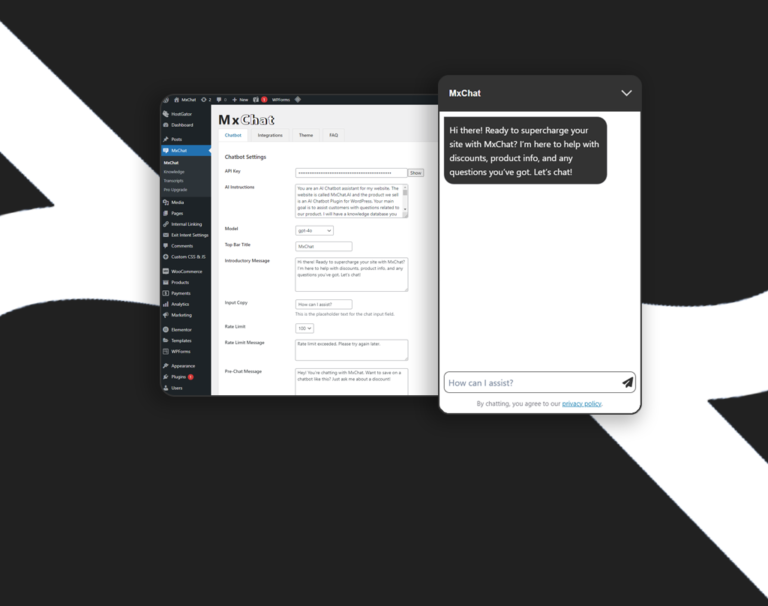
For WordPress users ready to take the next step, exploring a no-code, integrated solution like MxChat can be the most efficient way to deploy a powerful AI agent and transform your customer experience without the technical overhead. The journey to superior customer service starts with the right tools and a clear strategy.