
documentation
MxChat Documentation.
Everything you need to run MxChat — the core plugin and every add-on, in one place.
Ask the Documentation Bot
The fastest way to get an answer. Our AI doc bot has direct access to the latest documentation for every plugin and the full source code — just ask.
Frequently asked questions
Answers to the questions customers ask most, from setup and AI models to licensing and troubleshooting. Search them by keyword or error message.
Plugin Documentation
Start with the free core, then explore each Pro add-on.
MxChat Core
The free plugin — onboarding, AI models, RAG knowledge base, behavior, actions, display, and the REST API.
View documentation → v1.0.9
MxChat MCP Server
Expose your MxChat install as a Model Context Protocol server so Claude, ChatGPT, and any MCP-aware agent can list transcripts, inspect bots, and push knowledge — natively, no per-message fees.
View documentation → v1.0.8
MxChat AI Search
Google-style AI Overviews for your own website's search. Visitors' queries get answered straight from your knowledge base — above your theme's normal results, as a full AI results page, or anywhere on your site via an embeddable AI search box.
View documentation → v1.6.8
Advanced Content Editor
Push MxChat's free AI Content Generator into pro territory: bulk-generate landing pages from a CSV, weave smart internal links into every post, manage AI images with one click, and pull live Google Search Console data right into your editor.
View documentation → v2.1.6
MxChat Chatbot Themes
Design your chatbot from a sentence. Describe the look you want in plain English — "dark purple with gold accents" — and the AI generates production-ready CSS instantly, with manual color pickers and a live preview for fine-tuning.
View documentation →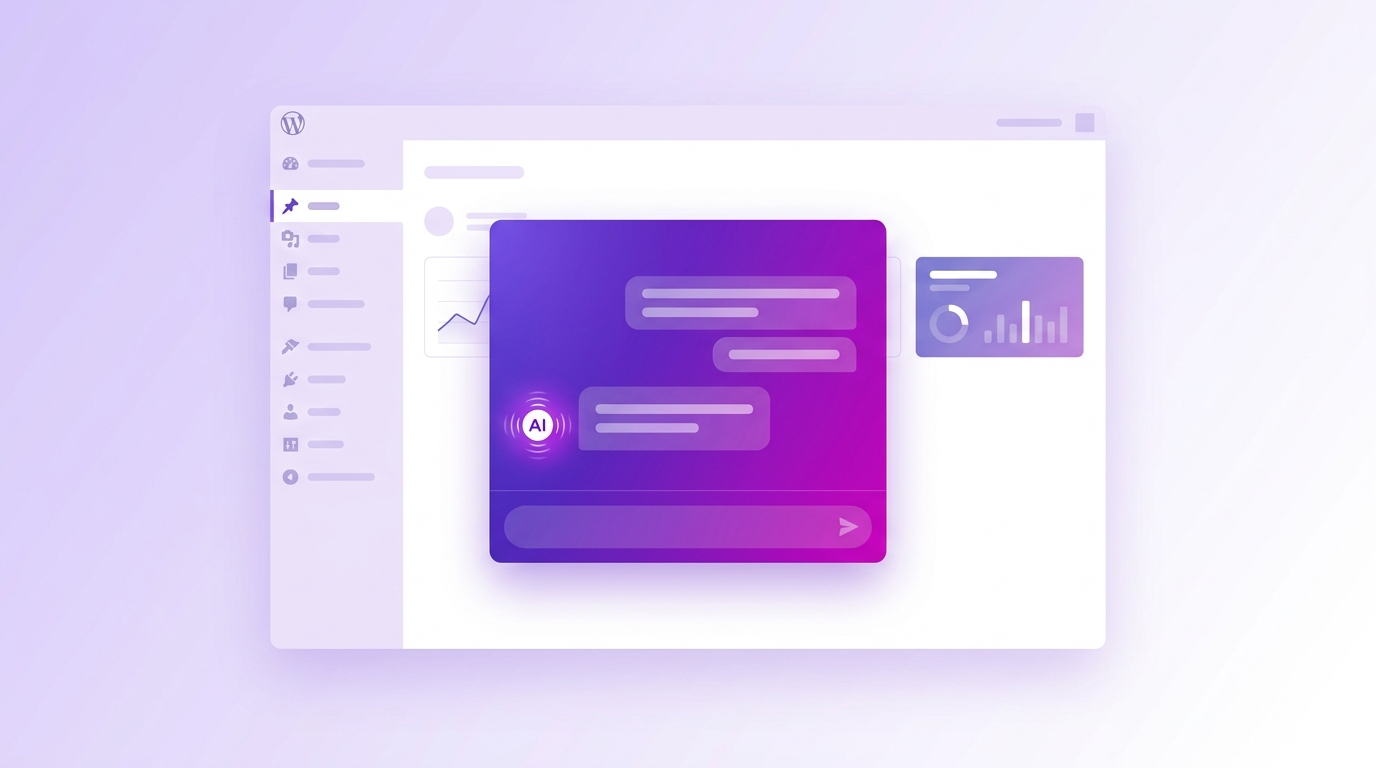 v3.1.13
MxChat Admin Assistant
A ChatGPT-style AI assistant that lives right inside your WordPress admin. Chat with your WooCommerce store data, analyze Google Search Console SEO, generate images, and tap into 100+ AI models — all without leaving your dashboard.
View documentation → v3.0.8
MxChat Video Generation
Generate stunning AI videos right from your WordPress dashboard with Google Veo 3.1, OpenAI Sora 2, and xAI Grok Imagine — including native audio, multi-scene Studio Mode with character consistency, and one-click stitching into a single export.
View documentation → v1.0.14
MxChat Image Analysis
Let visitors upload images directly into your chatbot for instant AI analysis — OCR, object recognition, scene description, chart parsing, document extraction — powered by GPT-4V, GPT-4o, and xAI Grok Vision.
View documentation → v1.2.20
MxChat Forms
Trigger custom forms and multi-step wizards from inside the chat. Capture leads, run product recommendations, handle support tickets, and run eligibility quizzes — all without leaving the conversation.
View documentation → v1.0.12
MxChat Multi-Bot Manager
Run unlimited specialized AI chatbots from a single WordPress install. One bot for support, one for sales, one for technical — each with its own knowledge base, personality, and trigger pages.
View documentation → v2.2.6
MxChat Triggers
Turn any element on your site into a chat trigger. Click a button to fire a predefined message, open the chat from anywhere, route visitors to a specific bot — via data attributes, shortcodes, or JavaScript.
View documentation → v2.0.12
MxChat Anywhere
Deploy your MxChat chatbot on any website with one script tag. Shopify, Squarespace, Wix, static HTML, SaaS apps — same chatbot, same brand, same configuration, no WordPress required on the host site.
View documentation → v1.7.15
MxChat WooCommerce
An AI sales assistant for your WooCommerce store. Customers chat naturally about products and the AI renders shopping cards, adds to cart, recommends complements, retrieves orders, and runs intelligent filtered search — all in conversation.
View documentation → v1.0.11
MxChat Perplexity
Add real-time web search to your chatbot via Perplexity AI. Up-to-date, factual answers with source citations on demand — and conversational mode for when you want it to flow naturally.
View documentation → v2.1.6
MxChat Moderation
Protect your chatbot with email and IP-based bans. One click from any transcript bans a bad actor, with notes, search, and a dashboard of every active ban at a glance.
View documentation →MxChat Migration Tool
Switch embedding models or vector databases without losing your knowledge base. Re-embed everything in managed batches, move between WordPress and Pinecone in either direction, and export your content for backups or external vector stores.
View documentation →Wait — don't miss 15% off
MxChat Pro:
$59.47 (was $69.97)
MxChat Agency:
$148.69 (was $174.97)
Agency Plus:
$237.97 (was $279.97)
Limited Lifetime License Offer
