How to Automate Customer Service with AI: A 2026 Guide
In 2026, customer expectations are at an all-time high. Your audience demands instant, 24/7 support, and they have little patience for long wait times. For businesses struggling to keep up, the solution is clear: learning how to automate customer service with AI. This isn’t about replacing human agents but empowering them, freeing them from repetitive tasks to focus on high-value interactions that truly matter.
AI-powered automation transforms your support from a cost center into a powerful engine for customer loyalty and growth. It allows you to provide consistent, accurate, and immediate responses, scaling your operations without a proportional increase in headcount.
Why Automate Customer Support with AI in 2026?
The shift towards AI in customer service is no longer a trend; it’s a fundamental business necessity. Recent 2026 studies show that over 75% of consumers expect an immediate response when they contact a business online. AI automation is the most effective way to meet this demand.
Key benefits include:
- 24/7 Availability: An AI agent never sleeps. It can answer questions and resolve issues around the clock, across all time zones.
- Drastic Cost Reduction: Automating responses to common inquiries significantly lowers operational costs, reducing the need for a large, round-the-clock support team.
- Increased Agent Productivity: By handling up to 80% of routine queries, AI frees human agents to tackle complex, sensitive, or high-priority customer issues, boosting both morale and efficiency.
- Enhanced Customer Satisfaction (CSAT): Instant resolutions and consistent, accurate information lead to happier, more loyal customers.
- Valuable Data Insights: AI interactions generate a wealth of data about customer pain points and product feedback, which you can use to improve your offerings.
A Step-by-Step Guide to AI Customer Service Automation
Implementing AI automation may seem daunting, but a structured approach makes the process manageable and effective. Follow these steps to build a smarter, more efficient support system.
Step 1: Define Your Automation Goals
Before you choose a tool or build an agent, you must know what you want to achieve. Vague goals lead to poor results. Start by asking specific questions:- What is our primary objective? (e.g., reduce first-response time, decrease ticket volume, improve CSAT scores)
- Which customer queries are most frequent and repetitive?
- What key performance indicators (KPIs) will we use to measure success?
Step 2: Choose the Right AI Platform
Your choice of platform is critical. In 2026, the market is filled with options, but not all are created equal. Look for a solution with these key features:- No-Code Interface: You shouldn’t need a team of developers to build and manage your AI agent.
- Seamless Integration: The platform must integrate easily with your existing website and tools. For WordPress users, a native solution like MxChat simplifies this process immensely, offering a no-code environment that integrates seamlessly with your existing site.
- Advanced AI Capabilities: Ensure the platform supports modern AI models (like GPT-4o, Claude 3 Sonnet) and includes technologies like Retrieval-Augmented Generation (RAG) for accuracy.
- Scalability: The solution should grow with your business, allowing you to create multiple agents for different purposes without incurring massive costs.
Step 3: Identify Key Customer Service Workflows to Automate
Dive into your support data. Analyze past tickets, chat logs, and emails to pinpoint the best candidates for automation. These are typically high-volume, low-complexity tasks that follow a predictable pattern.Common workflows to automate include:
- Frequently Asked Questions (FAQs): Instantly answer questions about pricing, shipping policies, and product features.
- Order and Account Management: Allow customers to check order status, track shipments, or manage their account details.
- Lead Qualification: Use the AI agent to ask initial questions and qualify leads before passing them to the sales team.
- Appointment Scheduling: Integrate with a calendar to let customers book demos or appointments automatically.
Step 4: Build and Train Your AI Agent
This is where you give your AI its brain. An effective AI agent relies on a comprehensive and well-structured knowledge base. You need to feed it the right information so it can provide accurate answers.Your knowledge sources can include:
- Your website’s FAQ page
- Product documentation and manuals
- Your company’s blog and articles
- Saved replies and macros from your human support team
Step 5: Integrate and Deploy the AI Agent
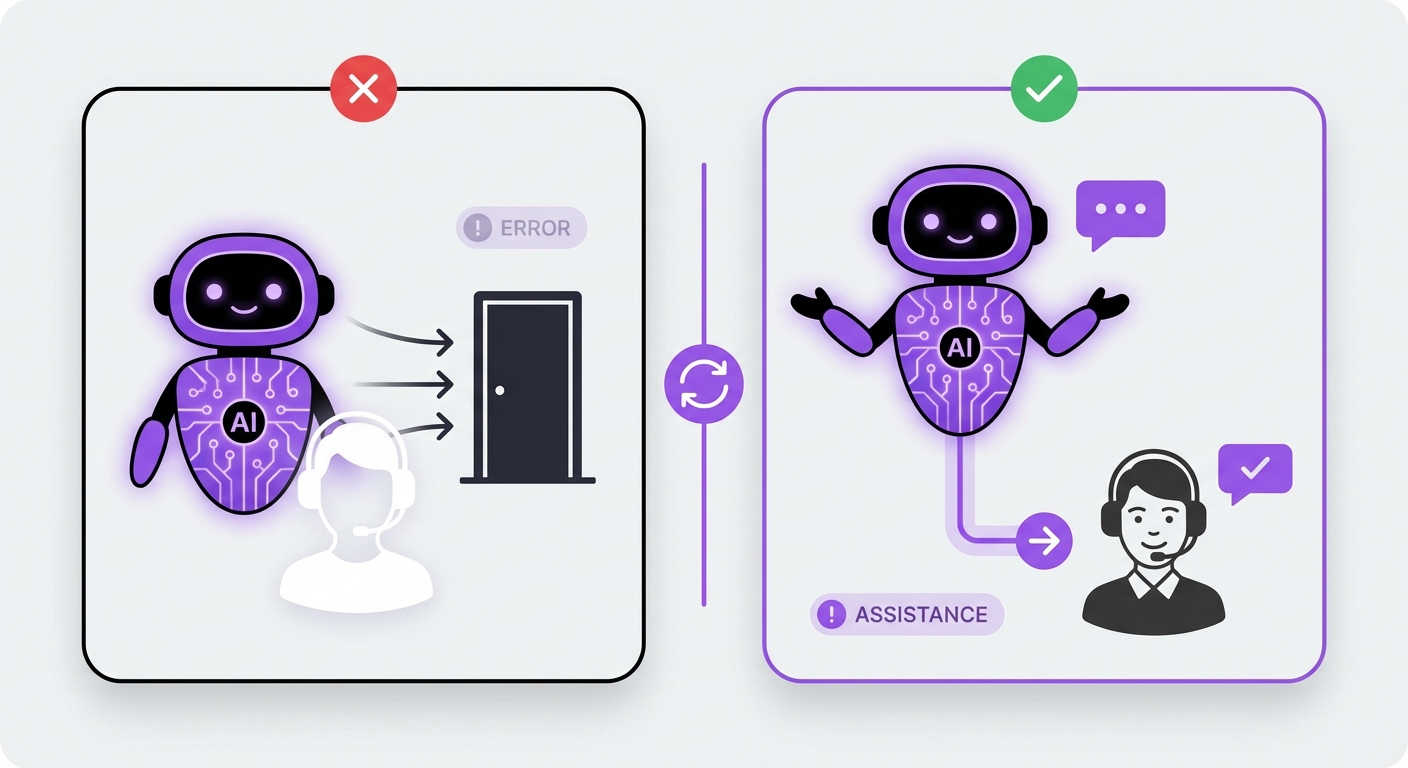
Once your AI is trained, you need to make it accessible to your customers. The most common deployment method is a chat widget on your website. Ensure it is clearly visible but not intrusive.Consider the user experience. Customize the widget’s appearance to match your brand. Craft a welcoming greeting message and make it clear that the user is interacting with an AI assistant. Most importantly, always provide a clear and easy way for a customer to request a transfer to a human agent.
Step 6: Test, Launch, and Iterate
Never launch your AI agent without rigorous testing. Have your internal team interact with it, trying to break it or ask it difficult questions. This helps you identify gaps in its knowledge base and refine its conversational flow.Start with a soft launch—perhaps on a less-visited page or during off-peak hours. Monitor its performance closely:
- Resolution Rate: How many queries does it solve without human intervention?
- Escalation Rate: How often does it need to transfer to a human agent?
- Customer Feedback: Collect feedback directly through the chat widget.
Common Mistakes to Avoid in AI Service Automation
Knowing how to automate customer service with AI also means knowing what pitfalls to avoid. Steer clear of these common errors:
- Hiding Human Support: The goal is to assist, not replace. Making it impossible for a customer to reach a human will lead to frustration and churn. Always offer a clear escalation path.
- Using an Outdated Knowledge Base: An AI is only as good as its data. If your product information or policies change, your AI’s knowledge base must be updated immediately.
- Ignoring Analytics: Don’t just launch your AI and hope for the best. Regularly review conversation logs and performance metrics to identify areas for improvement.
- Forcing a One-Size-Fits-All Approach: A single, generic chatbot won’t cut it. Consider creating specialized agents for different parts of your website, such as one for sales inquiries and another for technical support.
The Expected Outcome: A Smarter, More Efficient Support System
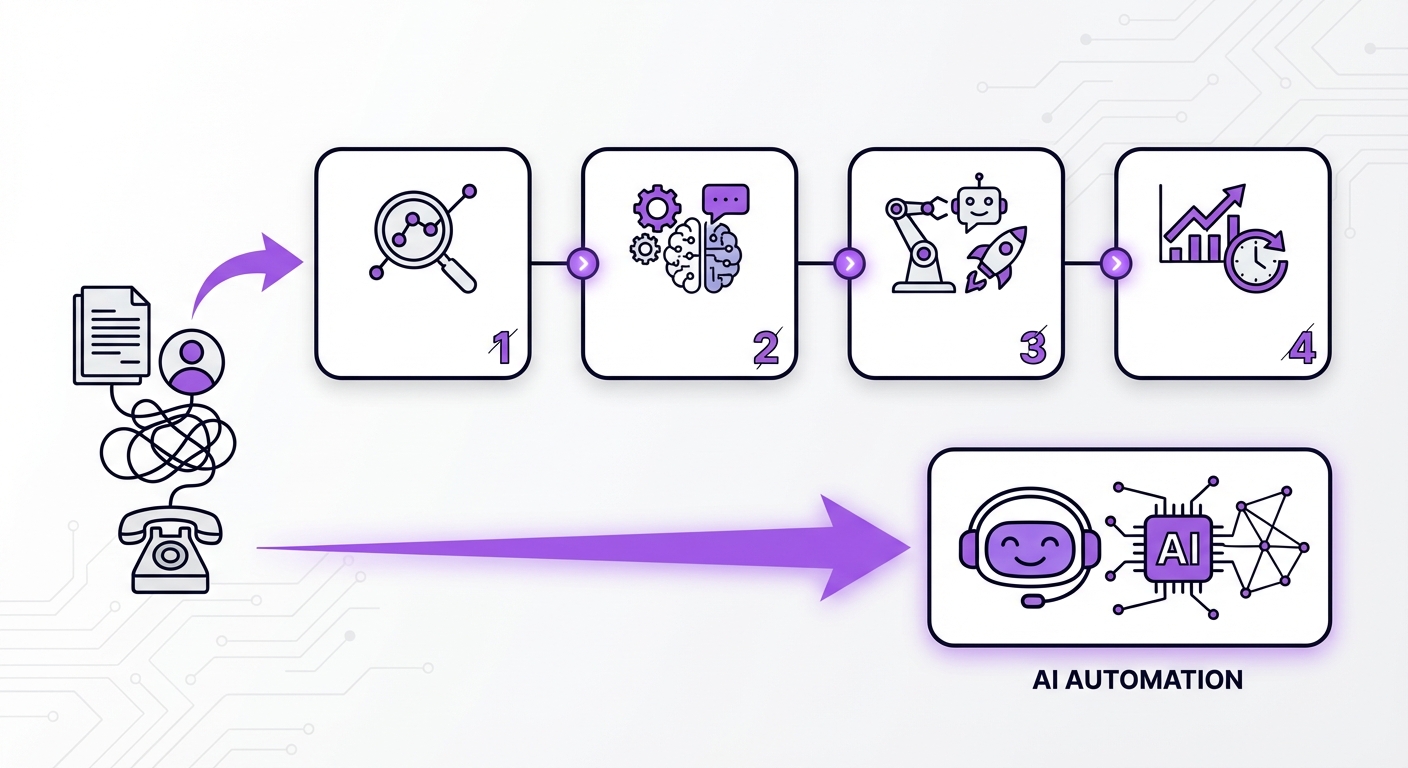
When implemented correctly, AI automation creates a win-win scenario. Your business benefits from significantly lower support costs and a 24/7 presence. Your human agents are freed from monotonous work, allowing them to develop their skills and focus on building meaningful customer relationships.
Most importantly, your customers receive the fast, effective service they expect in 2026. This improved experience boosts satisfaction, builds trust, and fosters long-term loyalty, turning your customer service into a true competitive advantage.
Conclusion: Your Next Step in AI-Powered Support
Automating customer service with AI is no longer a futuristic concept—it’s a practical and accessible strategy for businesses of all sizes. By defining your goals, choosing the right platform, training your AI with quality data, and continuously iterating, you can build a support system that is both highly efficient and deeply customer-centric.
For businesses running on WordPress, getting started is easier than ever. Platforms like MxChat provide a powerful, no-code solution with a lifetime pricing model to build and deploy intelligent support agents. This allows you to transform your customer experience without the technical overhead or recurring monthly fees, making it a smart investment for a more automated future.