How to Use Chatbots for Customer Inquiries in 2026
In 2026, customer expectations are at an all-time high. Users demand instant, 24/7 support, and the days of waiting 24 hours for an email response are long gone. This is where AI-powered chatbots have become an indispensable tool for businesses of all sizes. This guide will provide a clear, step-by-step tutorial on how to use chatbots for customer inquiries to enhance your support, boost satisfaction, and operate more efficiently.
Why Chatbots Are Essential for Customer Service in 2026
Before diving into the ‘how,’ it’s crucial to understand the ‘why.’ The shift towards AI-driven support isn’t just a trend; it’s a fundamental change in how businesses interact with their customers. A 2026 study by Forrester shows that over 75% of online consumers prefer interacting with a chatbot for simple queries due to the speed and convenience.
Key benefits include:
- 24/7 Availability: Chatbots never sleep, providing round-the-clock support to your global customer base.
- Instantaneous Responses: Eliminate wait times and resolve common issues in seconds, dramatically improving the customer experience.
- Reduced Operational Costs: Automating routine inquiries frees up your human agents to focus on complex, high-value tasks.
- Scalability: A chatbot can handle thousands of conversations simultaneously, something a human team cannot do without significant investment.
Step 1: Define Your Goals and Scope
The first step to successfully implementing a chatbot is to define what you want it to achieve. A chatbot without a clear purpose will lead to a frustrating user experience. Start by identifying the most common and repetitive inquiries your support team receives.
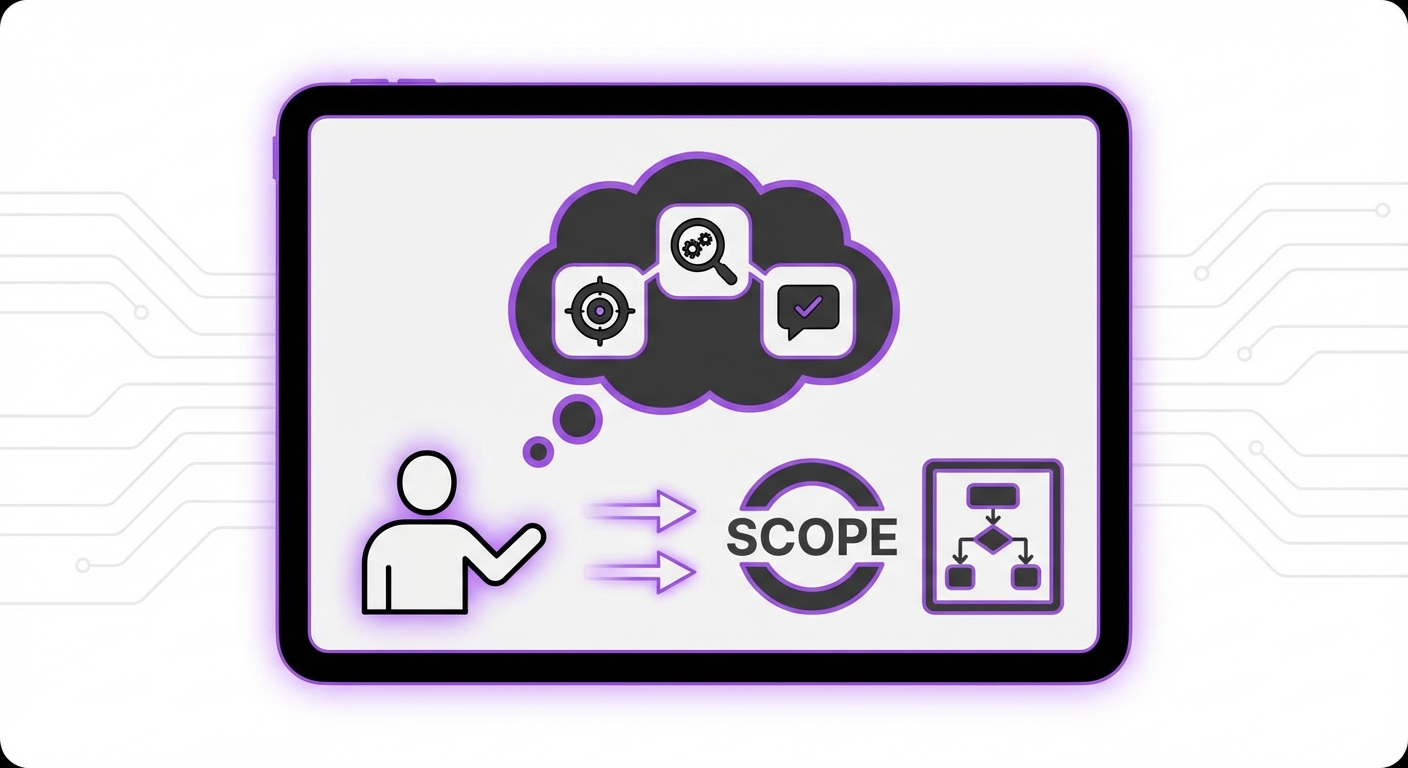
Common goals for a customer service chatbot include:
- Answering Frequently Asked Questions (FAQs) about products, shipping, or policies.
- Tracking order statuses.
- Qualifying sales leads by asking initial questions.
- Booking appointments or scheduling demos.
Step 2: Choose the Right Chatbot Platform
Your chatbot’s effectiveness depends heavily on the platform you choose. In 2026, the market is filled with options, but not all are created equal. Look for a solution that is powerful yet easy to use.
Key Features to Look For:
- No-Code Interface: You shouldn’t need a team of developers to build and manage your chatbot. A user-friendly, no-code platform allows you to make changes quickly.
- Seamless Integration: The platform must integrate smoothly with your website. For WordPress sites, a dedicated plugin is ideal.
- Advanced AI Capabilities: Modern chatbots use technologies like Retrieval-Augmented Generation (RAG) to understand context and pull accurate answers from your knowledge base, rather than relying on rigid scripts.
- Scalable Pricing: Look for a model that grows with your business. High monthly fees can become a significant burden.
Step 3: Build Your Knowledge Base
A chatbot is only as smart as the information you give it. This information forms its knowledge base, which it uses to answer questions. The more comprehensive and well-organized your knowledge base is, the more effective your chatbot will be.
To build your knowledge base, you can:
- Upload existing documents: Use your current FAQs, help docs, product manuals, and support articles.
- Scrape your website: Allow the AI to crawl your website pages to learn about your products and services automatically.
- Provide direct Q&A pairs: Manually input specific questions and their corresponding correct answers.
Step 4: Design the Conversation Flow
How your chatbot interacts with users is just as important as the information it provides. A well-designed conversation feels natural and helpful, not robotic and frustrating.
Elements of a Great Conversation Design:
- A Clear Greeting: Start with a warm welcome that clearly states it’s a chatbot and what it can help with (e.g., “Hi! I’m the MxChat AI assistant. I can help with questions about orders, products, or pricing.”).
- Guided Prompts: Use buttons or suggested questions to guide users toward common topics. This helps them find answers faster and reduces the chance of confusion.
- An Escalation Path: This is critical. Always provide a clear and easy way for the user to connect with a human agent if the chatbot can’t solve their problem. This could be a button that says “Talk to a human” which then opens a live chat ticket or provides contact information.
Step 5: Integrate and Deploy Your Chatbot
Once you’ve built your chatbot, it’s time to add it to your website. Modern platforms have made this process incredibly straightforward.
With a solution like MxChat, deployment is as simple as installing their WordPress plugin, connecting your account, and configuring a few settings. You can customize the chatbot widget’s appearance to match your brand’s colors and style.
Place the chat widget in a universally recognized location, typically the bottom-right corner of the screen, so it’s easily accessible but not intrusive to the user’s browsing experience.
Step 6: Test, Analyze, and Iterate
Launching your chatbot is not the final step; it’s the beginning. Continuous improvement is key to maximizing its value. Your strategy should include:
- Testing: Before going live, have your team interact with the chatbot to identify any bugs, awkward phrasing, or gaps in the knowledge base.
- Analyzing: After launch, use your platform’s analytics dashboard to monitor performance. Track key metrics like conversation volume, resolution rate, and most frequently asked questions.
- Iterating: Use the data you collect to make improvements. If you notice many users asking a question the chatbot can’t answer, add that information to the knowledge base. Refine conversation flows based on user behavior.
Common Mistakes to Avoid When Using Chatbots for Support
- Hiding the Human Option: Making it difficult or impossible to reach a person is the fastest way to frustrate a customer. Always offer a clear escalation path.
- Forgetting Brand Personality: Your chatbot is an extension of your brand. Its tone should align with your company’s voice, whether that’s formal and professional or friendly and casual.
- Setting It and Forgetting It: A chatbot requires ongoing maintenance. Neglecting to update its knowledge base will lead to it providing outdated, incorrect information.
- Ignoring Analytics: The data your chatbot collects is a goldmine of customer insights. Ignoring it means you’re missing opportunities to improve both your chatbot and your overall customer experience.
Expected Results: The Impact of a Well-Implemented Chatbot
When you follow these steps, the positive impact on your business can be significant. You can expect to see:
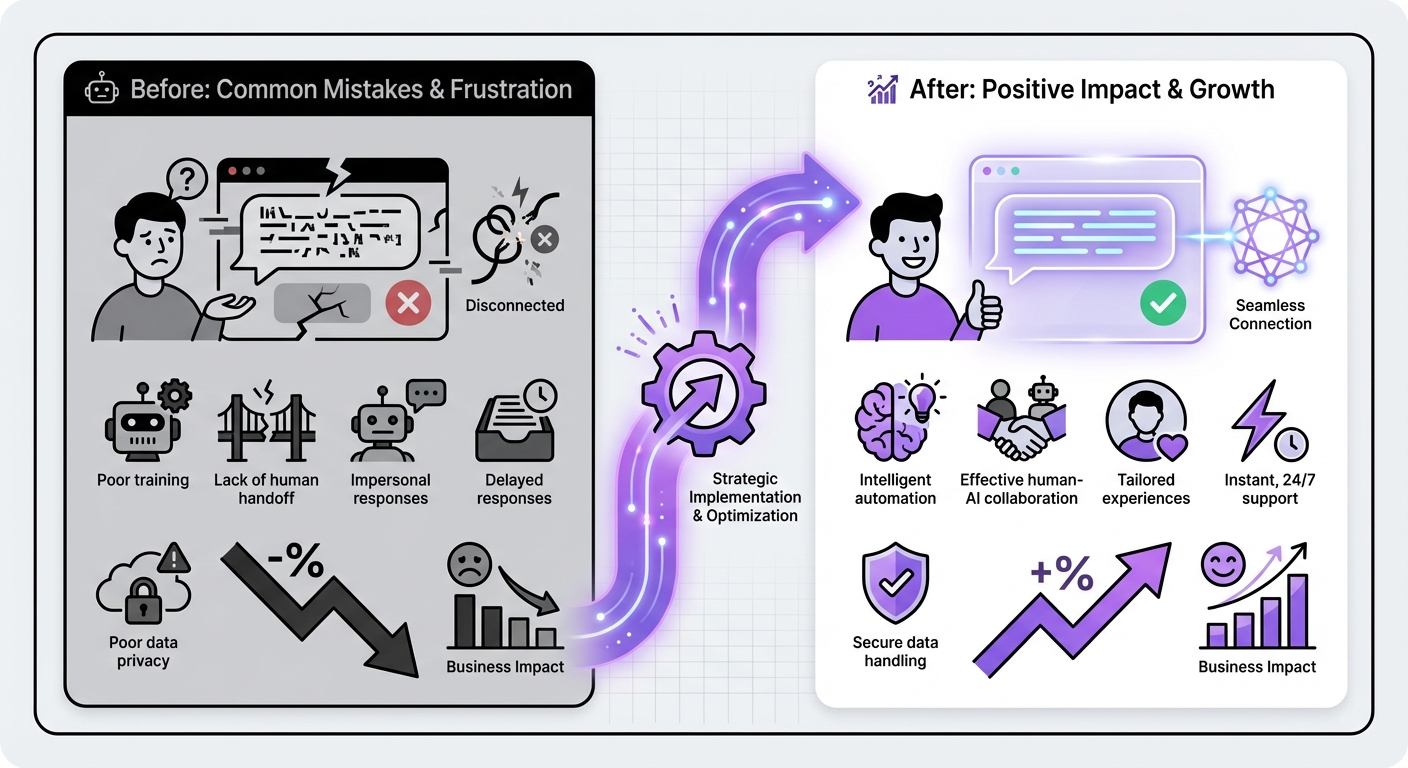
- Improved Customer Satisfaction (CSAT) Scores: Customers appreciate the speed and 24/7 availability of instant support.
- A Decrease in Support Tickets: Your human agents will be freed from answering repetitive questions, allowing them to focus on resolving more complex issues.
- Increased Efficiency: Your support operation can handle a much higher volume of inquiries without needing to hire more staff.
- Valuable Customer Insights: The questions users ask your chatbot provide direct insight into their needs, pain points, and interests.
Conclusion: Transform Your Customer Service with AI
Effectively using a chatbot for customer inquiries is a strategic process that involves clear goals, the right technology, a robust knowledge base, and a commitment to continuous improvement. By following this guide, you can create an AI-powered support system that not only meets but exceeds modern customer expectations.
Implementing a chatbot doesn’t have to be a complex, code-heavy project. With solutions like MxChat designed for WordPress, you can deploy a powerful AI agent in minutes, revolutionizing how to use chatbots for customer inquiries and setting a new standard for customer experience on your site.