How to Use AI for Customer Support: A 2025 Guide
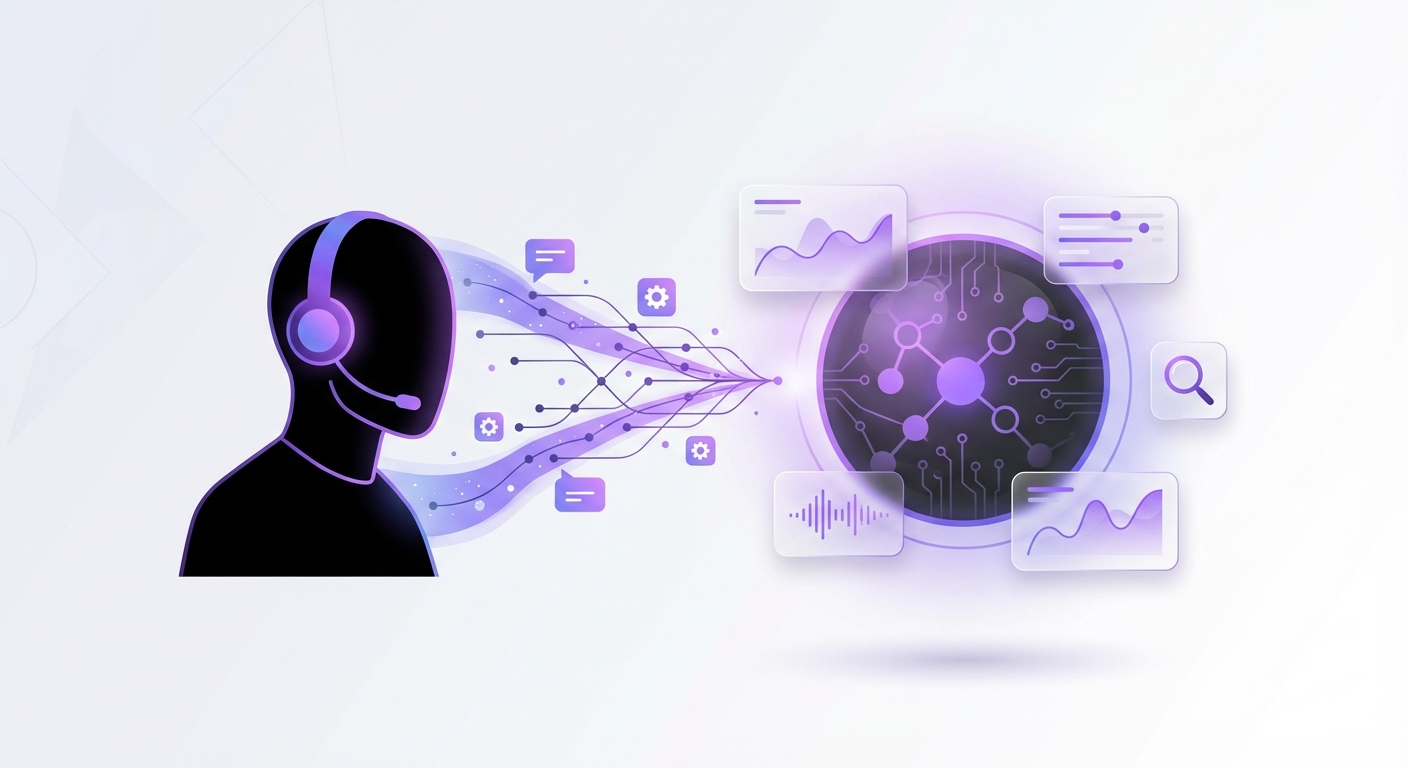
In 2025, customer expectations are at an all-time high. Your audience demands instant, accurate, and 24/7 support, a standard that is nearly impossible to meet with human agents alone. This is where artificial intelligence transforms from a futuristic concept into an essential business tool. Understanding how to use AI for customer support is no longer just an advantage; it’s a critical component for scaling operations and delighting customers. This guide will walk you through the exact steps to integrate AI into your support strategy effectively.
Why AI in Customer Support is a Game-Changer in 2025
Before diving into the ‘how,’ let’s clarify the ‘why.’ The shift towards AI-powered support is driven by tangible benefits that directly impact both your customers and your bottom line. Projections for 2025 show that companies leveraging AI in customer service see up to a 30% reduction in support costs while simultaneously boosting customer satisfaction scores by over 25%.
Key advantages include:
- 24/7 Availability: AI agents don’t sleep. They provide instant answers to customer queries around the clock, regardless of time zones or holidays.
- Instantaneous Responses: AI eliminates wait times for common questions, resolving a significant portion of tickets without human intervention.
- Scalability: An AI chatbot can handle ten, a hundred, or a thousand conversations simultaneously without any drop in performance, allowing your support to scale effortlessly during peak periods.
- Agent Empowerment: By automating repetitive, low-level tasks, AI frees up your human support team to focus on complex, high-value customer issues that require empathy and critical thinking.
A Step-by-Step Guide to Implementing AI Customer Support
Transitioning to an AI-enhanced support model is a strategic process. Follow these steps to ensure a smooth and successful implementation.
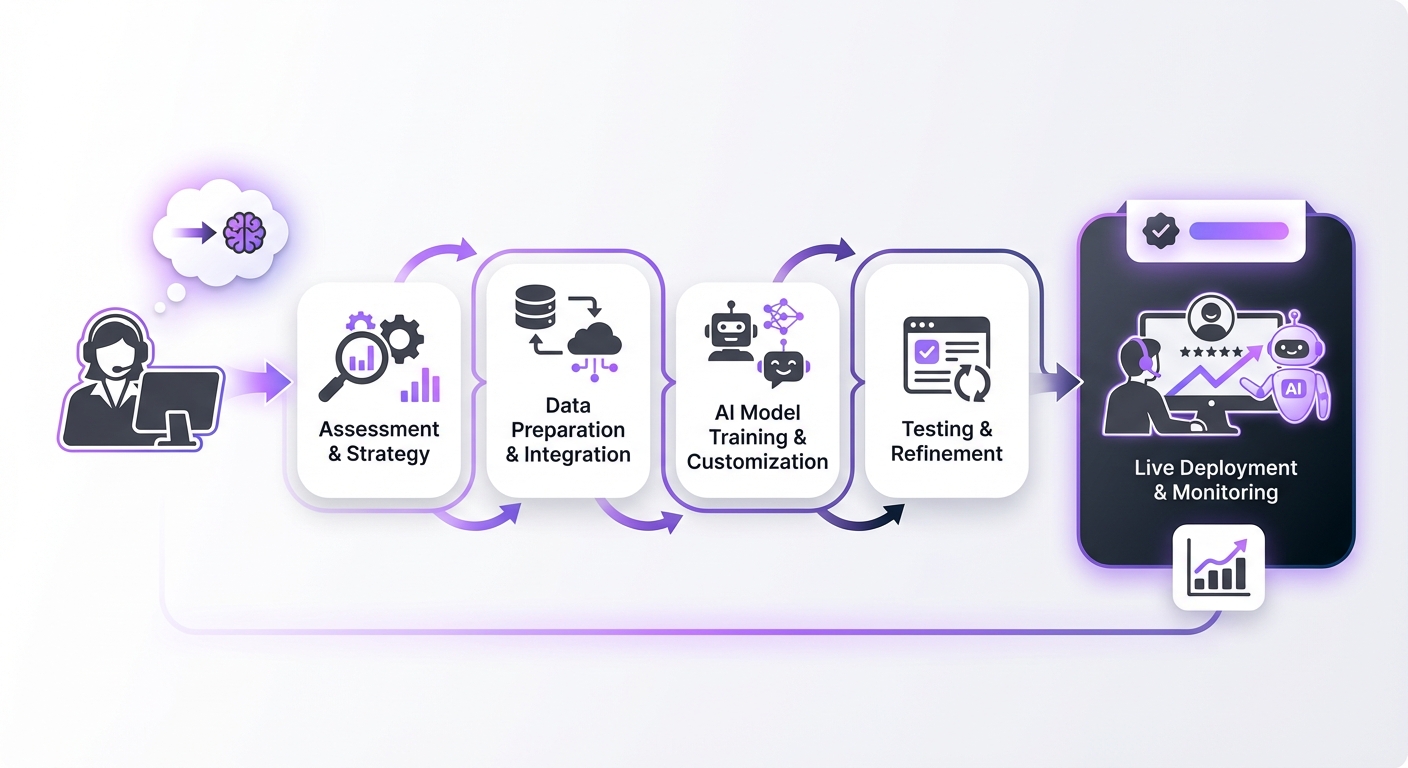
Step 1: Define Your Customer Support Goals
First, identify what you want to achieve. A clear objective will guide your entire strategy. Are you looking to:
- Reduce first-response time?
- Decrease the volume of support tickets for your human team?
- Automate answers for frequently asked questions (FAQs)?
- Improve customer satisfaction (CSAT) scores?
Step 2: Choose the Right AI Platform
The market is filled with AI tools, but the right one depends on your needs, technical resources, and existing infrastructure. Look for a platform with:
- A No-Code Interface: You shouldn’t need a team of developers to build and manage your AI agent.
- Seamless Integration: The tool must integrate easily with your website and other business systems.
- Advanced Technology: Look for features like Retrieval-Augmented Generation (RAG), which allows the AI to pull precise, context-aware answers from your specific knowledge base rather than making things up.
Step 3: Train Your AI Agent with Your Data
An AI is only as smart as the information you give it. The core of a successful AI support agent is a comprehensive and well-organized knowledge base. This is the ‘brain’ your AI will use to answer customer questions.
Your knowledge base should include:
- Frequently Asked Questions (FAQs)
- Product manuals and feature documentation
- Shipping and return policies
- Step-by-step troubleshooting guides
- Company information and contact details
Step 4: Integrate the AI into Your Support Channels
Decide where your customers will interact with the AI. The most common and effective starting point is a chatbot on your website. It’s easily accessible and can serve as the first point of contact for visitors.
As you grow, you can expand the AI’s presence to other channels like:
- Facebook Messenger or Instagram DMs
- Email auto-responders for common inquiries
- In-app support widgets
Step 5: Design a Clear Human Handoff Process
AI is powerful, but it cannot solve every problem. One of the most critical steps in learning how to use AI for customer support is creating a seamless escalation path to a human agent. Your customers should never feel trapped in a frustrating loop with a bot.
Define clear triggers for when the AI should hand off a conversation:
- When the AI cannot find an answer to a question.
- When a customer expresses significant frustration or negative sentiment.
- When a user types phrases like “talk to a person” or “human agent.”
- For complex billing issues or sensitive account-specific queries.
Step 6: Test, Launch, and Continuously Iterate
Never launch an AI agent without rigorous testing. Start with an internal test where your team tries to ‘break’ the bot by asking difficult or unusual questions. Once you’re confident, consider a beta launch to a small segment of your website visitors.
After launching, your work isn’t done. Regularly review conversation logs to understand:
- What questions is the AI failing to answer?
- Where are customers getting frustrated?
- What new topics are emerging?
Common Mistakes to Avoid When Using AI for Support
- Forgetting the Human Element: Don’t try to hide that your chatbot is an AI. Be transparent and always provide an easy way to reach a human. AI should augment your team, not replace it entirely.
- Using a Poor Knowledge Base: This is the most common pitfall. A ‘garbage in, garbage out’ approach will result in an ineffective and frustrating tool for your customers.
- Lacking an Escalation Path: Trapping a user in an endless bot loop is one of the fastest ways to lose a customer. Your handoff process must be flawless.
- Setting and Forgetting: AI is not a one-time setup. It requires ongoing monitoring, analysis, and refinement to remain effective and adapt to your customers’ needs.
Expected Outcomes: The Future of Your Customer Service
By correctly implementing an AI support strategy, you can expect to see significant, measurable improvements across your business. The primary outcome is a more efficient, responsive, and scalable customer service operation.
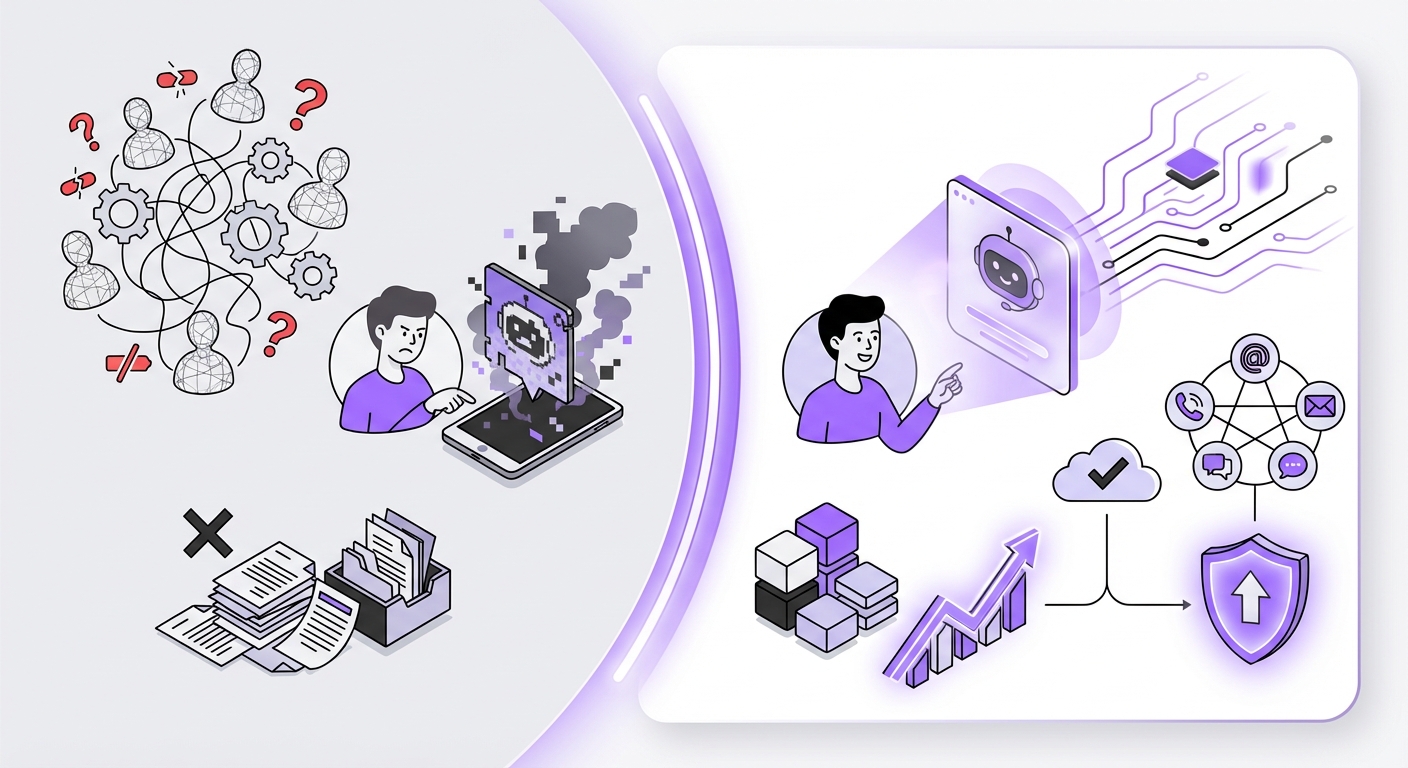
Look forward to:
- Higher Customer Satisfaction: Faster, more accurate responses lead to happier customers.
- Reduced Operational Costs: Automating a large percentage of inquiries lowers the cost per interaction and reduces the need for a large support staff.
- Increased Agent Productivity: Your human agents can now focus their time and expertise on resolving complex issues, leading to higher job satisfaction and better outcomes.
- Valuable Customer Insights: Analyzing AI conversation logs can reveal common pain points, product feedback, and emerging trends you might otherwise miss.
Conclusion: Elevate Your Support with AI
Successfully learning how to use AI for customer support is about blending technology with a human-centric approach. By setting clear goals, choosing the right platform, training your AI with quality data, and creating a seamless user experience, you can build a support system that not only meets but exceeds modern customer expectations.
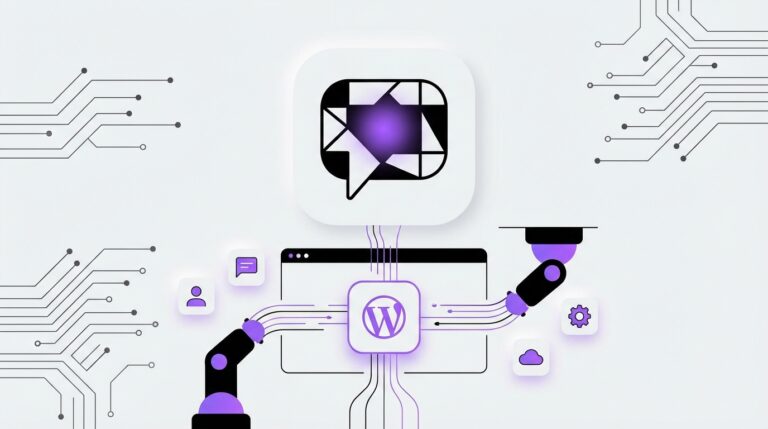
This transformation doesn’t need to be an overwhelming, resource-intensive project. For businesses on WordPress, getting started with a powerful, no-code solution like MxChat can turn your customer support from a cost center into a powerful engine for growth and customer loyalty in 2025 and beyond.