
Give Your AI Chatbot the Power of Real-Time Web Search
MxChat Perplexity Integration connects your MxChat AI chatbot to the live web — so your visitors get accurate, up-to-date answers with source citations, powered by Perplexity AI.

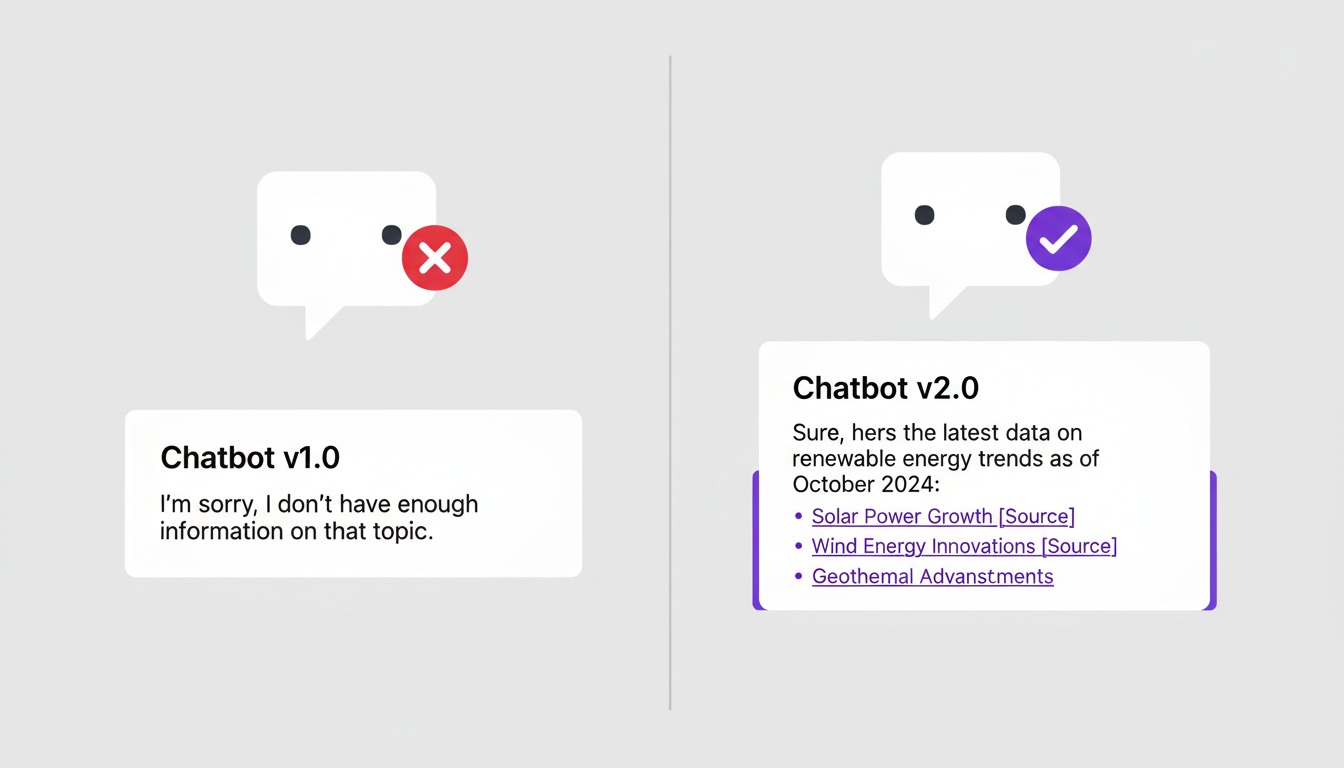
Real-Time Answers, Not Stale Training Data
Your chatbot is only as useful as the information it can access. Without web search, it's limited to its training data — which can be months or even years out of date.
With the MxChat Perplexity Add-On, every conversation can tap into the live web. When a visitor asks about breaking news, current pricing, recent events, or anything time-sensitive, your chatbot pulls fresh results from Perplexity AI and delivers them instantly.
No more "I don't have information about that" dead ends. Your chatbot becomes a real-time research assistant that always has the latest answers.
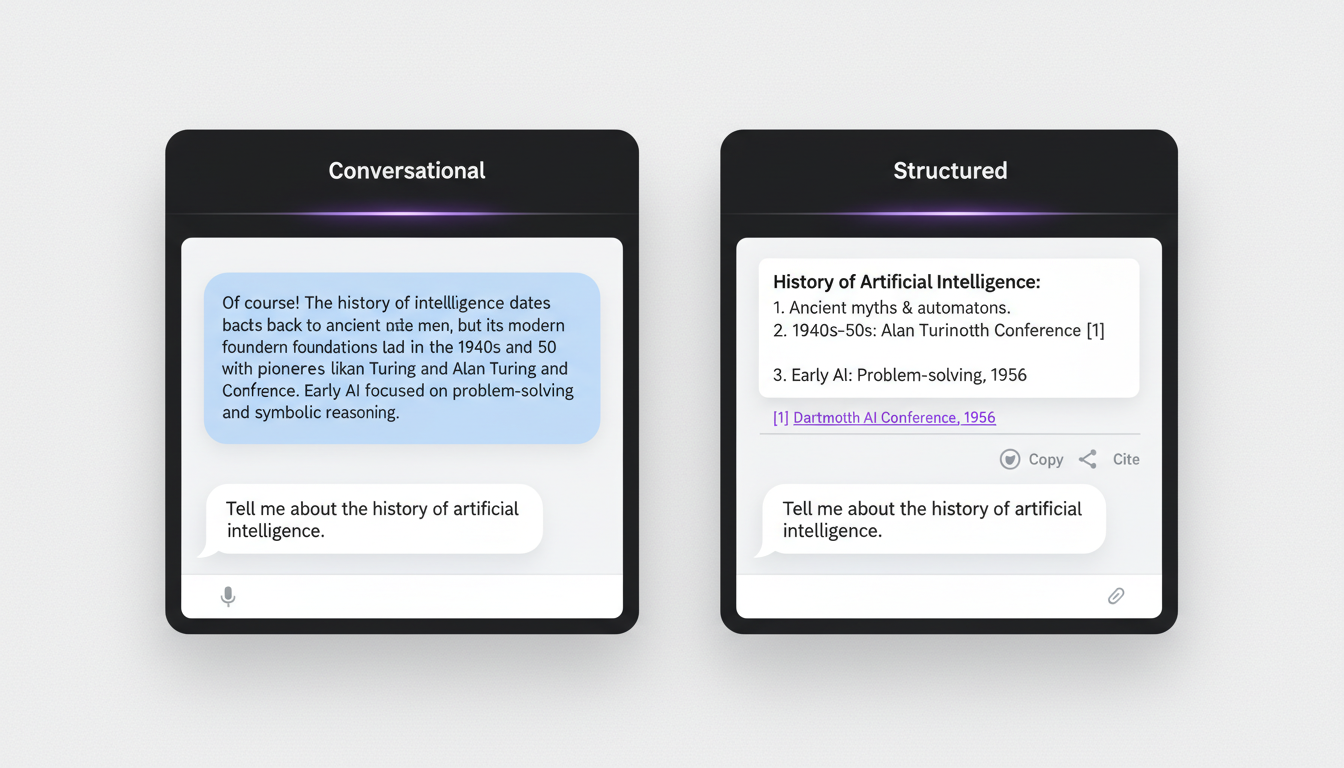
Two Response Modes — You Choose the Experience
Conversational Mode — Your chatbot delivers natural, flowing answers as if it already knew the information. No citation numbers, no bullet-point dumps — just a smooth, helpful response that feels like talking to a knowledgeable human.
Structured Mode — Search results are presented with clear formatting and numbered source citations with clickable links. Perfect for users who want to verify information or dive deeper into the sources themselves.
Switch between modes anytime from your WordPress admin panel. Match the response style to your brand voice and your audience's expectations.
Flexible Triggering — Toggle or Intent-Based
One-Click Web Search Toggle
A Perplexity button appears in the chatbot toolbar. When a visitor clicks it, every message is routed through Perplexity for real-time web search. Click again to return to normal mode. The toggle state persists across page loads.
Intent-Based Triggering
Train MxChat to recognize search-related phrases like "search for…", "research…", or "find information about…" and automatically route those queries through Perplexity using the built-in Perplexity Research intent.
Full Control
Want both? Use them together. Want web search behind the scenes only? Hide the toolbar button and rely on intents. You decide exactly how your visitors interact with the feature.
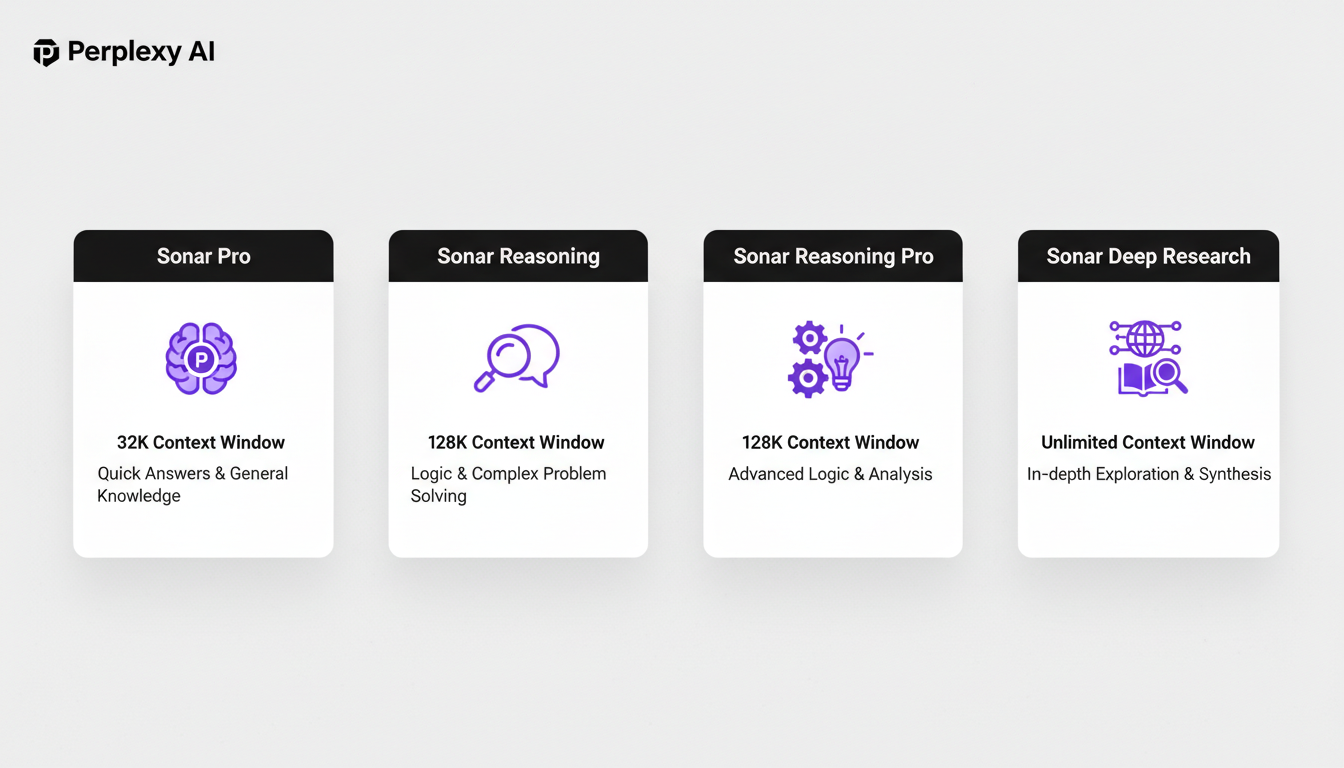
Four Powerful Perplexity Models at Your Fingertips
Sonar Pro — 200k context window, fast and capable. The best general-purpose choice for most use cases. Responds in just a few seconds.
Sonar Reasoning — 128k context with enhanced reasoning capabilities. Ideal for complex questions that require multi-step logic.
Sonar Reasoning Pro — 128k context with advanced reasoning for the most complex queries. When standard reasoning isn't enough.
Sonar Deep Research — 128k context with thorough, multi-step research for in-depth topics. Takes longer (up to 5 minutes) but delivers comprehensive, deeply researched answers.
Smart timeout handling ensures each model gets the time it needs — 30 seconds for standard models, up to 5 minutes for Deep Research. Chain-of-thought cleanup automatically strips internal reasoning steps so users only see the final, polished answer.
Dead Simple Setup in Minutes
-
1
Upload and activate the plugin from your WordPress admin — just like any other plugin.
-
2
Navigate to MxChat → Perplexity, enter your Perplexity API key, select your preferred model and response mode, and save.
-
3
Optionally enable the Perplexity Research intent in MxChat's Intents tab and train it with example phrases for automatic intent-based triggering.
-
4
Optionally enable the toolbar toggle in MxChat → Integrations → Toolbar Settings so the Perplexity button appears in the chat interface.
-
✓
That's it. Your chatbot now has real-time web search. No code, no complex configuration, no developer required.
Frequently Asked Questions
Do I need a Perplexity API key?
Yes. Sign up at docs.perplexity.ai to get your key. Enter it in the MxChat → Perplexity settings page.
Does this work with the free version of MxChat?
No. This add-on requires MxChat with an active Pro license.
What's the difference between Conversational and Structured mode?
Conversational delivers natural prose without citations — the chatbot responds as though it already knew the answer. Structured includes formatted content with numbered, clickable source links so users can see exactly where the information came from.
Does web search slow down responses?
Sonar Pro typically responds in a few seconds. Reasoning models may take up to 2 minutes. Deep Research can take up to 5 minutes for complex queries. The plugin handles timeouts automatically for each model.
Can I control when web search is used?
Absolutely. Use the toolbar toggle for user-controlled search, intent matching for automatic detection of search phrases, or both together. You have full flexibility.
Is it multisite compatible?
Yes. The plugin works with WordPress multisite installations, checking both network-wide and site-specific license activation.
Ready to Supercharge Your Chatbot with Live Web Search?
Give your visitors real-time, accurate answers powered by the live web. Requires MxChat Pro — get it today if you haven't already.
