AI Chatbot Implementation Guide for 2026
In 2026, the digital world is more crowded than ever. Customers want instant, personal, round-the-clock support. Businesses that can’t keep up get left behind fast. Recent studies show that over 85% of support chats now start through automated channels. AI chatbots are no longer a novelty—they’re a must-have tool. This AI chatbot implementation guide gives you a clear, step-by-step plan. You’ll learn how to deploy a smart agent on your website, improve user experience, and grow your business.
Why Implement an AI Chatbot in 2026?
Before we cover the “how,” let’s lock in the “why.” A good AI chatbot works like a tireless digital team member. It can handle thousands of chats at the same time. Here are the main benefits:- 24/7 Availability: Give customers instant help at any hour, in any time zone.
- Increased Efficiency: Automate answers to common questions. This frees your human team to tackle harder issues. Customer support automation helps business owners reclaim time to grow.
- Enhanced Lead Generation: Engage site visitors, qualify leads, and book meetings on autopilot.
- Improved Customer Satisfaction: Cut wait times and give quick, correct answers. Happy customers stick around.
Your Step-by-Step AI Chatbot Implementation Plan
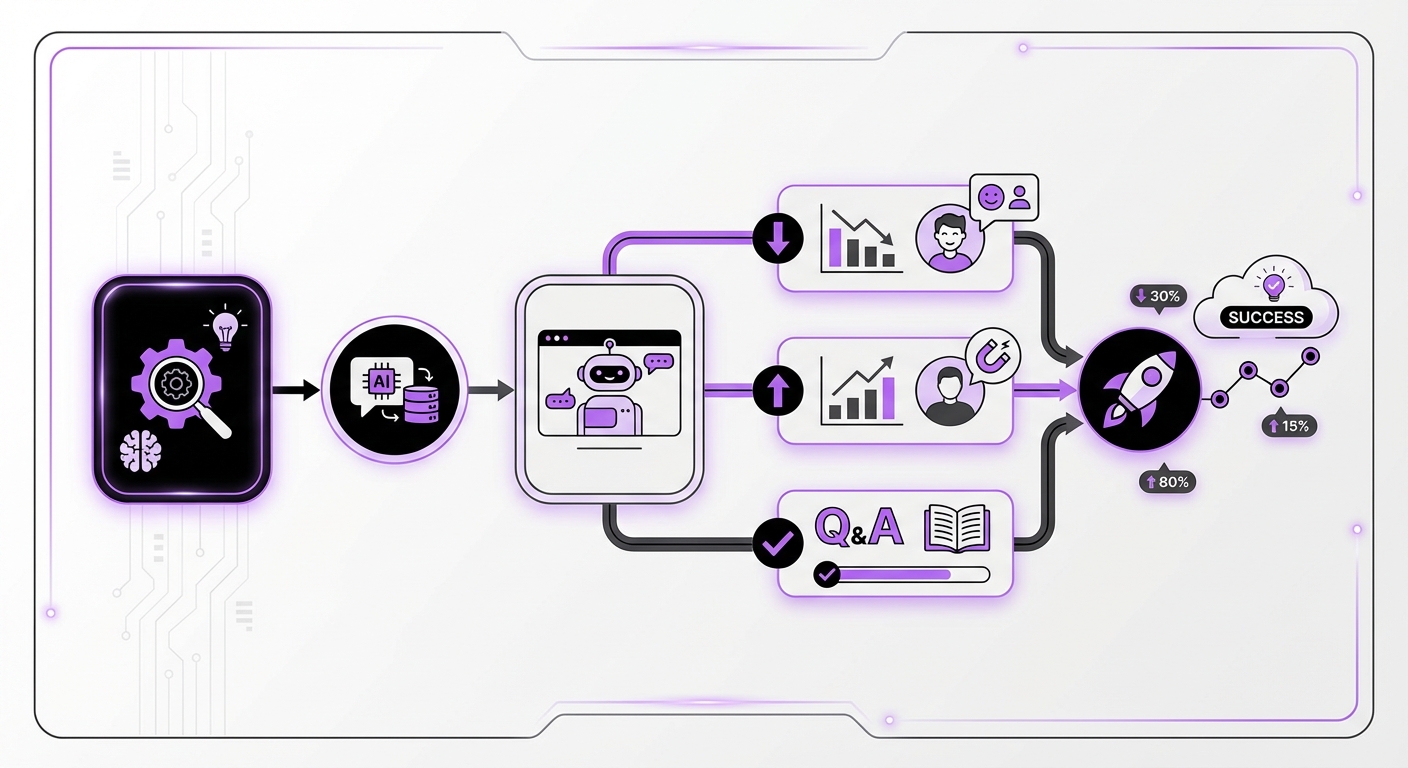
Step 1: Define Clear Goals and Objectives
Start with strategy, not tech. Before you pick a platform or write a single chat script, decide what you want your bot to do. Vague goals like “improve customer service” won’t cut it. Be specific.Actionable goals could include:
- Cut support ticket volume by 30% within six months.
- Boost qualified leads from your website by 15%.
- Answer 80% of common questions without human help.
- Drop the average first-response time to under 30 seconds.
Step 2: Choose the Right AI Chatbot Platform
The market is packed with options. The best pick depends on your tech skills, budget, and current tools. For WordPress sites, a native, no-code option is often the smartest choice. Budget in particular is easy to misjudge, because vendors price per token and tokenizers differ: Anthropic’s newer tokenizer counts roughly 30% more tokens for the same text than the one it replaced, so a per-million rate card does not tell you the per-reply cost until you have counted.Key factors to weigh in 2026:
- Integration: How well does it connect with your site and other tools? A platform like MxChat is built just for WordPress. It plugs in smoothly and follows best practices.
- Ease of Use: Do you need developers, or can your marketing or support team run it? No-code platforms put AI in everyone’s hands. Anyone can build and launch a strong bot.
- AI Model Support: Does the platform support advanced models and tech like Retrieval-Augmented Generation (RAG)? RAG pulls accurate, real-time info from your knowledge base. This keeps your bot’s answers fresh and on point.
- Scalability & Pricing: Find a model that grows with you. Monthly fees add up fast. That’s why lifetime pricing, like the plan MxChat offers, is gaining fans for its long-term value.
Step 3: Design the Conversation and User Experience (UX)
This is where you give your chatbot a voice and a purpose. A great bot chat feels natural, helpful, and easy to follow.Key points for chat design:
- Create a Persona: Should your bot sound formal or friendly? Its tone should match your brand voice.
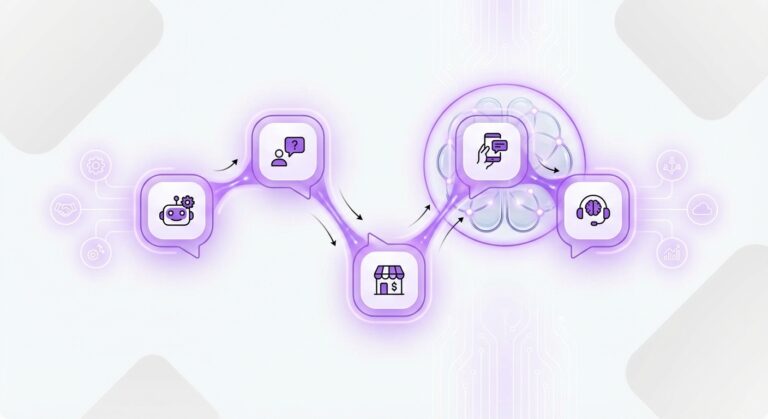
- Map Conversation Flows: Use a flowchart to outline the main chat paths. What happens when a user asks about pricing? Or tech support? Or your return policy?
- Plan for Handoffs: No AI is perfect. Set up a clear, smooth process to pass a chat to a human agent when the bot can’t solve the issue.
- Use Rich Media: Don’t limit your bot to plain text. Add buttons, carousels, images, and GIFs. These make chats more fun and useful.
Step 4: Gather Data and Train Your AI Model
An AI chatbot is only as smart as its training data. High-quality, relevant data fuels accurate, helpful replies.Sources for training data include:
- Your current knowledge base or help center articles.
- Common questions your support team gets asked.
- Product docs and user manuals.
- Past support chat logs and email threads.
Step 5: Integrate, Test, and Deploy
Once your bot is designed and trained, it’s time to launch. With a no-code tool, this is often the easiest step. Follow best practices for chatbot deployment to ensure a smooth rollout. WordPress users can get started in minutes with a plugin.Your pre-launch checklist:
- Install & Configure: Add the chatbot widget to your site. Match its look (colors, avatar, welcome message) to your brand.
- Internal Testing: Have your team chat with the bot a lot. Try to break it. Ask tough or off-topic questions. See how it handles tricky moments and handoffs.
- Beta Launch (Optional): Put the bot on one low-traffic page first. Or share it with a small group of users to get early feedback.
- Full Launch: Once you trust its output, roll it out across your whole website.
Step 6: Monitor Performance and Iterate Continuously
Launching your chatbot is just the start. Steady upgrades are the key to lasting success. Check your analytics often to see how users interact with your bot.If the launch comes with help articles or FAQ pages for the bot to draw on, check that search engines are actually fetching them, not just that they are published. On this site the origin access log showed Googlebot skipping 5 of 13 new posts for up to two weeks while reading the sitemap every 45 minutes, which is a thing Search Console does not show you.
Key metrics to track:
- Interaction Volume: How many chats does the bot handle?
- Resolution Rate: What share of questions get solved without human help?
- Escalation Rate: How often does the bot pass a chat to a person?
- User Satisfaction (CSAT): Ask users to rate their experience after each chat.
Common Mistakes to Avoid
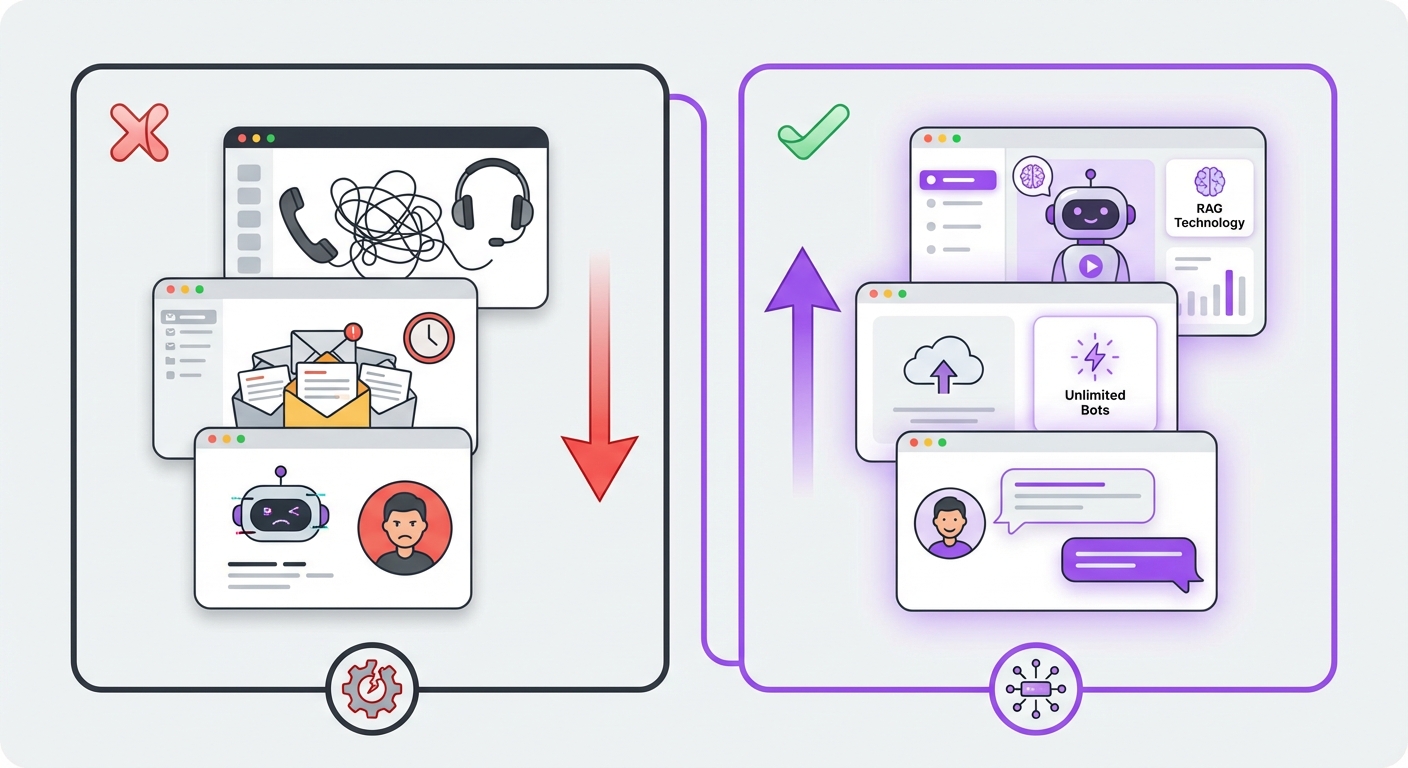
Even with a solid plan, traps exist. Watch out for these common errors:
- Hiding the Human: Always give users a clear, easy way to reach a real person. An AI that traps users in a loop will hurt your brand.
- Setting Unrealistic Expectations: Don’t claim your bot can do it all. Use a simple intro message to explain what it can help with.
- Forgetting a Persona: A bot with no personality feels dull and robotic. A little character goes a long way toward better engagement.
- Ignoring Analytics: Skipping reviews and updates is the fastest path to failure. Your bot should evolve based on real user data.
Expected Results and Outcomes
Follow this AI chatbot implementation guide closely, and you’ll see real results. A strong launch leads directly to better business numbers. You’ll get faster response times and higher customer satisfaction scores. These are among the proven benefits of using chatbots in business. Your support team will spend less time on repeat questions and more time on complex, high-value chats. You’ll also capture more leads and offer a modern, smooth digital experience. That’s what sets you apart from the competition in 2026.Ready to upgrade your customer support on WordPress? A powerful, no-code tool like MxChat gives you everything you need. From advanced RAG technology to unlimited bot creation, it helps you launch a world-class AI agent with ease. Pick the right platform, and you can simplify every step of this guide. Start seeing the benefits of AI-powered automation today.