
How to Automate Customer Service with AI: A 2026 Guide
In 2026, customer demands are at an all-time high. People want instant, 24/7 support. They won’t wait around for slow replies. The fix is simple: learn how to automate customer service with AI. This isn’t about cutting human agents. It’s about freeing them from dull, repeat tasks. They can then focus on the work that truly matters.
AI-powered tools turn your support team from a cost drain into a growth engine. You can give fast, correct, and steady replies at scale. And you don’t need to hire a huge new team to do it.
Why Automate Customer Support with AI in 2026?
AI in customer service isn’t just a trend anymore. It’s a core business need. Studies from 2026 show that over 75% of buyers expect an instant reply when they reach out online. AI is the best way to meet that demand.
Key benefits include:
- 24/7 Access: An AI agent never sleeps. It answers questions and fixes issues around the clock, in every time zone.
- Major Cost Savings: Handling common questions with AI cuts costs sharply. You need fewer staff for round-the-clock coverage.
- Higher Agent Output: AI can handle up to 80% of routine questions. This lets human agents focus on complex or urgent issues. It boosts both morale and speed.
- Better Customer Scores (CSAT): Quick fixes and correct info make customers happier and more loyal.
- Useful Data: AI chats reveal pain points and product feedback. You can use this data to improve what you offer.
A Step-by-Step Guide to AI Customer Service Automation
Setting up AI may seem hard. But a clear plan makes it simple and effective. Follow these steps to build a smarter support system.
Step 1: Define Your Automation Goals
Before you pick a tool, know what you want to achieve. Vague goals lead to weak results. Ask yourself:- What is our main goal? (e.g., cut response time, lower ticket volume, raise CSAT scores)
- Which customer questions come up most often?
- What metrics will we track to measure success?
Step 2: Choose the Right AI Platform
Your platform choice matters a lot. In 2026, many options exist, but they’re not all equal. Look for these key features:- No-Code Setup: You shouldn’t need developers to build and manage your AI agent.
- Easy Plug-In: The platform must connect smoothly with your current website and tools. For WordPress users, a native tool like MxChat makes this easy. It offers a no-code setup that fits right into your site.
- Modern AI Models: Make sure the platform supports top AI models (like GPT-4o, Claude 3 Sonnet). It should also use RAG (Retrieval-Augmented Generation) for accurate answers.
- Room to Grow: The tool should scale with your business. You should be able to create multiple agents for different needs without huge costs.
Step 3: Find the Best Workflows to Automate
Dig into your support data. Review past tickets, chat logs, and emails. Look for tasks that are high-volume, simple, and follow a clear pattern.Great workflows to automate include:
- FAQs: Answer common questions about pricing, shipping, and product details right away.
- Order and Account Help: Let customers check order status, track packages, or update their account info.
- Lead Screening: Use the AI agent to ask first questions and screen leads before passing them to sales.
- Booking Calls: Connect with a calendar so customers can book demos or meetings on their own.
Step 4: Build and Train Your AI Agent
This is where you give your AI its brain. A good AI agent needs a full, well-organized knowledge base. Feed it the right info so it gives correct answers.Your knowledge sources can include:
- Your website’s FAQ page
- Product docs and manuals
- Your blog posts and articles
- Saved replies from your human support team
Step 5: Launch the AI Agent on Your Site
Once your AI is trained, put it where customers can find it. The most common method is a chat widget on your website. Make it easy to spot but not pushy.Think about the user experience. Style the widget to match your brand. Write a friendly greeting. Make it clear the user is chatting with an AI helper. And always give a simple way to reach a human agent.
Step 6: Test, Launch, and Improve
Never go live without thorough testing. Have your team chat with the AI. Try to stump it with tricky questions. This helps you find gaps and smooth out the flow.Start with a soft launch. Try a less-visited page or off-peak hours. Watch the results closely:
- Solve Rate: How many questions does it fix without human help?
- Transfer Rate: How often does it pass the chat to a person?
- User Feedback: Gather ratings right inside the chat widget.
Common Mistakes to Avoid in AI Service Automation
Knowing how to automate customer service with AI also means knowing what traps to dodge. Avoid these common errors:
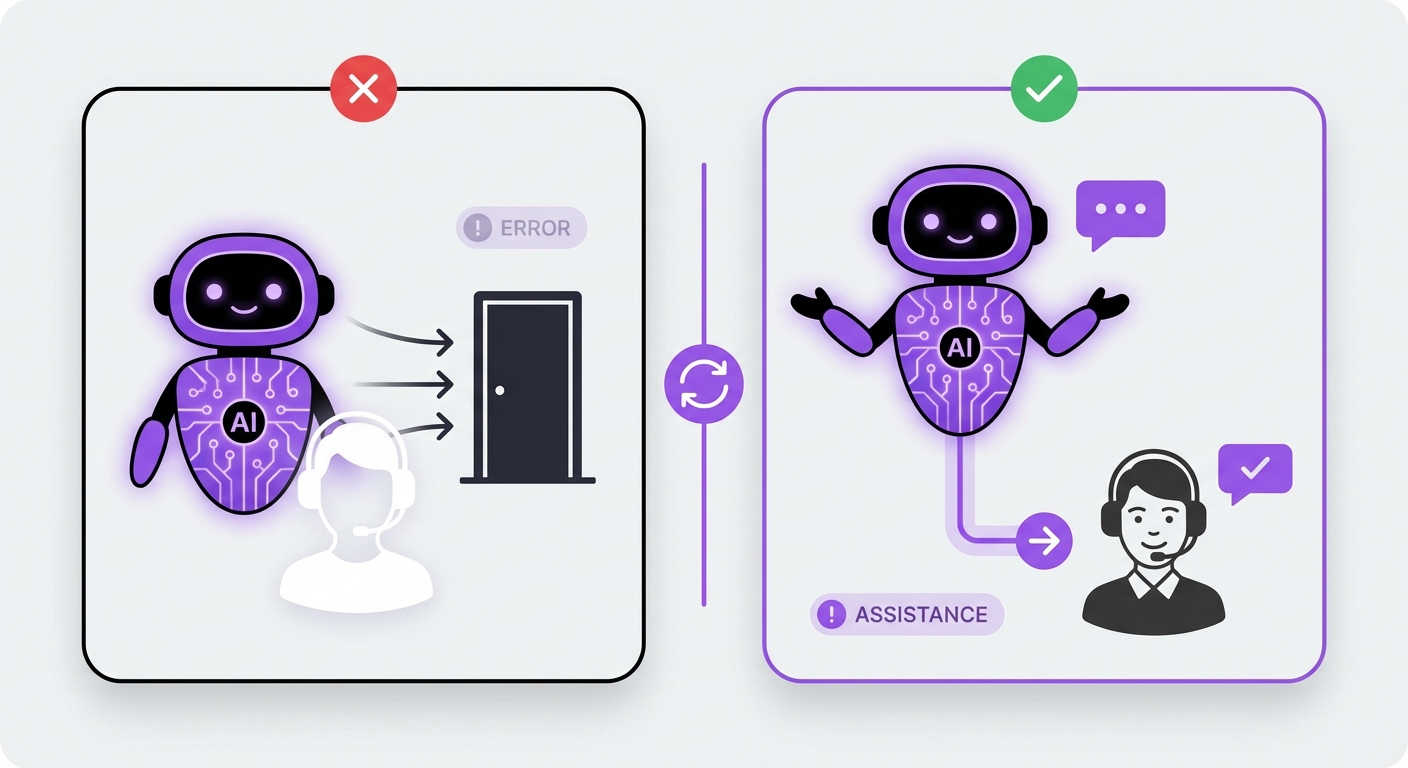
- Hiding Human Support: The goal is to help, not replace. If customers can’t reach a real person, they’ll get upset and leave. Always offer a clear path to a human.
- Stale Knowledge Base: An AI is only as good as its data. When your products or policies change, update the AI right away.
- Skipping the Data: Don’t just launch and hope for the best. Check chat logs and metrics often. Find what needs fixing.
- One Bot for Everything: A single, generic chatbot won’t work well. Build focused agents for different areas. Use one for sales and another for tech support.
The Expected Outcome: A Smarter, More Efficient Support System
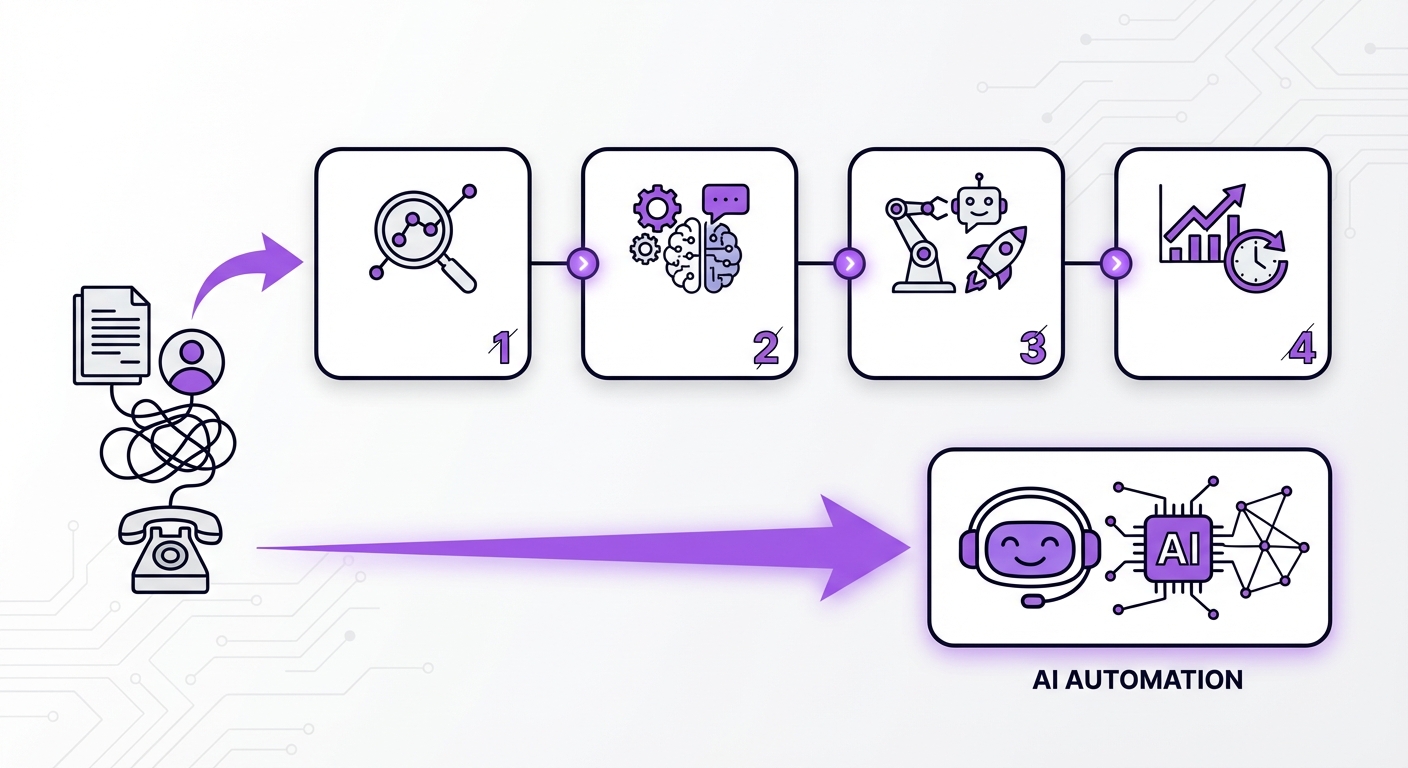
Done right, AI creates a win for everyone. Your business cuts support costs and stays open 24/7. Your human agents escape boring tasks. They can grow their skills and build real bonds with customers.
Best of all, your customers get the fast, helpful service they expect in 2026. This better experience builds trust and loyalty. It turns your support team into a true edge over the competition.
Conclusion: Your Next Step in AI-Powered Support
When you automate customer service with AI, you use a real, hands-on strategy that works for any size business. Define your goals. Pick the right platform. Train your AI with quality data. Then keep making it better. That’s how you build support that is both fast and personal.
For WordPress sites, getting started is simple. MxChat offers a strong, no-code tool with lifetime pricing. You can build and launch smart support agents without tech headaches or monthly fees. It’s a wise move for a more automated future.