How to Integrate Chatbots with CRM: A 2026 Guide
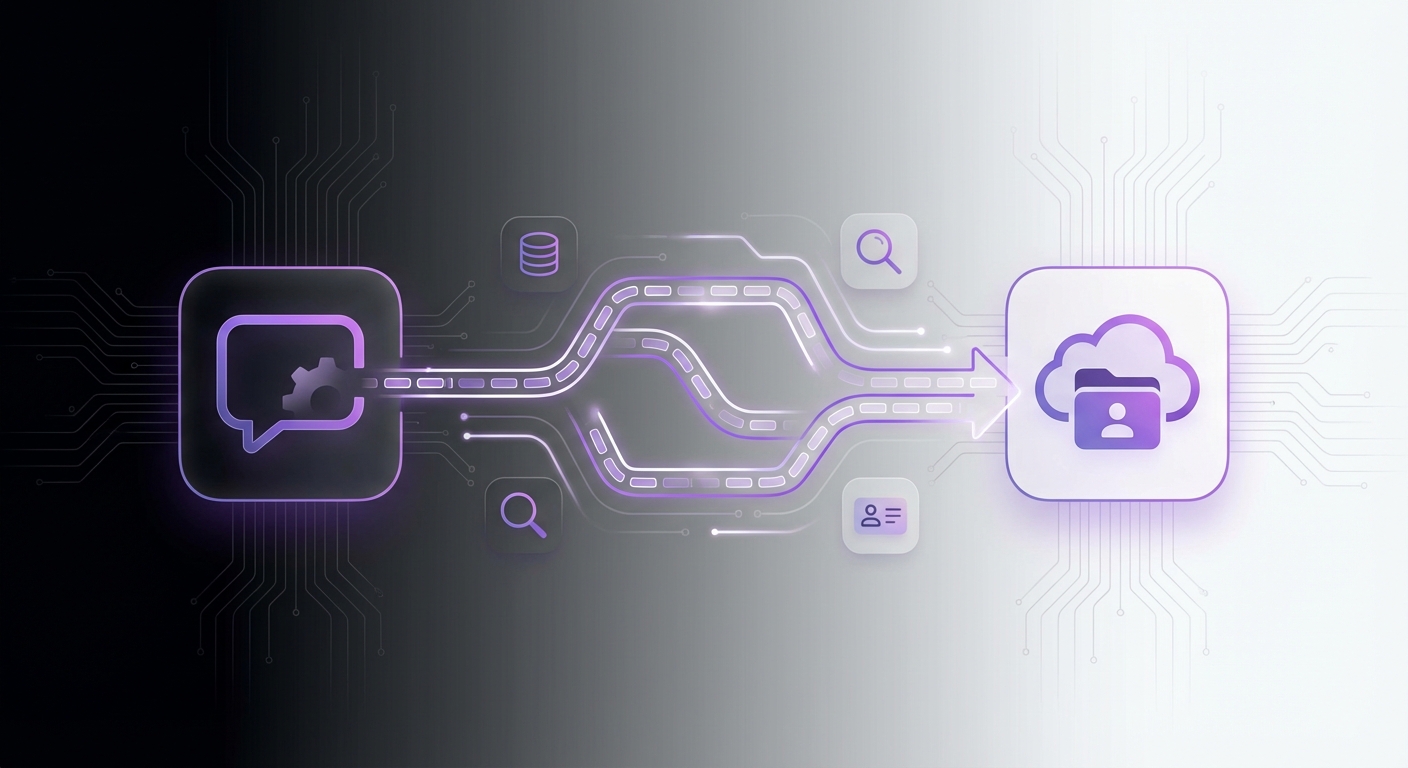
In today’s hyper-competitive digital landscape, a disconnected customer journey is a significant liability. Customers in 2026 expect instant, personalized, and seamless interactions across all touchpoints. While chatbots provide immediate 24/7 support, your Customer Relationship Management (CRM) system holds the deep, contextual history of every relationship. Leaving these two powerful systems to operate in silos is a missed opportunity. Learning how to integrate chatbots with CRM is no longer a luxury for enterprise-level companies; it’s a critical strategy for creating a unified, intelligent, and efficient customer experience.
This guide will walk you through the essential steps to connect your chatbot and CRM, transforming your customer support from reactive to proactive and creating a single, powerful source of truth for all customer data.
Why Integrating Your Chatbot and CRM is a Game-Changer
Before diving into the ‘how,’ let’s clarify the ‘why.’ A successful integration creates a symbiotic relationship where each system makes the other smarter and more effective. The benefits are immediate and substantial.
- 360-Degree Customer View: All interactions, whether with a chatbot or a human agent, are logged in the CRM. This provides your team with a complete, chronological history of every customer’s journey.
- Enhanced Personalization: The chatbot can pull data from the CRM (like name, purchase history, or support ticket status) to provide highly personalized and context-aware responses, making customers feel understood.
- Automated Lead Generation and Qualification: A chatbot can capture lead information on your website and automatically create a new contact or lead record in your CRM, assigning it to the correct sales representative without any manual data entry.
- Improved Agent Efficiency: When a conversation is escalated to a human agent, the full chat transcript is already attached to the customer’s CRM profile. This eliminates the need for customers to repeat themselves and gives agents the context they need to resolve issues faster.
A Step-by-Step Guide to Chatbot-CRM Integration
Connecting these systems might sound complex, but by following a structured approach, you can ensure a smooth and successful implementation.
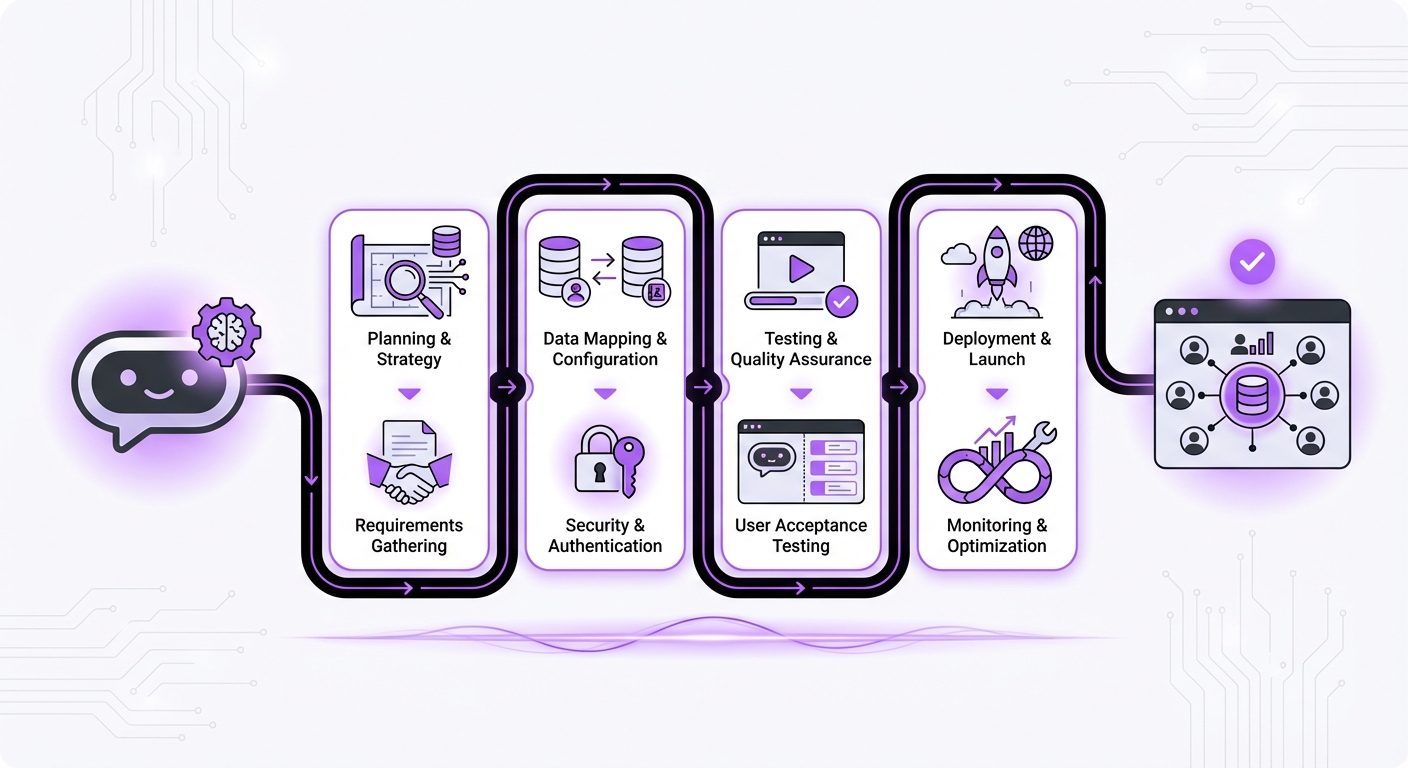
Step 1: Define Your Goals and Scope
First, you must clearly define what you want to achieve with the integration. Without clear goals, you risk building a connection that doesn’t serve a practical purpose. Ask your team these questions:
- What is our primary objective? Is it to generate more qualified leads, create support tickets automatically, update customer contact information, or something else?
- What specific data needs to be synced? Identify the key data points. This could include name, email, phone number, company, chat transcript, support issue type, or custom fields.
- Which user interactions should trigger a data sync? For example, should a CRM record be created only after a user explicitly requests a demo, or after they share their email address for a newsletter?
Step 2: Choose the Right Tools and Integration Method
Your success depends heavily on the capabilities of your chosen chatbot and CRM. Modern platforms are built with connectivity in mind.
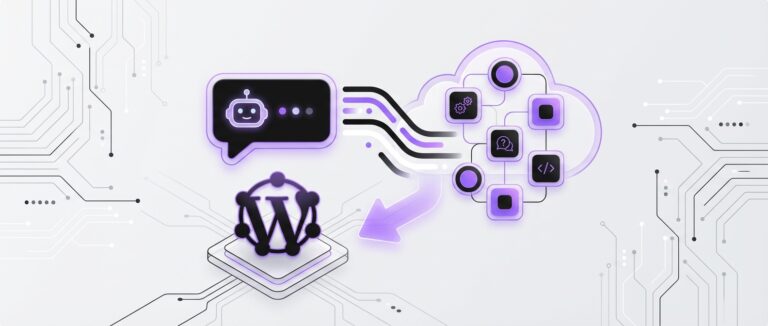
- Your Chatbot Platform: You need a chatbot that is built for integration. A platform like MxChat is ideal for WordPress users because it offers a no-code environment and is designed to work seamlessly within the WordPress ecosystem. Its flexibility allows for easy connections to other essential business tools.
- Your CRM Platform: Most major CRMs in 2026 (like HubSpot, Salesforce, Zoho, and Freshworks) offer robust APIs (Application Programming Interfaces) that allow them to communicate with other software.
- Native Integration: This is the simplest option. Check if your chatbot platform offers a built-in, one-click integration with your CRM. These are easy to set up, often just requiring you to authenticate your CRM account.
- Third-Party Connectors: Tools like Zapier, Make, or Integrately act as a bridge between thousands of apps. If a native integration isn’t available, you can use these platforms to create automated workflows (e.g., “When a new chat conversation is tagged as a ‘lead’ in MxChat, create a new contact in HubSpot”).
- Custom API Development: For highly specific or complex requirements, you can use the APIs from both your chatbot and CRM to build a custom solution. This method offers maximum flexibility but requires a developer’s expertise.
Step 3: Map Your Data Fields and Workflows
This is a crucial planning step. You need to create a clear map of how data will flow from the chatbot to the CRM. Create a simple document or spreadsheet that outlines:
- Field Mapping: Which chatbot field corresponds to which CRM field? For example:
- Trigger and Action Logic: Define the exact rules for the integration. For example:
Step 4: Configure and Authenticate the Connection
Now it’s time to build the bridge. The process will vary based on the method you chose in Step 2.
- For Native Integrations: Navigate to the settings or integrations panel in your chatbot platform. Select your CRM, and you will likely be prompted to enter an API key or log in to your CRM account to grant access.
- For Third-Party Connectors: In a tool like Zapier, you’ll create a “Zap.” Your trigger app will be your chatbot, and the action app will be your CRM. You will need to authenticate both accounts and then use the mapping you created in Step 3 to connect the data fields.
Step 5: Test, Deploy, and Monitor
Thorough testing is non-negotiable. Run through every workflow you’ve built from the perspective of a website visitor.
- Test Scenarios: Pretend to be a new lead, an existing customer with a support question, and a user who provides incomplete information. Verify that the data appears in the CRM correctly in each case.
- Check for Errors: Look for common issues like data formatting mismatches, authentication failures, or incomplete records.
- Deploy: Once you are confident everything works as expected, deploy the integration on your live website.
- Monitor: Keep a close eye on the integration for the first few weeks. Check your CRM regularly to ensure data is flowing correctly and use the analytics in both your chatbot and CRM to measure performance against the goals you set in Step 1.
Common Mistakes to Avoid
Knowing how to integrate chatbots with CRM also means knowing what pitfalls to avoid. Steer clear of these common errors:
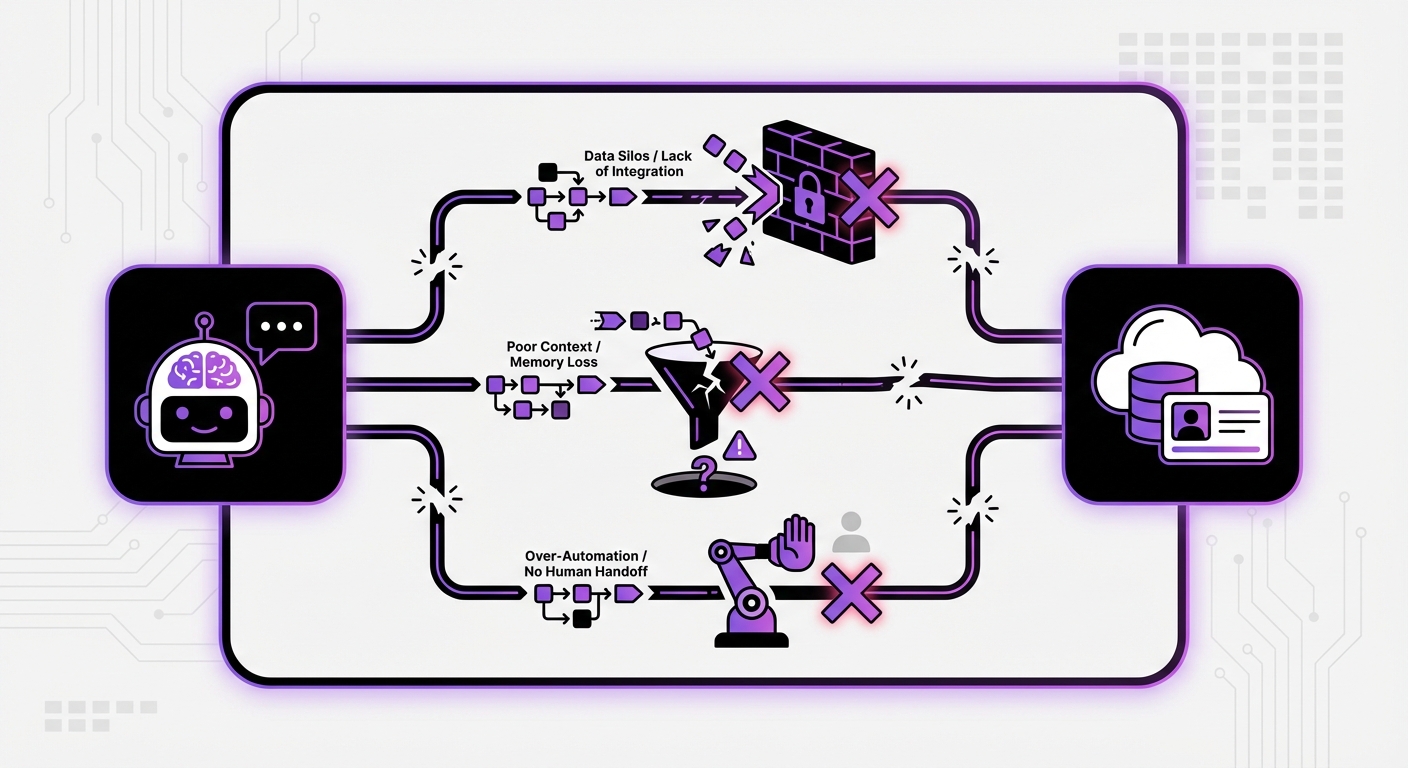
- Ignoring Data Security: Ensure all data transfer between systems is encrypted and compliant with privacy regulations like GDPR and CCPA. Use secure authentication methods.
- Syncing Too Much Data: Don’t try to sync every single piece of information from day one. This can create unnecessary complexity and clutter your CRM. Stick to the essential data points you defined in your scope.
- Forgetting the Human Handover: Your integration workflow must include a clear and seamless process for escalating a conversation to a human agent. The agent should instantly see the full chat history in the CRM.
- Creating a Poor User Experience: The chatbot conversation should still feel natural and helpful. Don’t make it feel like a rigid data-entry form. The primary goal is to help the user, not just to fill your CRM.
Expected Results: The Power of a Connected System
Once your chatbot and CRM are working in harmony, you can expect to see tangible results across your business:
- A Single Source of Truth: Your CRM will contain a complete, up-to-the-minute record of every customer interaction, both automated and human.
- Increased Lead Conversion Rates: Leads are captured and routed to sales instantly, dramatically reducing response times and increasing the likelihood of conversion.
- Higher Customer Satisfaction: Customers receive faster, more personalized support without having to repeat themselves, leading to a frictionless experience.
- Reduced Operational Costs: By automating repetitive tasks like data entry, lead qualification, and ticket creation, your team is free to focus on high-value activities.
Conclusion: Unify Your Customer Experience
Integrating your chatbot with your CRM is a transformative step towards building a truly customer-centric organization. By carefully defining your goals, choosing the right tools, mapping your data, and testing thoroughly, you can create a seamless flow of information that empowers your teams and delights your customers. This synergy between instant, automated communication and long-term relationship management is the new standard for excellence in 2026.
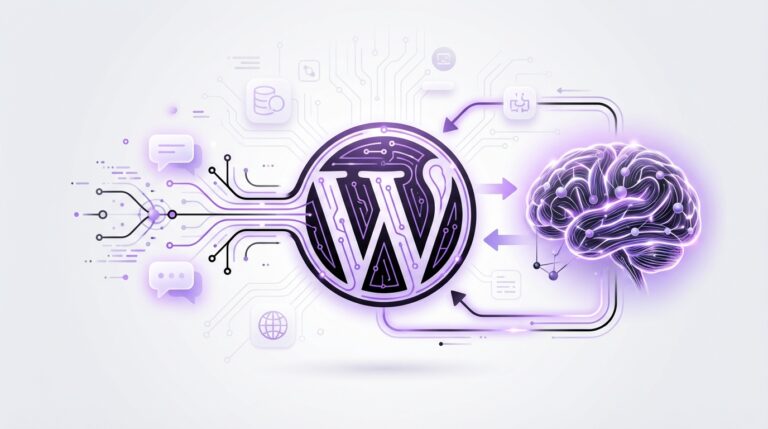
Solutions like MxChat are designed with this connectivity in mind, offering no-code AI platforms for WordPress that make this integration process more accessible than ever. By building a bridge between your website’s first point of contact and your central customer database, you unlock a new level of efficiency and intelligence for your entire business.