How to Create a Chatbot for WordPress (2026 Guide)
In the hyper-competitive digital landscape of 2026, user experience is paramount. Your website visitors expect instant answers and seamless support, and a delay of even a few minutes can mean a lost customer. This is where AI-powered chatbots come in, transforming your WordPress site into a 24/7 engagement hub. This guide will walk you through exactly how to create a chatbot for WordPress, turning a complex task into a manageable and highly rewarding project.
Why Your WordPress Site Needs a Chatbot in 2026
Before we dive into the ‘how,’ let’s establish the ‘why.’ A well-implemented chatbot is no longer a novelty; it’s a strategic business tool. By 2026, industry data shows that over 85% of initial customer interactions are handled by automated agents, highlighting a massive shift in user expectations.
Here’s what a chatbot can do for you:
- Provide 24/7 Customer Support: Your chatbot works around the clock, answering frequently asked questions and resolving common issues even when your team is offline.
- Boost Lead Generation: Proactively engage visitors, qualify leads by asking targeted questions, and schedule appointments or demos automatically.
- Reduce Support Costs: By handling routine inquiries, chatbots free up your human agents to focus on more complex, high-value tasks.
- Enhance User Engagement: A chatbot can guide users through your site, recommend products, and provide a personalized, interactive experience that keeps them on your page longer.
A Step-by-Step Guide to Building Your WordPress Chatbot
Creating a powerful chatbot doesn’t require a degree in computer science. With the right tools, you can have an intelligent agent running on your site in under an hour. Let’s get started.
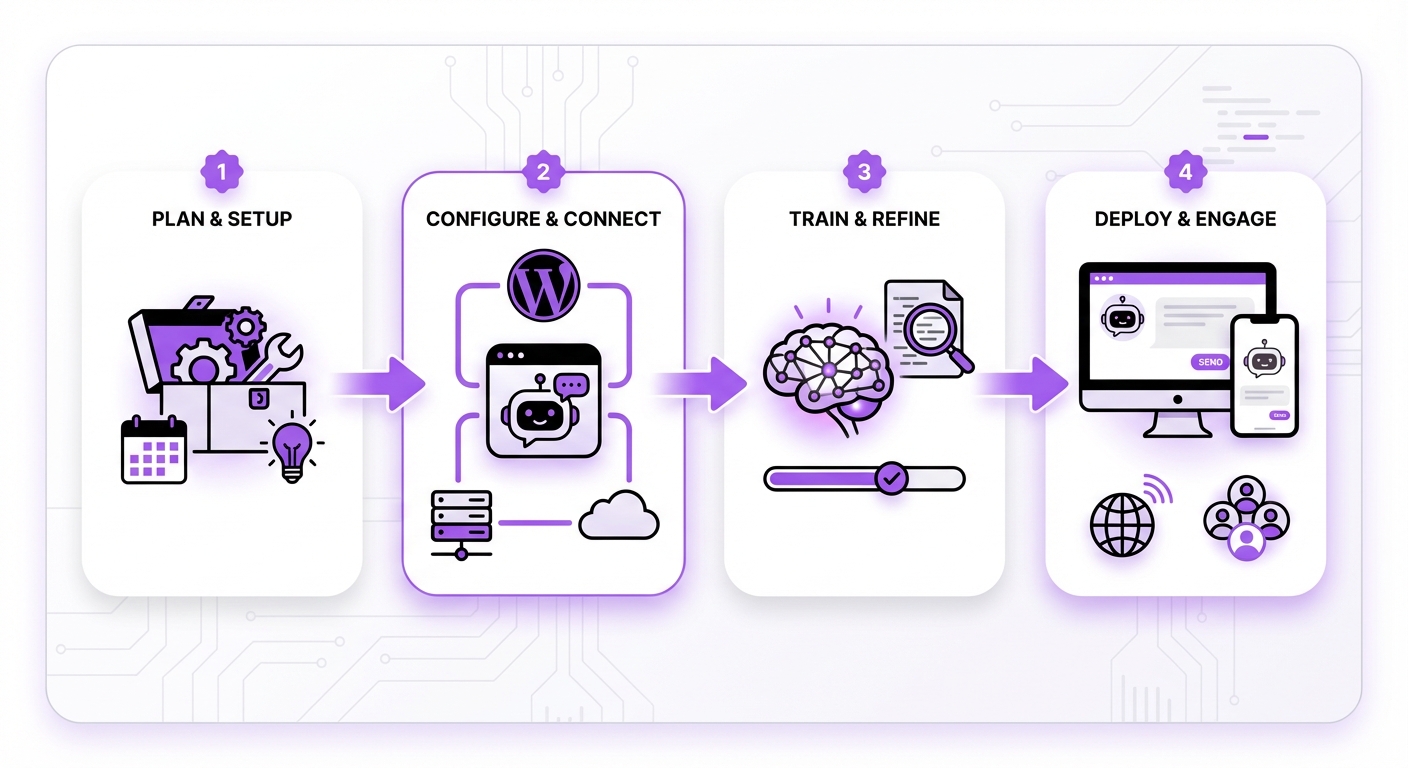
Step 1: Define Your Chatbot’s Primary Goal
First, determine the main purpose of your chatbot. A bot with a clear objective is far more effective. Are you trying to:
- Answer common support questions?
- Capture and qualify sales leads?
- Help users navigate your website?
- Gather customer feedback?
Step 2: Choose the Right Chatbot Platform
Your choice of platform will define your entire experience. You need a solution that is powerful, easy to use, and integrates perfectly with WordPress. Look for a no-code platform to avoid technical headaches.
Platforms like MxChat are built from the ground up specifically for WordPress. This ensures seamless integration without conflicts, adhering to WordPress best practices. It allows you to leverage multiple advanced AI models and provides a user-friendly interface, making the entire setup process intuitive for business owners, not just developers.
Step 3: Install and Configure the Plugin
Once you’ve selected your platform, the next step is to integrate it with your site. For most WordPress-centric solutions, this is as simple as installing a plugin.
- Navigate to your WordPress dashboard.
- Go to Plugins > Add New.
- Search for your chosen chatbot plugin (e.g., “MxChat”).
- Click Install Now, then Activate.
- Follow the on-screen setup wizard, which will typically guide you through connecting your account and basic configuration.
Step 4: Train Your AI with a Knowledge Base
An AI chatbot is only as smart as the information you give it. This is where you build its “brain.” Modern AI platforms use a knowledge base to provide accurate, context-aware answers.
Your training sources can include:
- Website Content: Simply provide URLs from your site, and the AI will learn from the text on those pages.
- Documents: Upload PDFs, Word documents, or text files containing product manuals, company policies, or FAQs.
- Q&A Pairs: Manually input specific questions and their corresponding correct answers for precise control.
Step 5: Customize the Chatbot’s Appearance and Personality
Your chatbot should feel like a natural extension of your brand. Customize its appearance to match your site’s design.
- Colors & Branding: Adjust the chat widget’s colors to align with your brand palette.
- Avatar: Upload a custom avatar—it could be your logo or a friendly character.
- Welcome Message: Craft a compelling greeting that encourages users to engage (e.g., “Hi there! How can I help you today?”).
- Tone of Voice: Define its personality. Should it be professional and formal, or friendly and casual? Configure the AI’s persona to reflect this tone in its responses.
Step 6: Test Your Chatbot Thoroughly
Before unleashing your chatbot on live visitors, put it through its paces. Open a test page and interact with it as a real customer would.
- Ask it the easy questions you trained it on.
- Try to trick it with ambiguous or complex queries.
- Ask questions that are outside its knowledge base to see how it handles them.
- Check for a clear option to escalate the conversation to a human agent.
Step 7: Deploy and Monitor Performance
Once you’re confident in its performance, deploy the chatbot across your website. But the work doesn’t stop there. Regularly review its analytics to understand how users are interacting with it.
Key metrics to monitor include:
- Most frequently asked questions.
- Queries the bot couldn’t answer.
- Conversation satisfaction ratings.
Common Mistakes to Avoid When Creating a WordPress Chatbot
Learning how to create a chatbot for WordPress also means knowing what not to do. Avoid these common pitfalls:
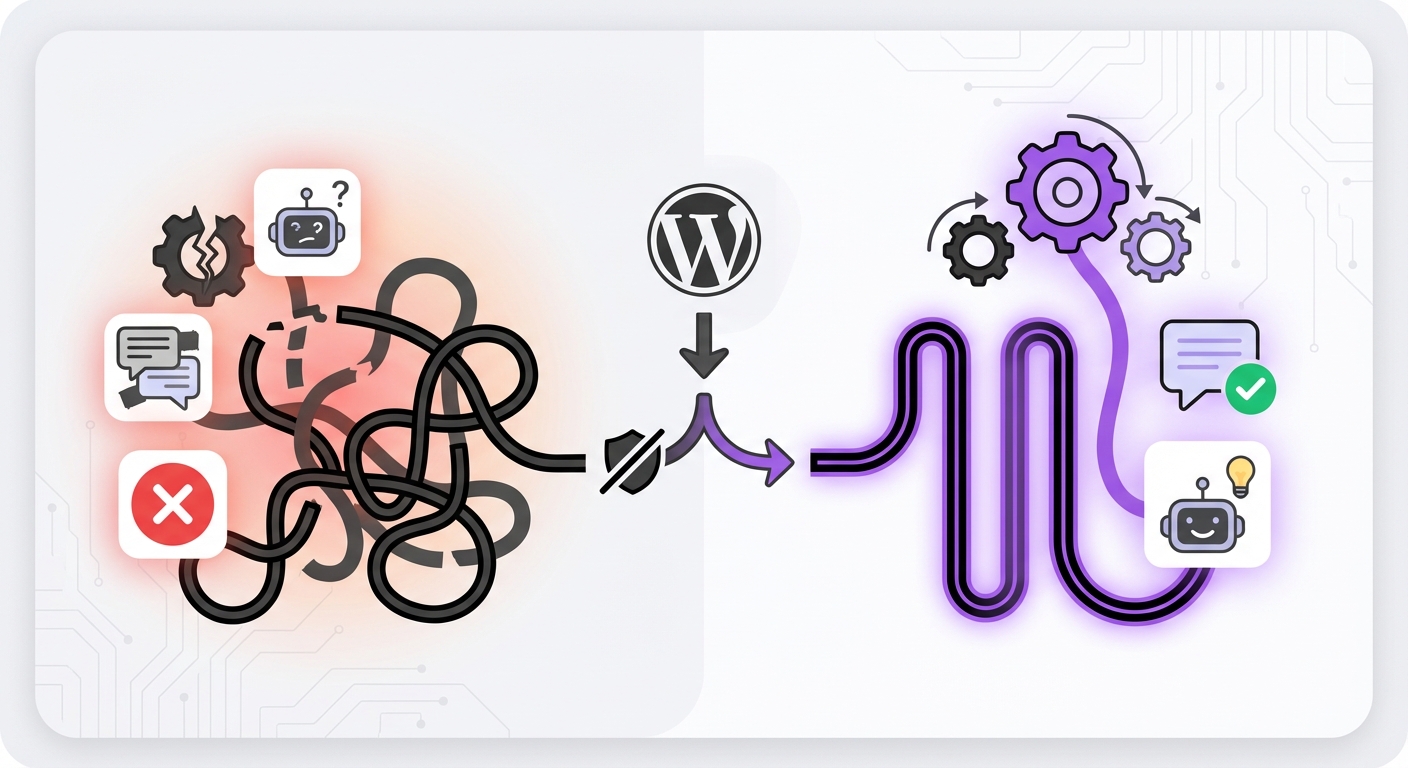
- Neglecting the Human Handoff: Always provide a clear and easy way for users to connect with a human agent if the bot can’t solve their problem.
- Using a Generic, Robotic Persona: A bot with no personality can feel cold and unhelpful. A little branding goes a long way.
- Forgetting to Set Expectations: Let users know they are interacting with an AI. A simple message like “I’m the AI assistant for [Your Company]” works perfectly.
- The “Set It and Forget It” Mindset: A chatbot is a dynamic tool. It requires ongoing monitoring and refinement to remain effective.
Expected Results: What a Well-Built Chatbot Delivers
By following these steps, you can expect tangible results that impact your bottom line. A successful WordPress chatbot deployment leads to higher lead conversion rates by engaging prospects instantly, improved customer satisfaction scores by providing immediate answers, and a significant reduction in your support team’s workload. You’ll also gain invaluable insights into what your customers are looking for, helping you refine your products, services, and content strategy.
Conclusion: Elevate Your WordPress Site with an AI Agent
In 2026, a chatbot is an essential component of a modern, customer-centric website. By defining your goal, choosing the right tool, training it with quality data, and continuously monitoring its performance, you can build a powerful AI assistant that enhances user experience and drives business growth. The process of learning how to create a chatbot for WordPress is more accessible than ever, thanks to powerful, user-friendly solutions.
Ready to implement a powerful, no-code AI solution? Platforms like MxChat offer a seamless way to get started, providing a lifetime pricing model and advanced features specifically tailored for the WordPress ecosystem. By leveraging the right technology, you can transform your website’s engagement strategy and stay ahead of the curve.