How Chatbots Improve Response Times: A 2026 Guide
In 2026, the digital marketplace moves at the speed of thought, and customer patience is thinner than ever. Studies now show that over 80% of online consumers expect an immediate response to their service inquiries. A delay of just five minutes can mean the difference between a loyal customer and a lost sale. This is precisely why understanding how chatbots improve response times is no longer an advantage—it’s a necessity. By providing instant, 24/7 support, AI-powered chatbots can transform your customer service from a cost center into a powerful growth engine. This guide will walk you through the exact steps to implement this technology on your website.
Why Instantaneous Responses are Crucial in 2026
Before diving into the ‘how,’ let’s solidify the ‘why.’ The modern customer journey is non-linear and operates around the clock. A potential buyer might be comparing products at 2 AM or need help with a setup process on a Sunday afternoon. If a human agent isn’t available, that lead goes cold, or that frustration turns into a negative review.
- Increased Customer Satisfaction: Instant answers lead to happy, satisfied customers who feel valued.
- Higher Conversion Rates: Resolving a purchasing question immediately can prevent cart abandonment and secure a sale.
- Improved Brand Perception: A company that offers fast, efficient support is seen as modern, reliable, and customer-centric.
A Step-by-Step Guide to Using Chatbots for Faster Responses
Implementing a chatbot to slash your response times is a structured process. Follow these steps to ensure a smooth and effective deployment.
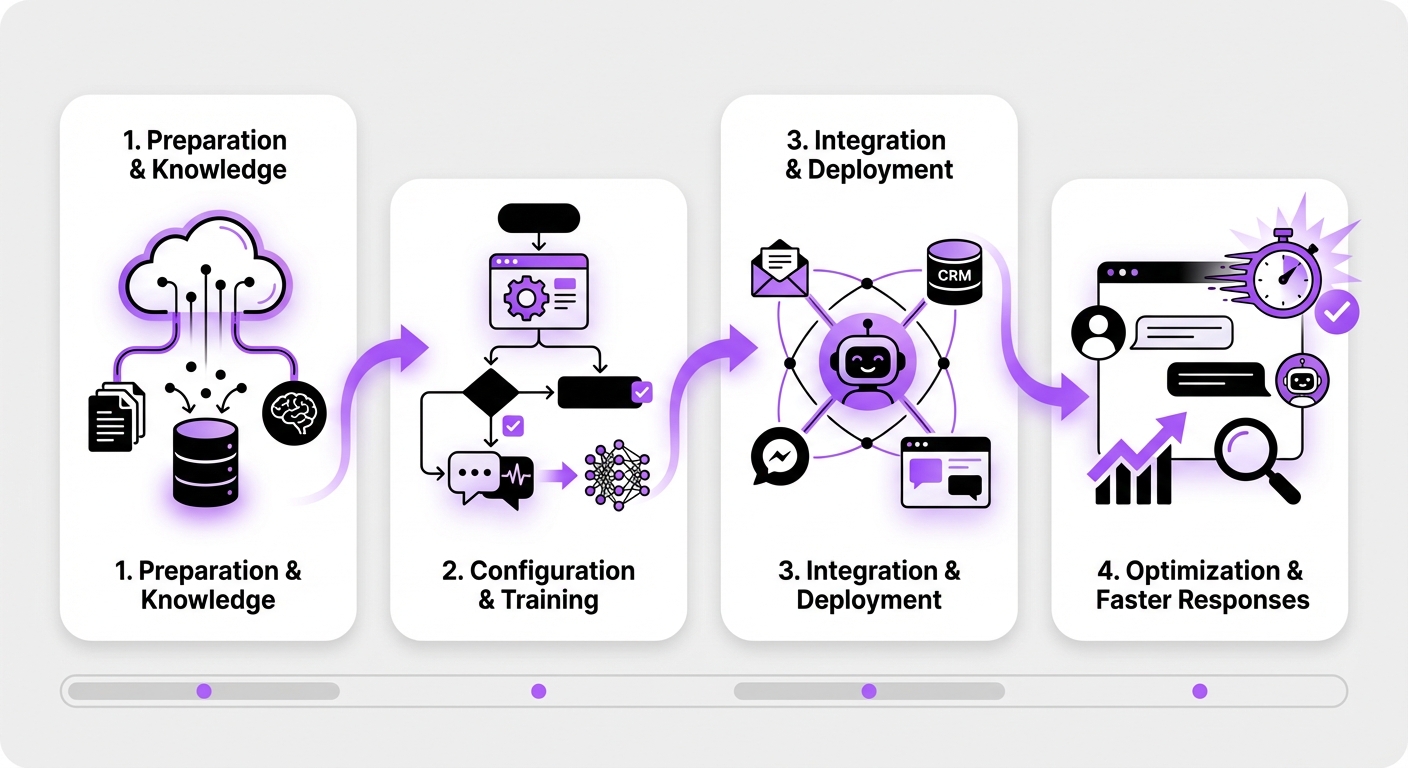
Step 1: Identify Key Customer Interaction Hotspots
First, map out where your customers most frequently require assistance. Don’t just place a chatbot randomly on your homepage. Analyze your website traffic and support ticket data to find the most impactful locations.
Common hotspots include:
- Pricing Page: To answer questions about features, tiers, and billing.
- Product/Service Pages: To provide detailed specifications or use-case examples.
- Contact Us Page: To offer an instant alternative to filling out a form.
- Support or FAQ Page: To help users find answers in your knowledge base faster.
Step 2: Choose the Right No-Code Chatbot Platform
The technology you choose will define your success. In 2026, you don’t need a team of developers to build a powerful AI agent. No-code platforms have democratized this technology, but not all are created equal. Look for a solution that offers:
- Seamless Integration: If you run a WordPress site, a platform designed specifically for it, like MxChat, will prevent conflicts and ensure smooth operation.
- Advanced AI Capabilities: Your chatbot should be powered by modern AI models and use Retrieval-Augmented Generation (RAG). RAG technology allows the chatbot to pull precise answers directly from your own documentation, preventing inaccurate or “hallucinated” responses.
- Scalability: The platform should allow you to create unlimited chatbots and handle growing conversation volumes without a decline in performance.
- Ease of Use: A true no-code interface means you can build, train, and deploy your chatbot without writing a single line of code.
Step 3: Define Your Chatbot’s Primary Goal
An effective chatbot has a clear purpose. Are you trying to reduce support tickets, qualify sales leads, or guide users through your website? Define a primary objective for your first chatbot.
Examples of goals include:
- Tier 1 Support: Answer the top 20 most frequently asked questions instantly.
- Lead Qualification: Ask visitors a series of questions to determine if they are a good fit for your sales team.
- User Onboarding: Guide new users through the initial steps of using your product or service.
Step 4: Build Your Knowledge Base and Conversation Flows
This is where you give your chatbot its intelligence. Using a platform with RAG technology simplifies this process immensely. You don’t need to manually script every possible question and answer. Instead, you’ll provide it with your trusted sources of information:
- Upload Documents: Add your existing FAQ pages, product manuals, company policies, and support articles.
- Website Scraping: Allow the chatbot to crawl your public-facing website pages to learn about your business.
- Text Snippets: Add any specific pieces of information you want it to know.
Step 5: Deploy and Test the Chatbot
With a no-code solution like MxChat, deployment is as simple as installing a WordPress plugin and configuring the settings. Once activated, place the chatbot widget on the hotspot pages you identified in Step 1.
Before announcing it to the world, conduct thorough testing. Interact with the chatbot as if you were a real customer. Ask it easy questions, tricky questions, and questions you know are outside its scope. This helps you identify gaps in its knowledge base and refine its performance.
Step 6: Monitor Performance and Continuously Optimize
Your work isn’t finished after launch. The key to long-term success is continuous improvement. Regularly review your chatbot’s performance analytics.
Key metrics to track:
- Resolution Rate: What percentage of conversations are successfully resolved without human intervention?
- Escalation Rate: How often does the chatbot need to transfer a user to a human agent?
- User Satisfaction Ratings: If your chatbot includes a feedback feature, what scores are users giving?
- Unanswered Questions: Review the logs to see what questions the chatbot couldn’t answer. Use this invaluable feedback to update its knowledge base.
Common Mistakes to Avoid
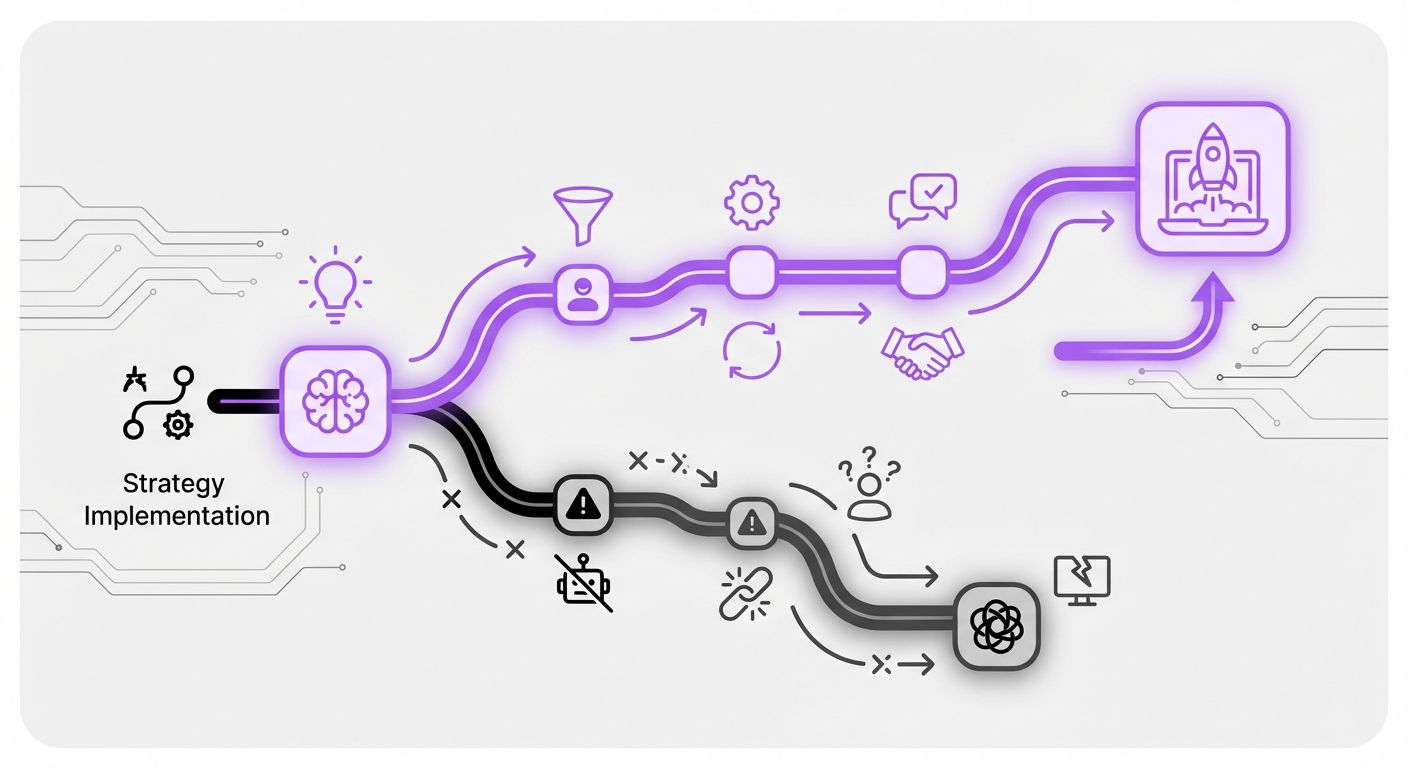
As you implement your chatbot strategy, steer clear of these common pitfalls:
- Hiding the Human Handoff: Never make it impossible for a user to reach a person. A dead-end conversation is a primary source of customer frustration.
- Using an Outdated Knowledge Base: Your business evolves, and so should your chatbot’s knowledge. Regularly update its information sources.
- Forgetting Personality: While professionalism is key, a chatbot with a bit of brand-aligned personality is more engaging than a purely robotic one.
- Ignoring Analytics: The data your chatbot collects is a goldmine. Ignoring it means missing crucial opportunities for improvement in both your bot and your overall business processes.
Expected Results: A Transformation in Support Efficiency
By following these steps, you will see a dramatic and measurable improvement in your customer support metrics. Understanding how chatbots improve response times in theory is one thing; seeing it in practice is another. You can expect:
- Instant First Response: Your First Response Time (FRT) for a significant portion of queries will drop to mere seconds.
- 24/7 Availability: Your business can provide support and capture leads around the clock, regardless of time zones or holidays.
- Reduced Agent Workload: Human agents will be freed from repetitive, simple questions, allowing them to focus on complex, high-value customer issues.
- Improved Customer Loyalty: Fast, effective support builds trust and encourages repeat business.
Conclusion: Embrace the Future of Instant Support
The demand for immediate engagement is the new standard in 2026. By strategically implementing AI chatbots, you can meet this demand head-on, delivering a superior customer experience that sets you apart from the competition. The process is straightforward: identify your needs, choose the right tool, build a solid knowledge base, and commit to continuous optimization.
For businesses running on WordPress, deploying a purpose-built solution like MxChat offers the most direct and powerful path to achieving these results. By leveraging its no-code interface and advanced AI, you can launch an intelligent support agent in minutes, not months, and begin your journey toward truly instantaneous customer service.