How to Set Up a Chatbot Easily: A 2026 Guide
In 2026, customers don’t just appreciate instant responses—they expect them. If your business isn’t available 24/7, you risk losing valuable leads and frustrating your current clients. The solution is an AI chatbot, but the thought of a complex, technical setup can be daunting. Fortunately, modern technology has made it simpler than ever. This guide will show you how to set up a chatbot easily, transforming your customer service without needing a team of developers.
Why Your Business Needs a Chatbot in 2026
Before diving into the ‘how,’ let’s quickly cover the ‘why.’ A well-implemented chatbot is more than just a pop-up window; it’s a powerful business tool. By automating conversations, you can achieve significant improvements across your operations.
- Enhanced Customer Experience: Provide immediate answers to common questions, any time of day or night.
- Increased Efficiency: Free up your human support team to focus on complex, high-value issues by letting the chatbot handle repetitive inquiries.
- Proactive Lead Generation: Engage website visitors, qualify leads, and even schedule appointments automatically.
- Significant Cost Savings: Reduce the operational costs associated with a large customer support team.
- Valuable Data Insights: Collect data on customer pain points, frequently asked questions, and user behavior to inform your business strategy.
A Step-by-Step Guide to Creating Your First Chatbot
Ready to build your own digital assistant? Follow these seven steps to get a powerful, intelligent chatbot up and running on your website with minimal hassle.
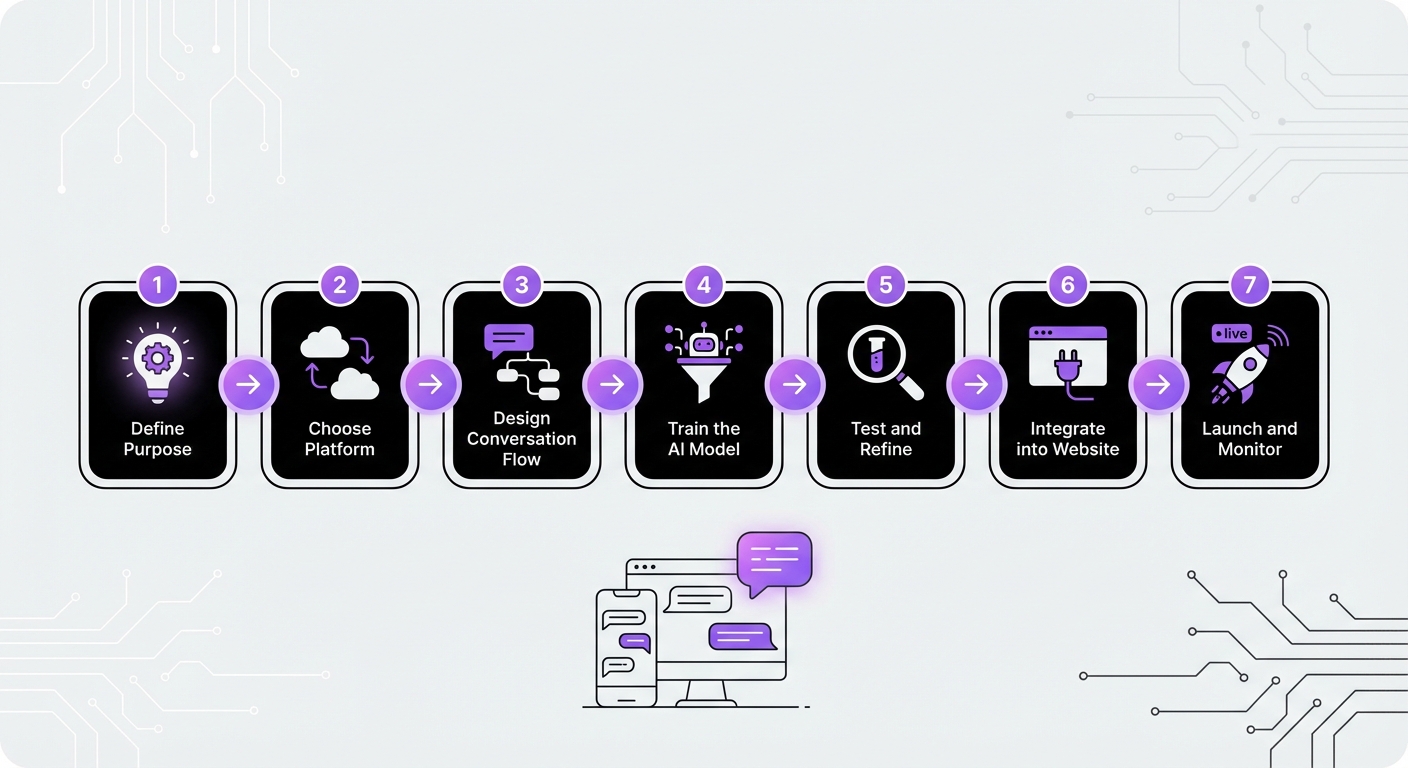
Step 1: Define Your Chatbot’s Purpose and Goals
First, you need a clear objective. A chatbot without a purpose is just a gimmick. Ask yourself:
- What is its primary function? Will it be a customer support agent, a sales assistant, a lead qualifier, or something else?
- Who will it interact with? Are you targeting new visitors, existing customers, or both?
- How will you measure success? Define key performance indicators (KPIs) like support ticket reduction, number of leads captured, or customer satisfaction scores.
Step 2: Choose the Right Chatbot Platform
The platform you choose is the foundation of your chatbot. In 2026, no-code solutions have become the standard for businesses that want power without complexity. When evaluating platforms, consider:
- Ease of Use: Look for a drag-and-drop interface or a simple setup process that doesn’t require coding.
- Integration: How well does it connect with your website and other tools? For WordPress users, a platform like MxChat is ideal because it’s built specifically for that ecosystem, offering a seamless, no-code setup.
- AI Capabilities: Does it use modern AI models for natural conversations, or is it a simple rule-based system?
- Scalability and Pricing: Can it grow with your business? A lifetime pricing model can offer significant long-term savings over monthly subscriptions.
Step 3: Design the Conversation Flow
Now, map out the user’s journey. You don’t need complex software; a simple flowchart on paper or a digital whiteboarding tool works perfectly.
Start with a friendly, engaging welcome message that clearly states what the chatbot can do. From there, create logical paths or branches for the most common user requests. For example, a customer support bot might have branches for “Track My Order,” “Return Policy,” and “Contact Support.”
Step 4: Train Your Chatbot with Relevant Data
An AI chatbot is only as smart as the information it has access to. To provide accurate and helpful answers, you must train it on your business’s unique data. This is where modern AI truly shines. You can upload documents like:
- Frequently Asked Questions (FAQs)
- Knowledge base articles
- Product manuals and specifications
- Company policies
Step 5: Customize Your Chatbot’s Appearance
Your chatbot is an extension of your brand. Use your chosen platform’s customization tools to align its appearance with your website’s design. Adjust the colors, fonts, and avatar to create a cohesive and professional look. A well-branded chatbot feels more trustworthy and integrated into the user experience.
Step 6: Integrate and Deploy on Your Website
This is the final step in learning how to set up a chatbot easily. With modern platforms, deployment is straightforward. For most websites, it involves copying a small snippet of JavaScript code and pasting it into your site’s header.
However, if you’re using a WordPress-native solution like MxChat, this step is even simpler. It often involves just installing a plugin and configuring the settings directly from your WordPress dashboard, with no code handling required.
Step 7: Test, Analyze, and Iterate
Your work isn’t over once the chatbot is live. Continuous improvement is key to its long-term success.
- Test: Go through every conversational path yourself to find any dead ends or awkward responses.
- Analyze: Regularly review the chatbot’s analytics. Look at which questions are asked most often and where conversations fail. This feedback is gold.
- Iterate: Use the insights from your analysis to update your knowledge base and refine conversation flows. A great chatbot evolves with your business and customer needs.
Common Mistakes to Avoid When Setting Up a Chatbot
Building a chatbot is easier than ever, but a few common pitfalls can hinder its effectiveness. Be sure to avoid these:
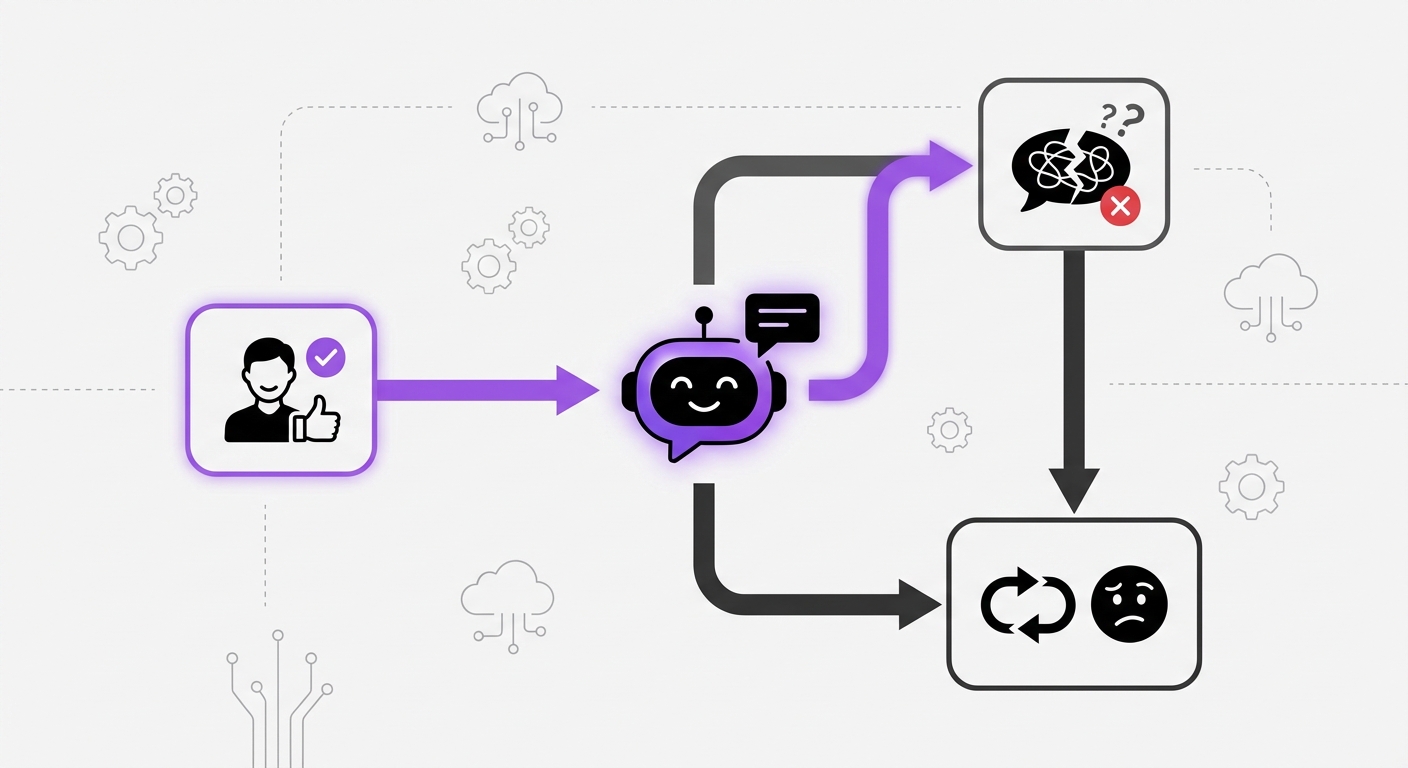
- Making it too robotic: Give your bot a name and a touch of personality that aligns with your brand.
- Hiding the human escape hatch: Always provide a clear and easy way for users to connect with a human agent if the bot can’t solve their problem.
- Neglecting the data: A chatbot without proper training on your specific business information is a recipe for user frustration.
- Using a “set it and forget it” approach: A chatbot requires ongoing monitoring and refinement to remain effective.
What to Expect After Launching Your Chatbot
Once deployed, you can expect to see results unfold over time:
- Immediate Results: 24/7 availability and instant responses to user queries.
- Short-Term (1-3 Months): A noticeable increase in lead captures, higher customer satisfaction scores, and a reduction in repetitive support questions.
- Long-Term (6+ Months): A significant decrease in overall support ticket volume, improved human agent productivity, and deep, actionable insights into customer behavior.
Conclusion: Your Simple Path to AI-Powered Support
As we’ve seen, the process of how to set up a chatbot easily has been demystified by modern, user-friendly technology. By defining clear goals, choosing the right no-code platform, designing a logical flow, and committing to ongoing improvement, any business can deploy a powerful AI assistant.
Platforms designed for simplicity, especially solutions like MxChat for WordPress, remove the technical barriers completely. They empower you to focus on what truly matters: creating an exceptional, round-the-clock experience for your customers and driving sustainable growth for your business.