How to Implement AI in Customer Support (2026 Guide)
In 2026, customer expectations are at an all-time high. They demand instant, accurate, and 24/7 support, a standard that can overwhelm even the most dedicated human teams. This is precisely why learning how to implement AI in customer support is no longer a luxury for forward-thinking businesses—it’s a necessity for survival and growth. By automating routine inquiries and providing immediate assistance, AI empowers you to scale your support, delight your customers, and free your human agents to tackle more complex challenges.
Why Integrate AI into Your Support Strategy in 2026?
Before diving into the ‘how,’ let’s clarify the ‘why.’ The benefits of integrating AI into your customer service are transformative. Businesses that successfully adopt AI see significant improvements across the board.
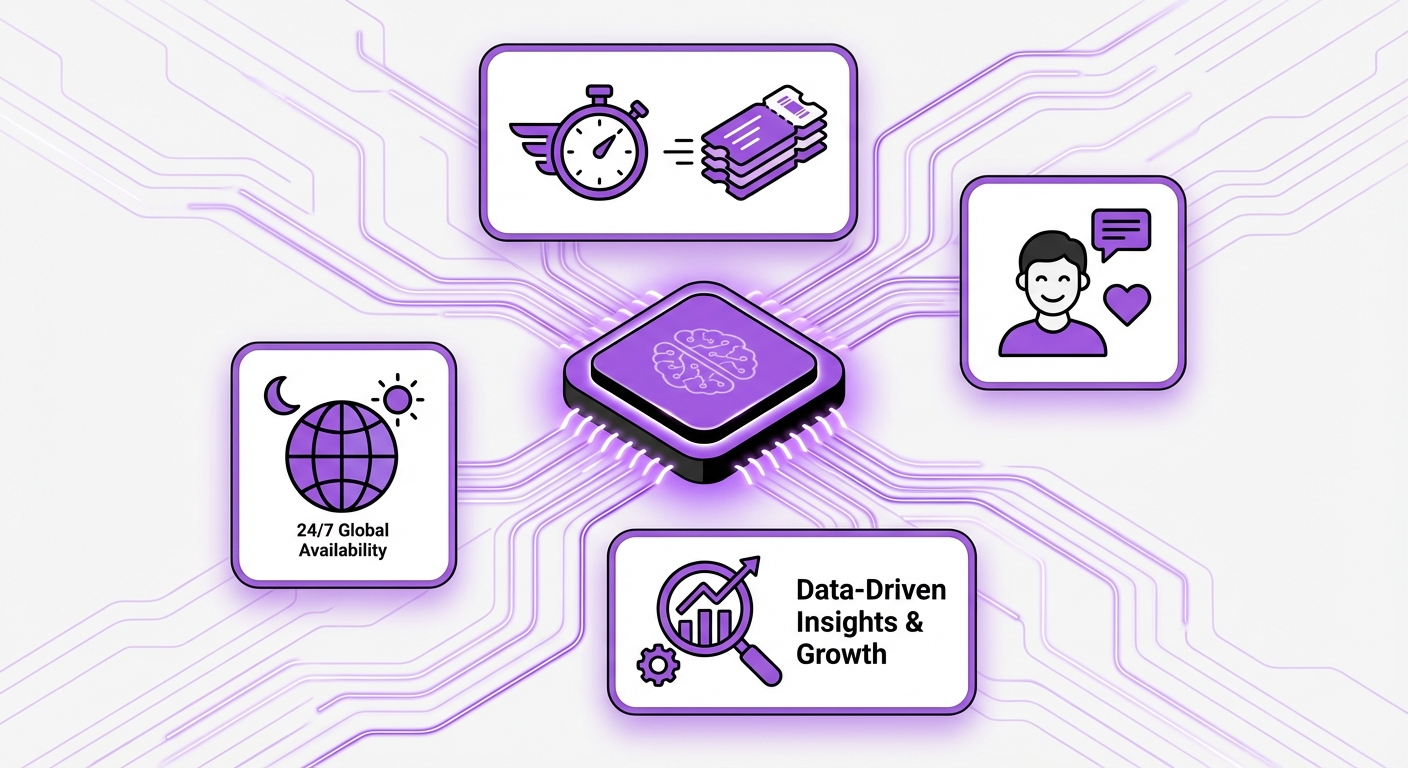
- 24/7 Availability: AI agents don’t sleep. They provide round-the-clock support to your global customer base, answering questions and resolving issues instantly, regardless of time zones.
- Increased Efficiency: AI can handle thousands of conversations simultaneously, drastically reducing response times from hours to seconds and resolving a high volume of common queries automatically.
- Cost Reduction: By automating repetitive tasks, you lower the cost-per-interaction and allow your support team to focus on high-value, complex problem-solving, optimizing your human resource allocation.
- Enhanced Customer Satisfaction: Quick, accurate answers to common questions lead to happier, more loyal customers. A seamless AI experience prevents frustration and builds brand trust.
- Data-Driven Insights: AI tools collect and analyze vast amounts of interaction data, revealing common pain points, emerging trends, and opportunities to improve your products or services.
A Step-by-Step Guide to Implementing AI in Customer Support
Transitioning to an AI-powered support model is a strategic process. Follow these steps to ensure a smooth and successful implementation.
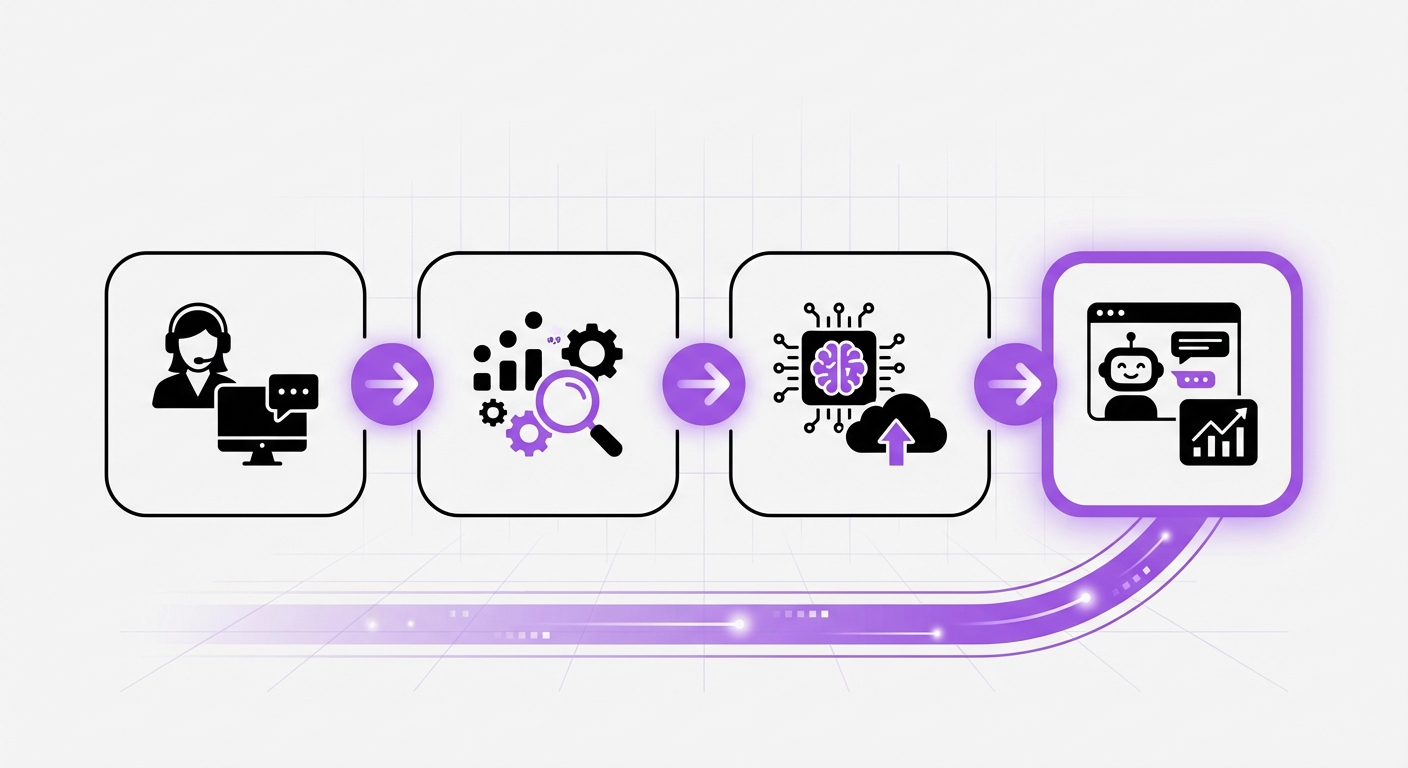
Step 1: Define Your Goals and Scope
First, determine what you want to achieve. Without clear objectives, you can’t measure success. Start by asking critical questions:
- What is our primary goal? (e.g., reduce first-response time by 50%, decrease support ticket volume by 30%, improve CSAT scores by 15%).
- What specific problems are we trying to solve?
- Which customer segments will this AI serve?
Step 2: Identify Key Use Cases for AI
Analyze your existing support data. Look through past tickets, chat logs, and emails to identify the most common and repetitive questions your customers ask. These are the perfect candidates for automation.
Common use cases include:
- Answering FAQs about pricing, features, or policies.
- Providing order status updates and tracking information.
- Assisting with basic account management tasks (e.g., password resets).
- Guiding users through simple troubleshooting steps.
Step 3: Choose the Right AI Platform
The market for AI tools is vast, but the right platform depends on your specific needs, technical resources, and existing ecosystem. Consider the following factors:
- Ease of Use: Do you need a no-code solution that your non-technical team can manage, or do you have developers to handle a more complex setup?
- Integration Capabilities: The platform must integrate seamlessly with your website and other essential tools like your CRM or helpdesk.
- Scalability: Can the platform grow with your business as your support volume increases?
Step 4: Prepare and Organize Your Knowledge Base
Your AI is only as smart as the data you give it. A well-structured, comprehensive, and up-to-date knowledge base is the foundation of an effective AI support agent. Gather and organize content from:
- Existing FAQ pages
- Product documentation and user manuals
- Internal training materials
- Saved replies and macros from your helpdesk
Step 5: Build, Train, and Test Your AI Agent
Using your chosen platform, begin building your AI agent. This involves creating conversational flows, defining its personality to match your brand voice, and feeding it your prepared knowledge base.
Crucially, test it thoroughly before launch. Have your internal team interact with the AI, asking a wide range of questions—from simple to complex—to identify weaknesses, correct inaccurate responses, and refine its conversational skills.
Step 6: Integrate with Your Existing Systems and Launch
Once testing is complete, integrate the AI agent into your website. Plan a phased rollout. You might start by offering the AI chatbot to only 10% of your website visitors, gradually increasing its exposure as you monitor its performance and gather feedback.
Remember to train your human support team on how the AI works and establish a clear handoff process for when a query needs to be escalated from the AI to a human agent.
Step 7: Monitor Performance and Continuously Improve
Implementing AI is not a one-time project. It’s an ongoing cycle of improvement. Continuously monitor key performance indicators (KPIs) to measure its impact:
- Resolution Rate: What percentage of queries does the AI resolve without human intervention?
- Escalation Rate: How often do conversations need to be handed off to a human agent?
- Customer Satisfaction (CSAT): Are users satisfied with their AI interactions?
- Ticket Volume Reduction: Is the AI successfully deflecting tickets from your human team?
Common Mistakes to Avoid When Implementing AI Support
Navigating your AI implementation journey can be tricky. Steer clear of these common pitfalls:
- Setting Unrealistic Expectations: AI is a powerful tool to augment your team, not a complete replacement for it. Understand its limitations.
- Neglecting the Human Handoff: One of the most frustrating customer experiences is being stuck in an endless AI loop. Ensure a smooth and easy pathway to a human agent for complex issues.
- Forgetting a Brand Personality: A cold, robotic AI can be off-putting. Infuse your agent with a personality that aligns with your brand voice.
- A “Set It and Forget It” Mentality: AI requires ongoing maintenance, training, and optimization to remain effective.
What to Expect: The Outcomes of Successful AI Implementation
When done correctly, the results of implementing AI in your customer support are profound. You can expect to see:
- Improved Efficiency: Your team will spend less time on repetitive questions and more time on strategic, high-impact work.
- Enhanced Customer Satisfaction: Customers get the instant answers they crave, leading to higher satisfaction and loyalty.
- Reduced Operational Costs: Automation directly lowers the cost of customer service while improving its quality.
- Effortless Scalability: You can handle sudden spikes in customer inquiries without needing to hire additional staff.
Your Next Step in AI-Powered Customer Support
Understanding how to implement AI in customer support is the first critical step toward building a more efficient, scalable, and customer-centric operation. The process requires careful planning, the right tools, and a commitment to continuous improvement. By following this guide, you can unlock the full potential of AI to transform your customer service.
When you’re ready to take action, choosing a tool that simplifies the journey is key. For WordPress users, MxChat offers a powerful, no-code solution to bring intelligent automation to your website, streamlining the entire process from setup to long-term success.