How to Deploy AI Customer Support: A 2026 Guide
In 2026, customer expectations are at an all-time high. Users demand instant, 24/7 support, and a single poor experience can send them to a competitor. For businesses struggling to keep pace, learning how to deploy AI customer support is no longer a luxury—it’s a strategic necessity. This technology empowers you to provide immediate, accurate answers, automate repetitive tasks, and free up your human agents to handle more complex issues, ultimately transforming your customer service from a cost center into a growth engine.
This guide will walk you through the essential steps to successfully implement an AI-powered support system, ensuring a smooth transition and maximum return on investment.
Why AI-Powered Customer Service is Essential in 2026
Before we dive into the ‘how,’ let’s quickly cover the ‘why.’ The case for AI in customer support has never been stronger. By 2026, industry analysts project that over 80% of customer service interactions will involve AI technologies like chatbots and virtual agents. The benefits are clear:
- 24/7 Availability: AI agents don’t sleep, offering round-the-clock support to a global customer base.
- Instantaneous Responses: Eliminate wait times by providing immediate answers to common questions.
- Scalability: Effortlessly handle fluctuations in query volume without hiring additional staff.
- Cost Efficiency: Automating routine inquiries can reduce per-interaction costs by up to 60%.
- Data-Driven Insights: AI interactions generate valuable data on customer pain points and frequently asked questions, informing product and service improvements.
Step-by-Step: Implementing Your AI Support Strategy
Deploying an AI support system requires a thoughtful, structured approach. Follow these six steps to ensure a successful launch that delights customers and empowers your team.
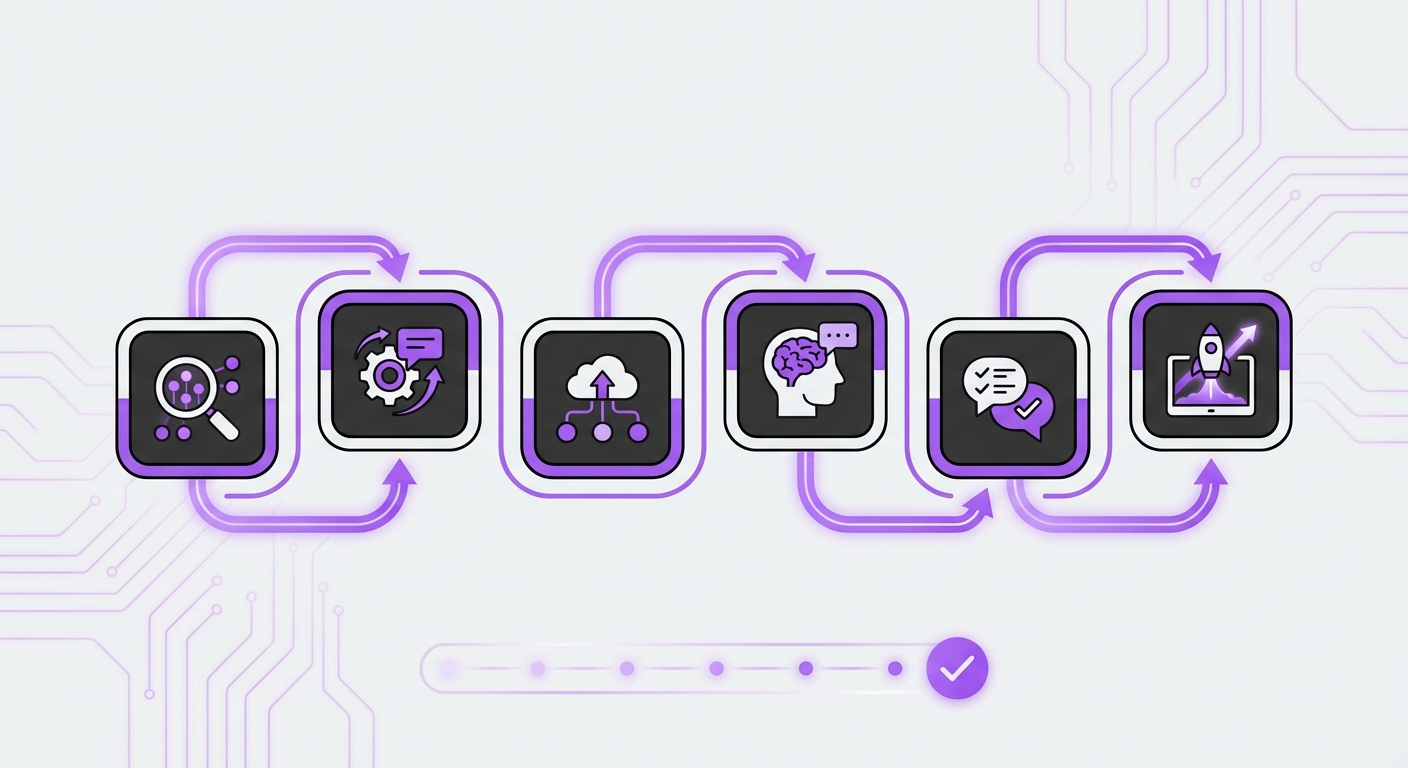
Step 1: Define Clear Goals and Scope
First, determine what you want to achieve. Are you aiming to reduce ticket volume, improve first-response time, increase lead generation, or all of the above? Your goals will dictate the entire project.
Start with a focused scope. Don’t try to automate everything at once. Begin with high-volume, low-complexity inquiries. Good starting points include:
- Frequently Asked Questions (FAQs)
- Order status and tracking updates
- Password resets and account information
- Basic product or service inquiries
Step 2: Choose the Right AI Platform
The market is filled with AI solutions, but not all are created equal. The right platform should align with your technical resources, existing infrastructure, and business goals. Key factors to consider include:
- Ease of Use: Is it a no-code solution that your non-technical team can manage, or does it require a dedicated development team?
- Integration Capabilities: How well does it connect with your website, CRM, and other essential tools?
- AI Technology: Does it use advanced models like GPT-4o or Claude 3? Does it feature Retrieval-Augmented Generation (RAG) to pull answers directly from your specific knowledge base, ensuring accuracy?
- Pricing Model: Does it fit your budget? Look for models that offer long-term value.
Step 3: Train Your AI with High-Quality Data
Your AI is only as smart as the data you give it. This is the most critical part of how to deploy AI customer support effectively. Gather comprehensive and accurate information from sources like:
- Your existing knowledge base
- Product documentation and manuals
- Saved chat transcripts and support tickets
- Website pages and marketing materials
Step 4: Design the Conversation and Escalation Paths
Think about the user experience. How will a customer initiate a conversation? What tone and personality should the AI adopt to reflect your brand? Map out common conversational flows for the queries you identified in Step 1.
Crucially, you must design a clear escalation path. No AI can handle 100% of inquiries. Define the triggers that prompt a handoff to a human agent, such as:
- Specific keywords (e.g., “complaint,” “speak to a human”)
- Repeated user frustration or confusion
- Complex or sensitive account-specific issues
Step 5: Integrate and Configure the AI Agent
With your platform chosen and data prepared, it’s time for integration. This step involves connecting the AI to your website and other business systems. If you’ve selected a user-friendly tool, this can be straightforward. For example, a dedicated WordPress plugin like MxChat simplifies this process to a few clicks, embedding the AI agent directly on your site without complex API configurations.
During this stage, you’ll configure the AI’s appearance, welcome messages, and initial prompts to align with your website’s design and user journey.
Step 6: Test, Launch, and Continuously Iterate
Never launch an AI to all users at once. Follow a phased approach:
- Internal Testing: Have your team interact with the AI to identify bugs and awkward phrasing.
- Beta Launch: Release the AI to a small segment of your website visitors.
- Full Launch: Once you’re confident in its performance, make it available to everyone.
Common Mistakes to Avoid
As you embark on this process, be mindful of common pitfalls that can derail your efforts:
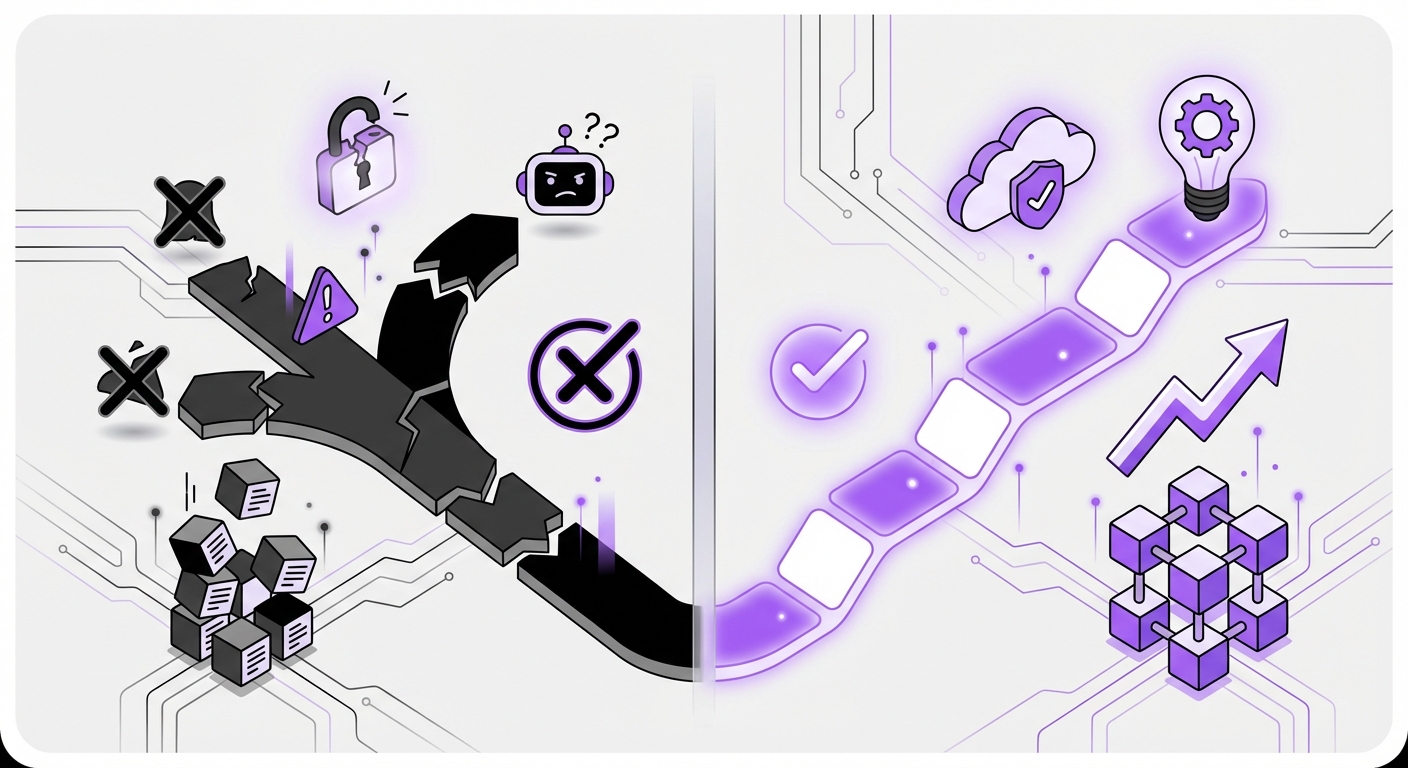
- Hiding the Human Option: Trapping users in a frustrating AI loop is a quick way to lose customers. Always provide a clear and easy way to reach a person.
- Using Poor or Outdated Data: “Garbage in, garbage out.” Inaccurate training data leads to inaccurate AI responses, eroding user trust.
- Ignoring Brand Voice: A robotic, generic AI can feel jarring. Customize its personality and tone to match your brand identity.
- Setting It and Forgetting It: AI requires ongoing maintenance. Regularly update its knowledge base and analyze its performance to ensure it remains effective.
Expected Results: The Transformation of Your Customer Support
By following these steps, you can successfully deploy an AI customer support system that yields tangible results. You can expect to see a significant improvement in key metrics, including a dramatic reduction in first-response times, higher customer satisfaction (CSAT) scores, and lower operational costs. Most importantly, your human agents will be freed from repetitive tasks, allowing them to focus on building relationships and solving the complex problems where their expertise truly shines.
Deploying AI customer support is a powerful step toward future-proofing your business. It enhances efficiency, improves the customer experience, and provides a scalable foundation for growth. Getting started doesn’t have to be complex. With no-code platforms like MxChat, designed specifically for WordPress, businesses can leverage powerful AI to transform their customer experience efficiently and affordably.