How to Automate Customer Support: A 5-Step Guide
In 2025, customer expectations are at an all-time high. Your audience demands instant, accurate, and 24/7 support, a standard that is nearly impossible for human teams to meet alone. Manually handling every query is not just expensive; it’s inefficient and doesn’t scale with your growth. This is why learning how to automate customer support is no longer a competitive advantage—it’s a foundational requirement for a modern business. By strategically implementing automation, you can not only meet but exceed customer expectations, freeing up your team to focus on high-impact issues.
This guide will walk you through a clear, five-step process to build an effective automated support system that enhances efficiency and customer satisfaction.
Why Automate Your Support System in 2025?
Before diving into the ‘how,’ let’s clarify the ‘why.’ Automating customer service isn’t about replacing your support team; it’s about empowering them. The primary benefits are clear and impactful:
- 24/7 Availability: An AI agent never sleeps, providing instant answers to customers in any time zone.
- Cost Reduction: Automation handles a high volume of repetitive queries, reducing the cost per interaction and minimizing the need for a large, round-the-clock support staff.
- Increased Agent Productivity: By filtering out simple, common questions, automation allows your human agents to dedicate their expertise to complex, high-value customer issues.
- Faster Response Times: Customers receive immediate answers to their questions, dramatically improving first response time (FRT) and overall satisfaction.
- Consistent and Accurate Information: An AI trained on your official knowledge base provides consistent answers every time, eliminating the risk of human error.
Step 1: Identify Repetitive Tasks and Common Questions
The foundation of any successful automation strategy is data. You can’t automate effectively without first understanding what to automate. Begin by analyzing your existing customer support channels to identify patterns.
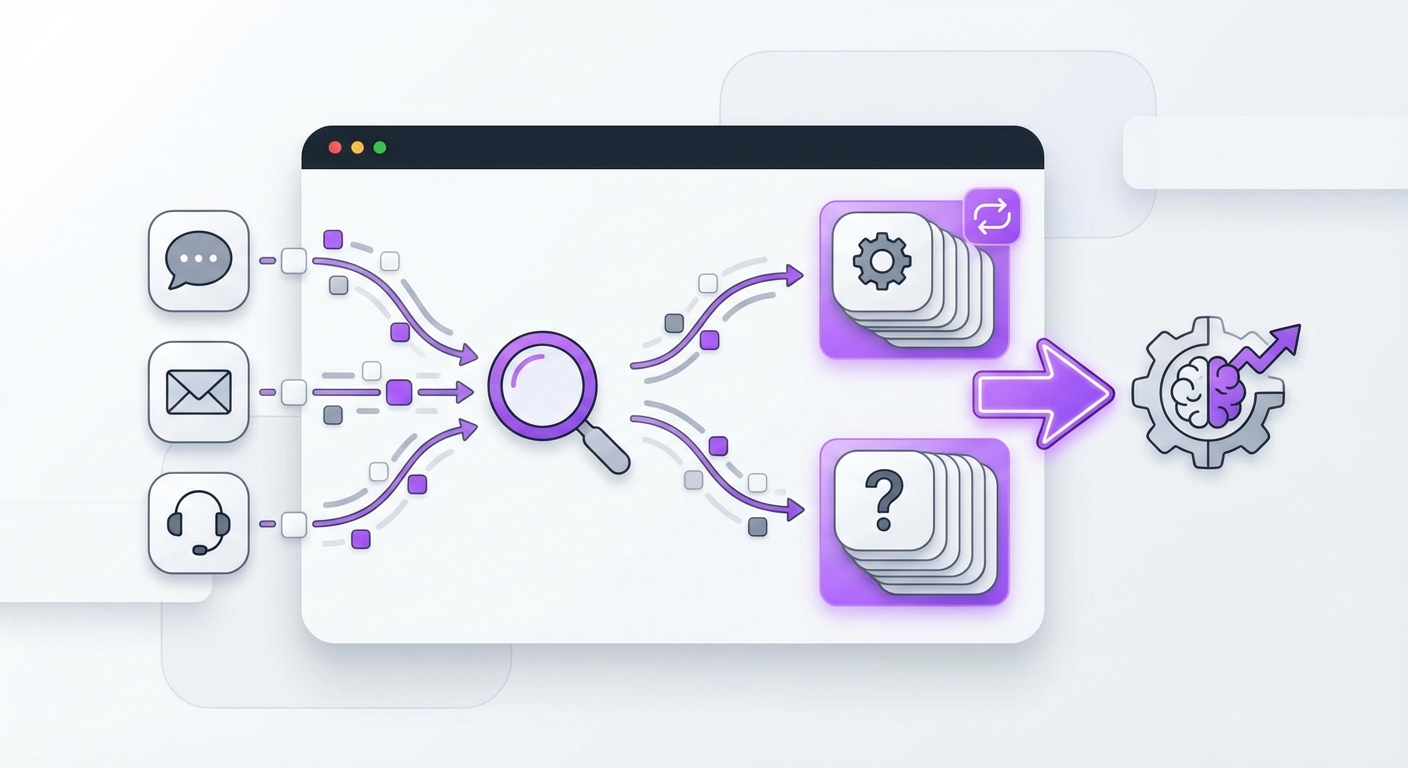
Look through your support tickets, email chains, and live chat transcripts. Your goal is to pinpoint the most frequently asked questions (FAQs) and repetitive tasks. These often fall into categories like:
- Order Status: “Where is my order?”
- Account Management: “How do I reset my password?”
- Product Information: “What are the specifications for X product?”
- Policy Questions: “What is your return policy?”
Step 2: Choose the Right Automation Tools
With a clear understanding of your needs, you can select the right technology. The market in 2025 offers a wide range of solutions, but they generally fall into a few key categories:
- AI Chatbots & Virtual Assistants: These are the frontline of automated support, engaging with users in real-time on your website or messaging apps. They are ideal for answering FAQs, collecting user data, and guiding customers through processes.
- Help Desk Software: Platforms like Zendesk or Freshdesk have built-in automation rules for ticket routing, categorization, and sending canned responses.
- Knowledge Base Platforms: A well-organized, searchable knowledge base or FAQ page can deflect a significant number of support tickets by empowering customers to find answers themselves.
Step 3: Build and Structure Your Knowledge Base
Your automation tool is only as smart as the information you give it. Your knowledge base is the ‘brain’ behind your AI chatbot or virtual assistant. This is where you’ll store all the answers, guides, and policy documents your AI will use to respond to customers.
Start by compiling all existing documentation: FAQs, product manuals, internal training guides, and policy pages. Ensure the information is up-to-date, accurate, and written in clear, simple language.
Modern AI platforms use advanced technology to make this process more effective. For example, tools that leverage Retrieval-Augmented Generation (RAG) can pull precise answers directly from your documents. This is a crucial feature, as it prevents the AI from ‘hallucinating’ or making up incorrect information. Platforms like MxChat use RAG to ensure the responses delivered to your customers are grounded in your verified content, building trust and reliability.
Step 4: Design Your Automation Workflows
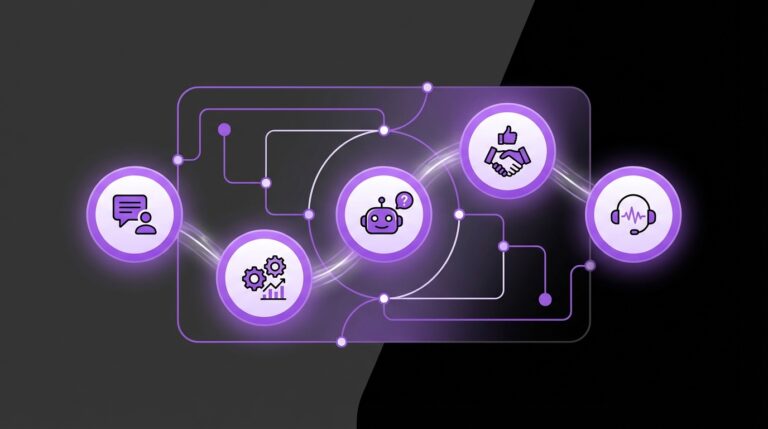
A workflow is the path a customer follows when interacting with your automated system. Good workflows feel natural and helpful, seamlessly guiding the user to a solution or escalating to a human when necessary.
Map out the journey for your most common queries. For instance:
- Password Reset Workflow:
- Escalation Workflow:
Tip: The key to a great workflow is knowing when to escalate. Always provide a clear and easy way for customers to connect with a human agent. Automation should reduce friction, not create it.
Step 5: Deploy, Test, and Iterate
Your automated support system is not a “set it and forget it” project. It requires continuous improvement based on real-world interactions.
Start with a soft launch. Deploy your chatbot on a single, low-traffic page of your website or make it available to a small segment of users. This allows you to test its performance in a controlled environment.
During and after the launch, focus on these key activities:
- Monitor Conversations: Review chat logs to see where the AI is succeeding and where it’s failing.
- Analyze Performance Metrics: Track metrics like resolution rate, escalation rate, and customer satisfaction (CSAT) scores.
- Gather Feedback: Actively ask users for feedback on their experience with the bot.
- Update Your Knowledge Base: Pay close attention to unanswered questions. These represent gaps in your knowledge base that need to be filled.
Common Mistakes to Avoid When Automating Support
Learning how to automate customer support also means knowing what pitfalls to avoid. Steer clear of these common mistakes:
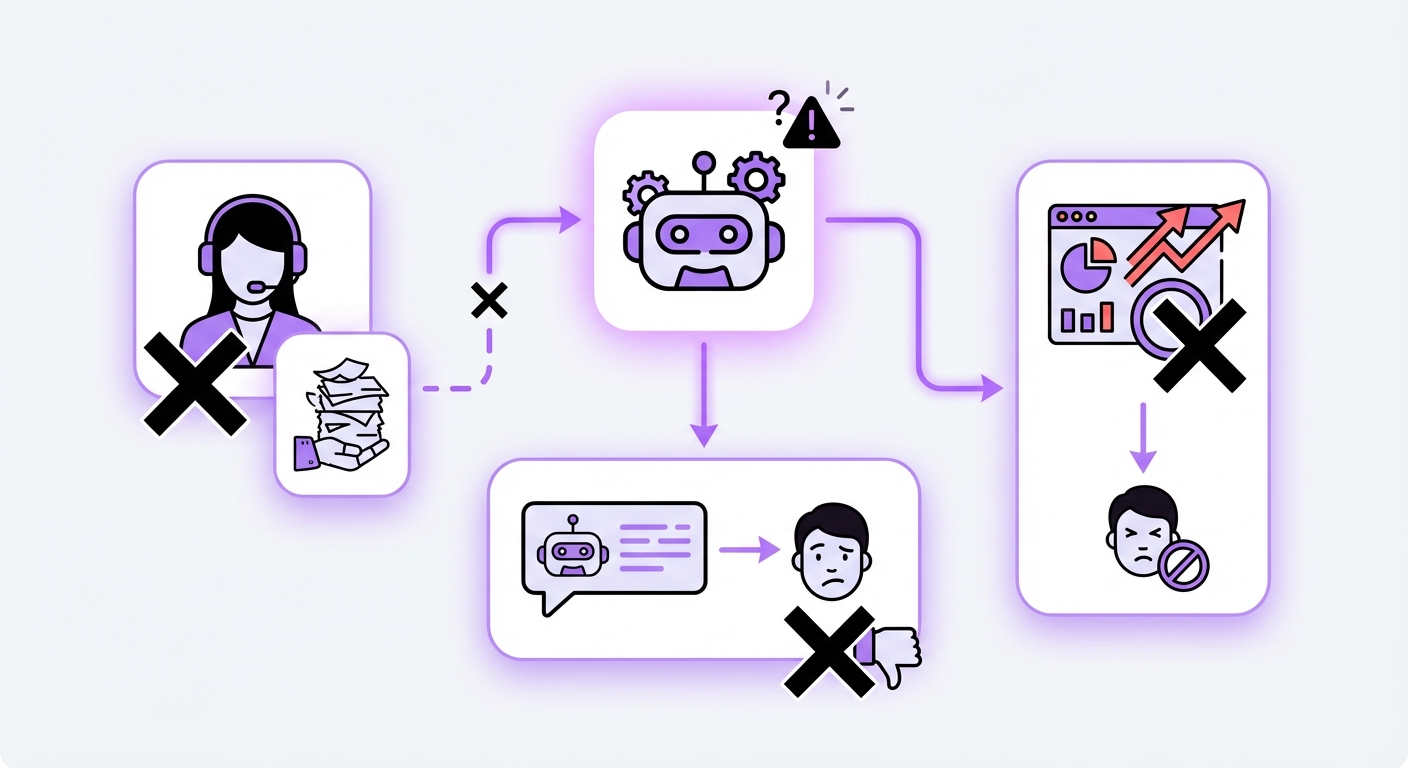
- Hiding the Human Option: Never make it impossible for a customer to reach a person. A frustrating bot with no escape route is a recipe for a lost customer.
- A Robotic Tone: Your AI’s personality should reflect your brand. Customize its language to be helpful, friendly, and professional, not cold and robotic.
- Ignoring Maintenance: An outdated knowledge base will lead to incorrect answers. Automation requires ongoing oversight and updates to remain effective.
- Poor Data Security: You are collecting customer data. Choose a platform that prioritizes security and adheres to best practices, especially if it integrates with your core business systems.
Expected Results: The Impact of Automated Support
Once your system is up and running, you can expect to see tangible improvements across your business:
- Drastically Reduced First Response Times: Customers get answers in seconds, not hours.
- Higher Customer Satisfaction: Instant, 24/7 access to information leads to happier, more loyal customers.
- Improved Agent Capacity: Your team will have more time to solve complex problems, leading to higher job satisfaction and better outcomes.
- Lower Operational Costs: You can handle more customer interactions without proportionally increasing your support team headcount.
Conclusion
Automating customer support in 2025 is an essential strategy for scaling your business and delivering the exceptional experience modern customers expect. By following these five steps—identifying repetitive tasks, choosing the right tools, building a solid knowledge base, designing smart workflows, and continuously iterating—you can create a powerful system that benefits both your customers and your team.
Getting started doesn’t have to be a complex, code-heavy project. With no-code solutions designed for platforms like WordPress, any business can elevate its customer experience. If you’re ready to build an intelligent, efficient support system, exploring a platform like MxChat can provide the powerful, user-friendly tools you need to succeed in 2025 and beyond.