AI Chatbot WordPress Performance: A 2025 Guide
In 2025, deploying an AI chatbot on your WordPress site is no longer a novelty; it’s a competitive necessity. These intelligent agents handle customer queries, guide users, and drive sales 24/7. However, a critical question often follows this implementation: What is the impact on my site’s speed? Understanding the nuances of AI chatbot WordPress performance is essential to ensure your new digital assistant enhances user experience, rather than hindering it.
What is AI Chatbot Performance on WordPress?
When we talk about chatbot performance, we’re discussing more than just how quickly it answers a question. It’s a holistic measure of the chatbot’s total impact on your website’s health, from the user’s browser to your server’s backend. This can be broken down into two main areas:
- Frontend Performance: This relates to what the user experiences directly. It involves how the chatbot’s code (JavaScript, CSS) affects your site’s loading times and interactivity. Key metrics here are Google’s Core Web Vitals: Largest Contentful Paint (LCP), Interaction to Next Paint (INP), and Cumulative Layout Shift (CLS).
- Backend Performance: This is the server-side impact. It includes how the chatbot’s operations, like processing requests and calling external AI models, affect your server’s resources (CPU, memory) and database load. An inefficient backend can slow down your entire website for all users, not just those interacting with the chatbot.
Why Chatbot Performance Matters for Your WordPress Site in 2025
Neglecting the performance impact of an AI chatbot can have significant consequences for your business. In an online landscape where every millisecond counts, speed is a non-negotiable feature.
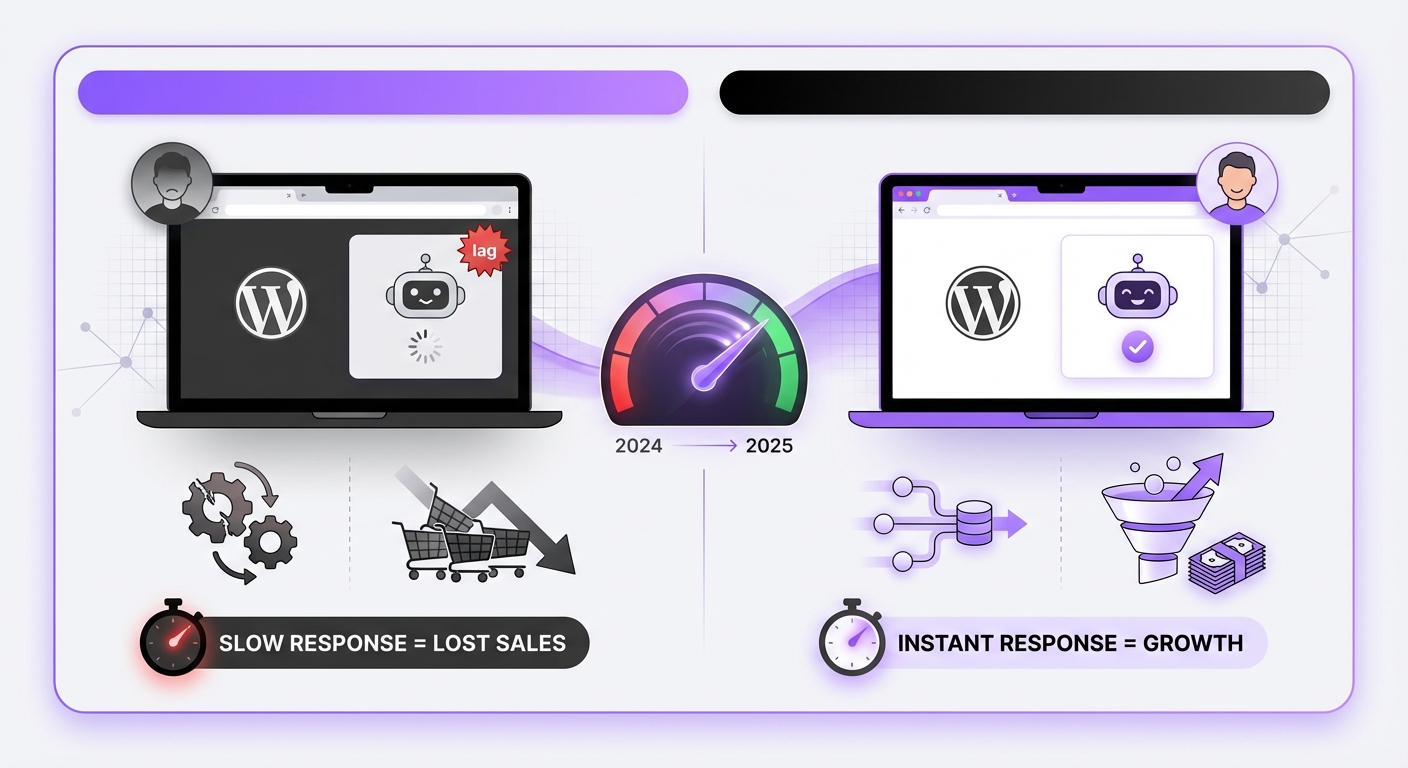
- User Experience (UX): Modern users have high expectations. A 2025 study by Nielsen Norman Group confirms that a delay of even one second can disrupt a user’s flow. A slow-loading chatbot widget or laggy responses create frustration, leading to higher bounce rates and a negative brand perception.
- SEO Rankings: Google explicitly uses Core Web Vitals as a ranking factor. A poorly optimized chatbot can increase your site’s JavaScript execution time, harming your INP score, or delay the loading of main content, hurting your LCP. This can directly lower your search engine visibility.
- Conversion Rates: Speed is directly tied to revenue. For e-commerce sites, a slow chatbot can mean the difference between a completed purchase and an abandoned cart. The faster and more seamless the interaction, the higher the likelihood of conversion.
- Server Costs: An inefficient chatbot plugin can send excessive requests to your server or a third-party API. This increased load can lead to higher hosting costs or, in a worst-case scenario, crash your site during critical traffic spikes.
Key Factors Influencing AI Chatbot Speed on WordPress
Think of your website as a busy restaurant. The AI chatbot is a highly skilled concierge at the front door. How efficiently they greet and guide guests depends on several factors, not just their own ability to talk.
1. Plugin Architecture & Code Quality
Not all WordPress plugins are created equal. A bloated plugin loads excessive, unnecessary code on every single page of your site, even if the chatbot isn’t visible. This is like the concierge bringing their entire office furniture to the front door, cluttering the entrance for everyone.
A lightweight, well-coded plugin, on the other hand, is built for efficiency. It only loads the essential scripts required for the chatbot to function. Solutions like MxChat are specifically designed with WordPress best practices at their core, ensuring a minimal code footprint and adherence to performance standards.
2. Script Loading and Execution
How a chatbot’s JavaScript is loaded is critical. There are two primary methods:
- Synchronous Loading: This blocks the rendering of your page. The browser must fully load and execute the chatbot script before it can display the rest of your content. It’s like a single-file line where everyone has to wait for the person in front to be fully served.
- Asynchronous (Async/Defer) Loading: This allows the browser to load the chatbot script in the background while it continues to render the rest of the page. This is the preferred method as it doesn’t block your main content, leading to a much better AI chatbot WordPress performance profile.
3. AI Model & API Latency
The “brain” of your AI chatbot often lives on an external server. When a user asks a question, your website sends a request (an API call) to this server, which processes the query using an AI model and sends a response back. The time this round-trip takes is the API latency.
This latency is influenced by the efficiency of the AI model and the geographical location of the servers. A platform like MxChat, which leverages advanced RAG technology and a globally distributed infrastructure, is optimized to minimize this delay and deliver near-instant, precise responses.
How to Measure and Improve Your AI Chatbot’s Performance
Optimizing your chatbot’s performance begins with understanding its current impact. You don’t have to guess; you can measure it.
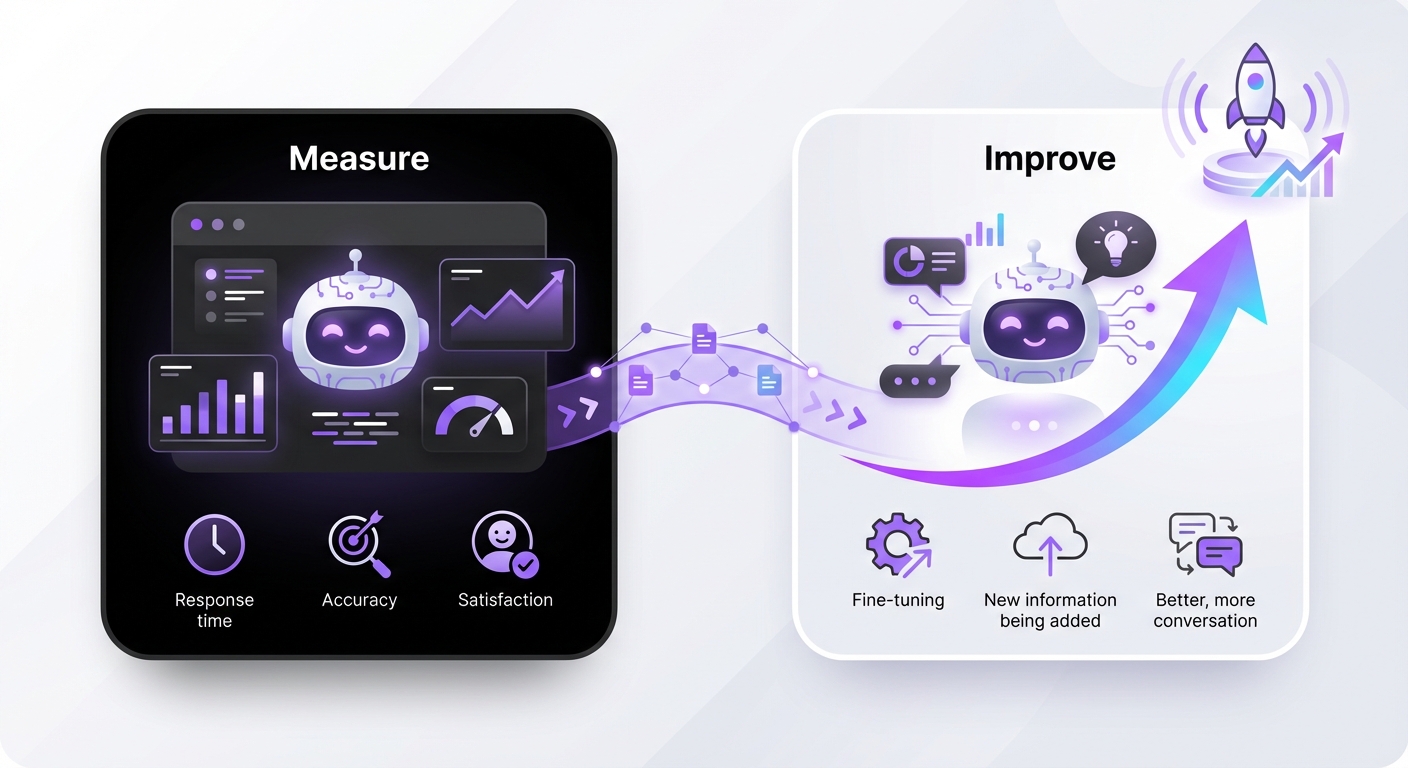
Auditing Your Current Setup
Use standard web performance tools to test your site with and without the chatbot plugin activated. This will give you a clear baseline.
- Tools: Google PageSpeed Insights, GTmetrix, and WebPageTest are excellent for this.
- What to Look For: In the waterfall chart of these tools, identify the scripts related to your chatbot. Note their size and load time. Pay close attention to metrics like Total Blocking Time (TBT) and Interaction to Next Paint (INP), as these are often affected by heavy JavaScript.
Best Practices for Optimization
- Choose a Performance-First Plugin: The most impactful decision you can make is selecting a chatbot solution built for speed from the ground up. Look for plugins that explicitly mention lightweight code, asynchronous loading, and a minimal impact on Core Web Vitals.
- Enable Asynchronous Loading: Check your chatbot plugin’s settings for an option to load its scripts asynchronously or deferred. This is one of the quickest wins for frontend performance.
- Use a Content Delivery Network (CDN): A CDN like Cloudflare or BunnyCDN can cache and serve your chatbot’s static assets (like JS, CSS, and icons) from a server closer to the user, reducing latency.
- Conditional Loading: Does your chatbot need to be on every single page? Many plugins offer options to only load the chatbot on specific pages, such as your homepage, contact page, or WooCommerce product pages. This prevents unnecessary resource loading across your entire site.
Key Takeaways
- Performance is Holistic: AI chatbot performance on WordPress isn’t just about response speed; it’s about the total impact on your site’s Core Web Vitals, server load, and user experience.
- Speed Impacts Everything: A slow chatbot can negatively affect your SEO rankings, conversion rates, and brand reputation in 2025.
- Know the Core Factors: The primary performance drivers are the plugin’s code quality, how its scripts are loaded (async vs. sync), and the latency of its AI processing API.
- Measure, Then Optimize: Use tools like PageSpeed Insights to audit your site and identify performance bottlenecks caused by your chatbot.
- Choose Wisely: The most effective optimization is choosing a lightweight, well-coded chatbot solution built specifically for the WordPress ecosystem.
Conclusion
Implementing an AI chatbot is a powerful step toward modernizing your customer interactions. However, this advancement should not come at the cost of your website’s performance. By understanding the factors that influence speed and adopting best practices, you can successfully deploy an intelligent assistant that is both helpful to your users and friendly to your SEO.
By choosing a solution built from the ground up for WordPress, like MxChat, you can leverage the power of advanced AI and automation without compromising the speed and user experience that your audience expects. This ensures your investment in AI becomes a true asset, not a performance liability.