How to Improve Customer Support with AI: A 2026 Guide
In 2026, customers don’t just prefer instant support—they expect it. With rising expectations and operational costs, businesses are turning to a powerful solution that was once the stuff of science fiction: Artificial Intelligence. If you’re wondering how to improve customer support with AI, you’re asking the right question. It’s no longer about whether to adopt AI, but how to do it effectively to enhance efficiency, reduce agent burnout, and deliver an exceptional customer experience.
This guide will walk you through a clear, step-by-step process for integrating AI into your customer support strategy, transforming it from a cost center into a powerful engine for growth.
Step 1: Audit Your Current Support and Define Clear Goals
Before you can implement any new technology, you must first understand your starting point. A vague goal like “we want AI” is destined to fail. Instead, begin with a thorough audit of your existing customer support operations.
Analyze Your Support Data
Dig into your support tickets, live chat transcripts, and customer feedback. Identify:- High-Volume, Low-Complexity Queries: What are the top 5-10 questions your team answers repeatedly? These often include topics like order status, password resets, and basic product questions.
- Peak Times: When do you receive the most support requests? Are you staffed to handle these surges?
- Key Performance Indicators (KPIs): Establish your baseline for metrics like First Response Time (FRT), Average Resolution Time (ART), and Customer Satisfaction (CSAT) scores.
Set Specific, Measurable Goals
With this data, you can set tangible objectives for your AI implementation. For example:- Reduce FRT by 70% by providing 24/7 instant answers to common questions.
- Deflect 40% of Tier-1 support tickets to an AI agent within six months.
- Increase your CSAT score by 15% by freeing up human agents to handle complex, high-touch issues.
Step 2: Choose the Right AI Platform for Your Ecosystem
Not all AI solutions are created equal. The right platform should align with your goals, technical resources, and existing infrastructure. For most businesses, especially those built on platforms like WordPress, a no-code, seamlessly integrated solution is the ideal choice.
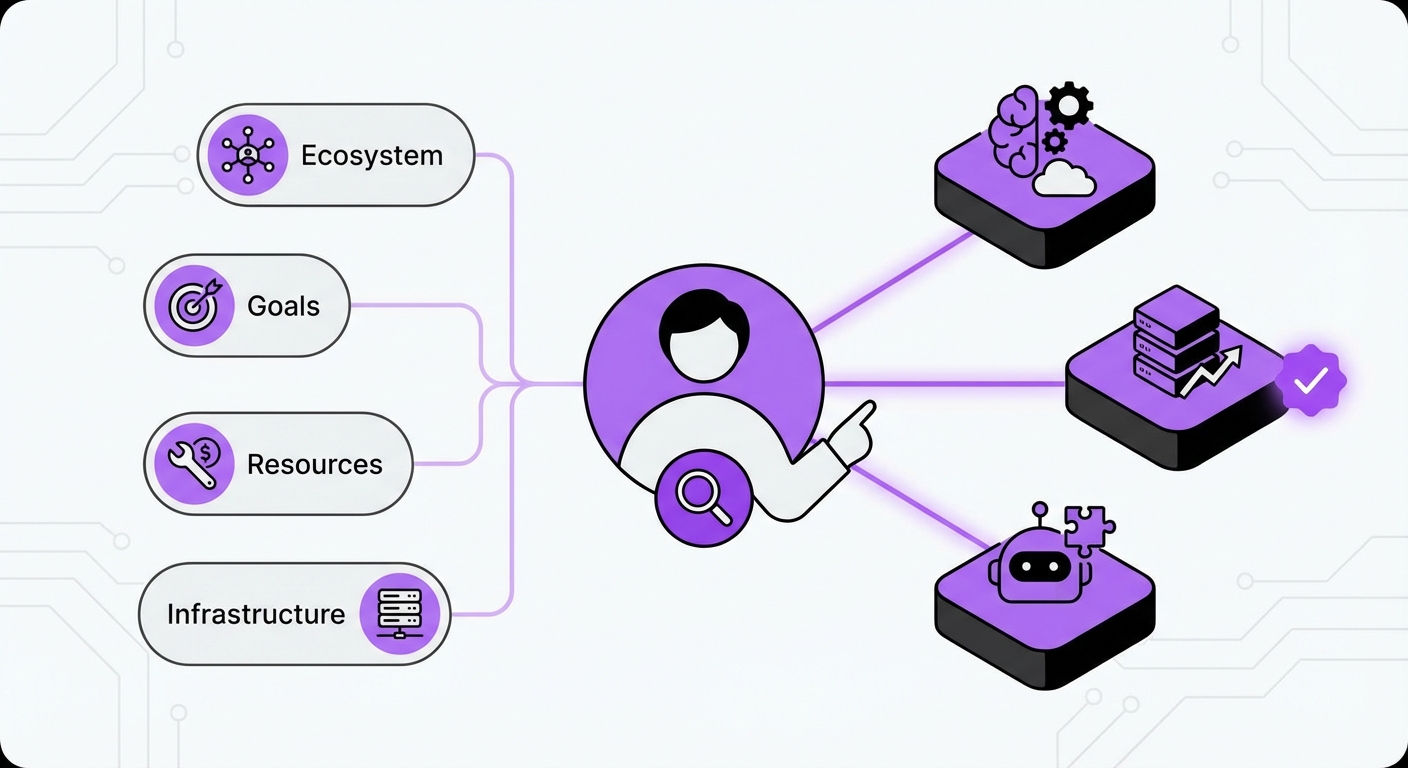
Key Factors to Consider:
- Ease of Integration: How well does the platform connect with your website and other tools? A solution designed specifically for your CMS, like MxChat for WordPress, eliminates technical headaches and ensures a smooth setup.
- AI Model & Capabilities: Look for advanced technology like Retrieval-Augmented Generation (RAG). This allows the AI to pull information directly from your private knowledge base, ensuring its answers are accurate, context-aware, and specific to your business.
- Customization and Control: Can you easily train the AI, define its personality, and set up conversational flows without writing a single line of code? A user-friendly, no-code interface is critical for agility.
- Scalability and Pricing: Avoid platforms with complex, per-interaction pricing that penalizes growth. A lifetime pricing model can offer significant long-term savings and predictable costs as you scale.
Step 3: Train, Build, and Deploy Your AI Agent
With a platform selected, it’s time to bring your AI agent to life. This phase is all about feeding the AI the right information and designing its interactions.
Build a Comprehensive Knowledge Base
Your AI is only as smart as the data it has access to. Start by compiling all relevant information into a centralized knowledge base. This can include:- Existing FAQ pages
- Product documentation and manuals
- Internal support agent guides
- Policy documents
Design Conversational Flows
For more structured interactions, map out conversational flows. For example, a flow for a return request might ask for an order number, reason for return, and then provide the customer with the next steps. Start with flows for the most common queries you identified in Step 1.Deploy Strategically
Don’t switch on your AI for all customers on day one. Begin with a phased rollout:- Internal Testing: Have your own team interact with the AI to find and fix any issues.
- Beta Launch: Deploy the AI agent on a specific, lower-traffic page of your website.
- Full Rollout: Once you’re confident in its performance, deploy it across your primary customer-facing channels.
Step 4: Foster a Human-AI Collaboration
One of the biggest misconceptions about AI in customer service is that it’s meant to replace human agents. The most successful strategies use AI to augment human capabilities, not eliminate them. This hybrid model creates a support ecosystem that is both efficient and empathetic.
- AI as the First Line of Defense: Let the AI handle the high volume of repetitive inquiries. This provides instant answers for customers and frees up your human agents from monotonous work.
- Seamless Escalation: Create a clear and easy pathway for customers to be transferred from the AI to a human agent. Crucially, the context of the AI conversation should be passed along so the customer doesn’t have to repeat themselves.
- AI as an Agent’s Assistant: Advanced AI tools can run in the background during a human-led chat, providing the agent with real-time suggestions, knowledge base articles, and canned responses. This speeds up resolution times and ensures consistency.
Step 5: Monitor Performance and Continuously Refine
Implementing AI is not a “set it and forget it” project. To truly understand how to improve customer support with AI over the long term, you must commit to ongoing monitoring and optimization.
Track Key AI Metrics
- Resolution Rate: What percentage of inquiries does the AI resolve without human intervention?
- Escalation Rate: How often do customers ask to be transferred to a human agent?
- Unanswered Questions: A good AI platform will log questions it couldn’t answer. This is a goldmine of information, showing you exactly where you need to expand your knowledge base.
Common Mistakes to Avoid
- Poor Knowledge Management: Launching an AI with an outdated or incomplete knowledge base will lead to inaccurate answers and frustrated customers.
- Ignoring the User Experience: A clunky chat interface or a confusing escalation process will negate the benefits of AI’s speed.
- Lack of a Clear Handoff: A jarring transition from AI to human where conversation history is lost is a critical failure point.
- Setting Unrealistic Expectations: Don’t expect your AI to handle nuanced, emotional, or highly complex issues. Know its limitations and design your system accordingly.
Expected Results and Outcomes
By following these steps, you can expect to see transformative results in your customer support operations:
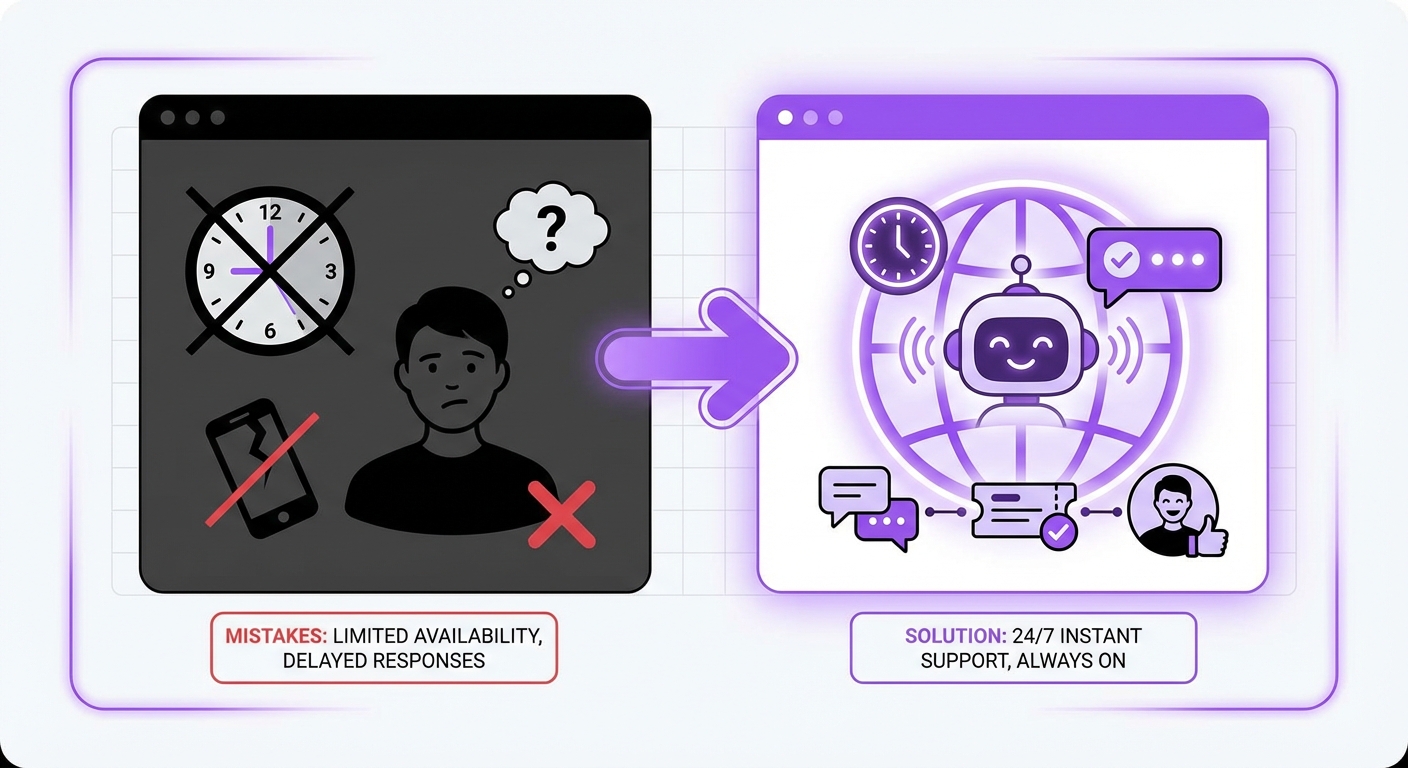
- 24/7 Instant Support: Your business is always available to help customers, regardless of time zones or holidays.
- Dramatically Reduced Response Times: Customers get answers in seconds, not hours or days.
- Increased Agent Productivity and Morale: Your human team can focus on meaningful, complex problem-solving, leading to higher job satisfaction.
- Enhanced Customer Satisfaction: A faster, more efficient, and consistently helpful support experience builds customer loyalty.
- Scalable Growth: Your support system can handle a growing volume of inquiries without a linear increase in headcount and costs.
Conclusion
Integrating AI into your customer support is one of the most impactful investments a business can make in 2026. By starting with a clear strategy, choosing the right tools, and fostering a collaborative environment between AI and human agents, you can build a support system that is not only efficient but also a key driver of customer loyalty.
For businesses running on WordPress, getting started is easier than ever. Platforms like MxChat offer a powerful, no-code solution to deploy intelligent AI agents, making the journey of improving customer support with AI both accessible and highly effective.