
Your AI Chatbot. Any Website. One Simple Script.
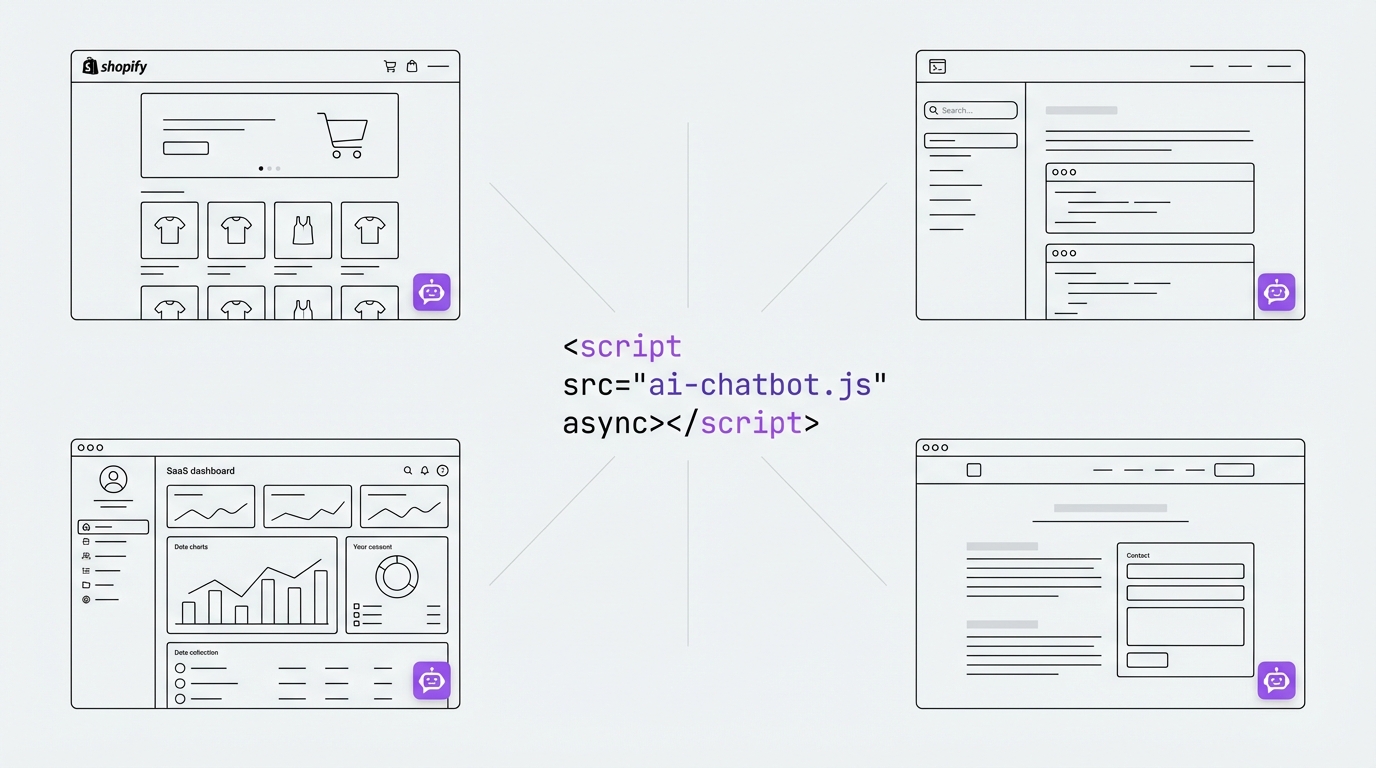
MxChat Anywhere lets you embed chatbot on any website — not just WordPress. Drop one script tag into any HTML page. Your chatbot shows up with all your custom branding, colors, and settings ready to go. No rebuilding. No extra setup. It just works.
Universal Embedding — Works Everywhere
Embed chatbot on any website you choose: static HTML, Shopify, Squarespace, Wix, custom web apps, docs sites, or landing pages. No platform lock-in. No headaches.
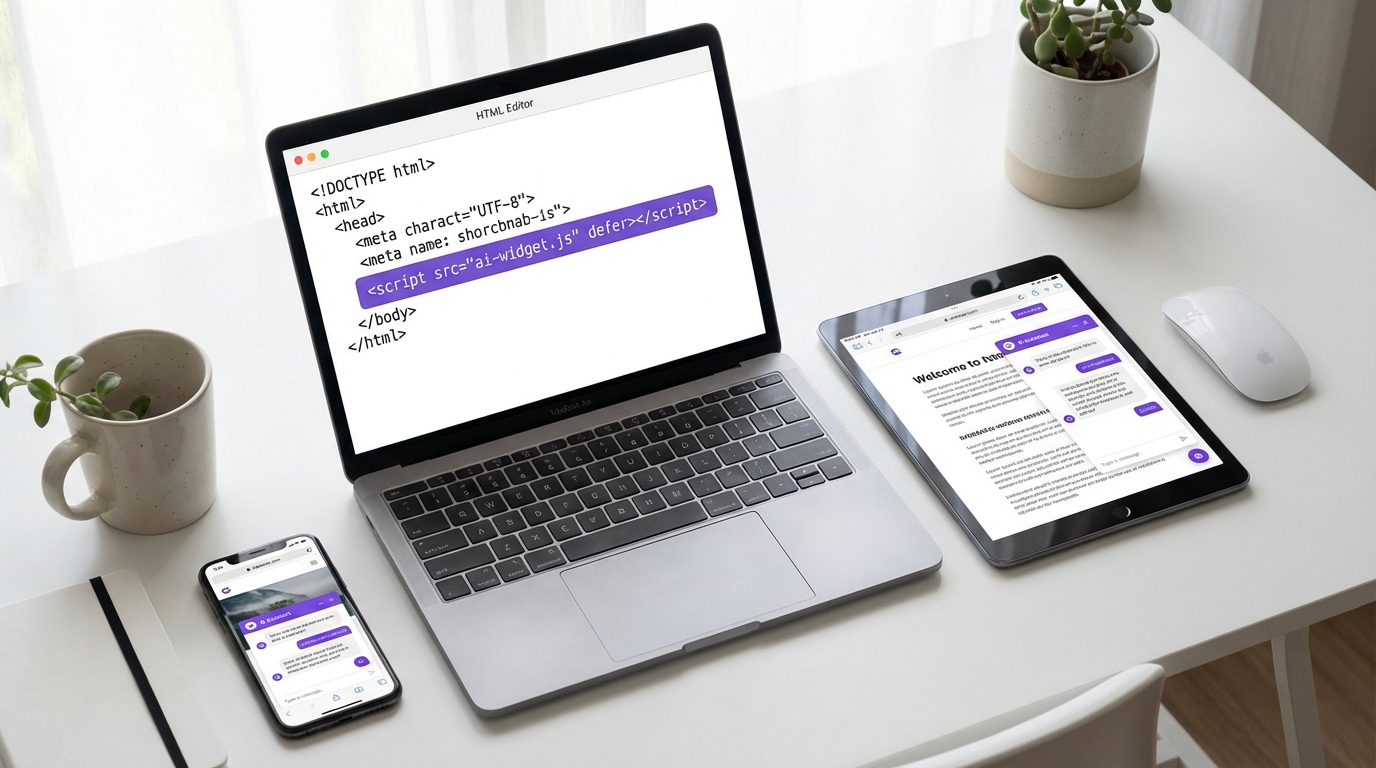
One script tag is all you need. Paste it into your page's HTML. Your chatbot shows up right away. It includes streaming replies, quick questions, email capture, chat history, pre-chat messages, and every setting you've already built in MxChat.
Full feature parity means zero extra setup. Everything from your WordPress MxChat dashboard carries over to every outside site on its own.
Bulletproof Style Isolation
Shadow DOM Encapsulation
MxChat Anywhere uses Shadow DOM to render your chatbot cleanly on any site. It works no matter what CSS framework the host page uses — Bootstrap, Tailwind, custom themes, or anything else.
Pixel-Perfect Every Time
Host page styles can't break the widget. Widget styles can't mess with your site's design. Your chatbot looks just the way you built it, every single time.
Zero Conflicts
No visual clashes. No CSS overrides to debug. No z-index battles. It renders cleanly in its own sealed space — every time.
Complete Customization from Your WordPress Dashboard
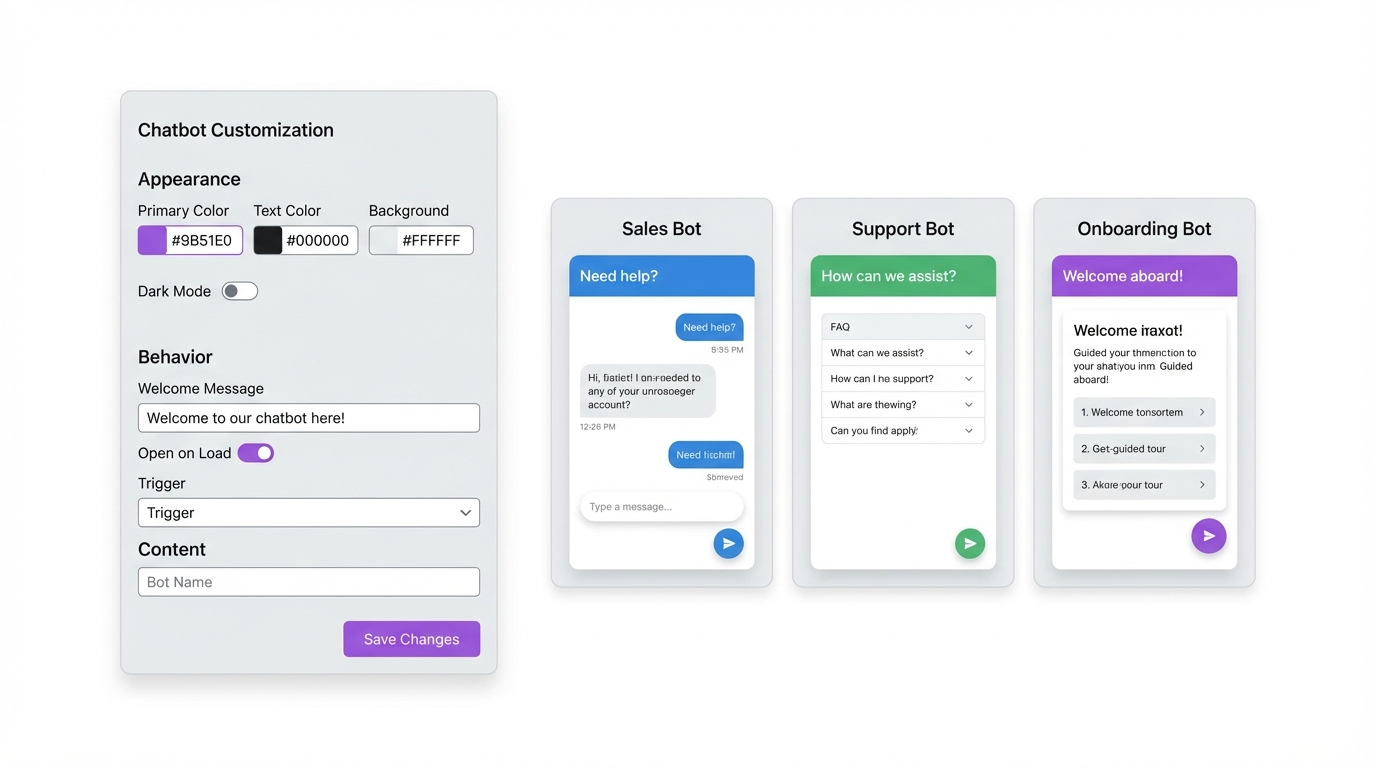
Every visual detail is easy to change without touching code. Adjust colors, title bar text, icons, send button style, input text, intro messages, and more. Manage it all from your WordPress admin panel.
Apply AI-made themes for a polished, pro look right away. Match your chatbot's style to any brand or website in seconds.
Multi-bot support lets you place different chatbot setups on different pages or sites using unique bot IDs. Each bot gets its own tone, knowledge base, and look. This is perfect for running many brands or use cases from one WordPress install.
Secure, Lightweight & Performance-First
Built for live sites where every split second of load time counts.
Domain-Validated Security
Each outside site gets a unique site key with domain checks. Your chatbot only runs on approved sites. No one else can use it. Your AI resources stay safe.
Zero Dependencies
The widget uses pure vanilla JavaScript. No jQuery. No React. No bloat. It loads in the background and fades in smoothly. It won't slow your page or hurt your Core Web Vitals.
Content-First Loading
Your visitors see your content first. Then the chatbot fades in. Built for live sites where speed matters most.
Live in Five Steps
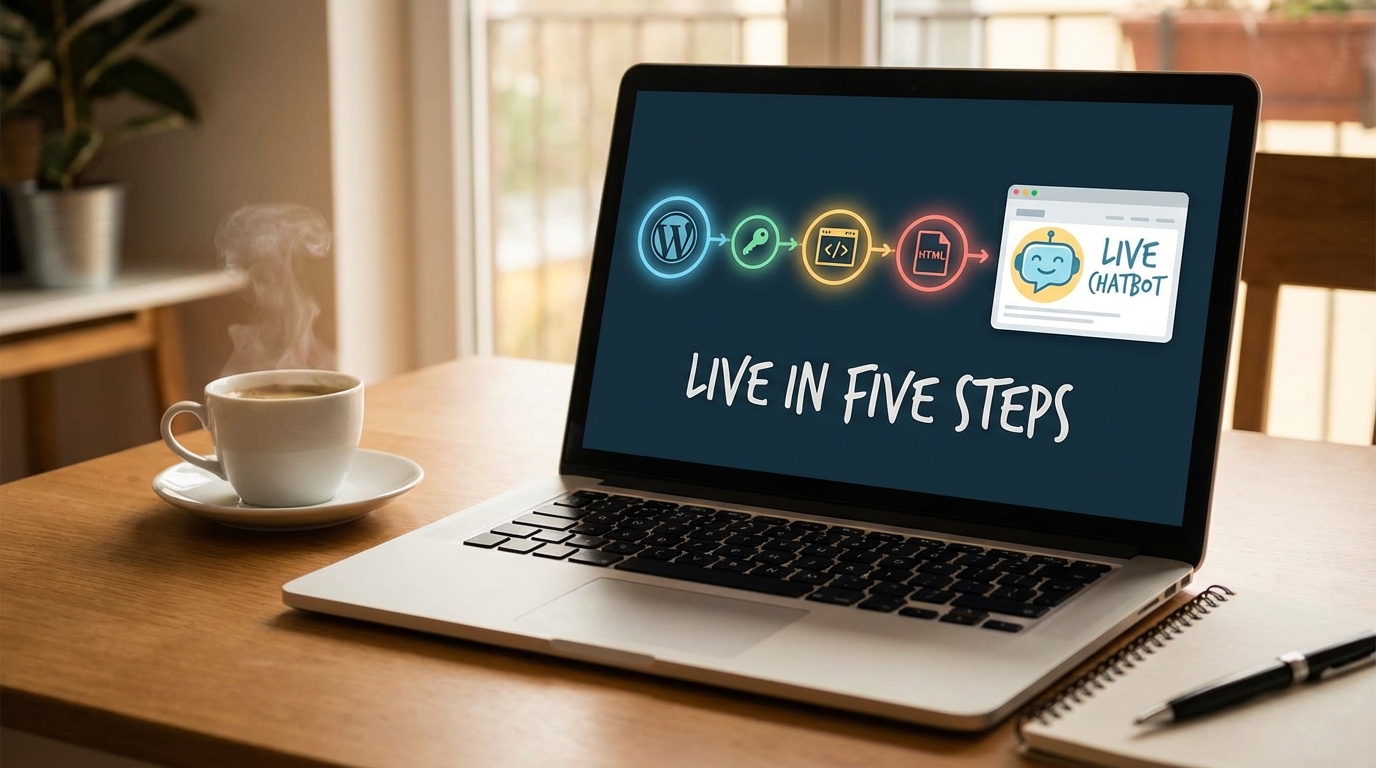
Go from install to a live chatbot on any website — in under five minutes.
- 1 Install MxChat Anywhere on your WordPress site next to MxChat.
- 2 Create a site key and approve your target domain from the dashboard.
- 3 Copy the single-line script tag it gives you.
- 4 Paste it into any webpage's HTML — right before the closing body tag.
- 5 Your chatbot is live, fully styled, and fully working. That's it.
Ideal For Teams With Mixed Tech Stacks
No matter how your web presence is built, MxChat Anywhere has you covered.
SaaS Products
Manage your AI chatbot through WordPress. Deploy it on your main web app or client portal. One dashboard gives you endless reach.
Mixed-Platform Businesses
Use WordPress for your blog or marketing site? Run a different platform for your product, store, or docs? No problem at all.
E-Commerce Brands
On Shopify or a custom storefront? Get AI-powered support without moving to WordPress. Your chatbot, your store, zero friction.
Documentation & Knowledge Bases
Add smart AI help to your docs site. No WordPress needed on the front end. Users get quick answers right where they need them.
Ready to Put Your Chatbot Everywhere?
Get MxChat Pro and the Anywhere add-on. Embed chatbot on any website with one line of code. Full custom styling, full features, zero platform limits.
