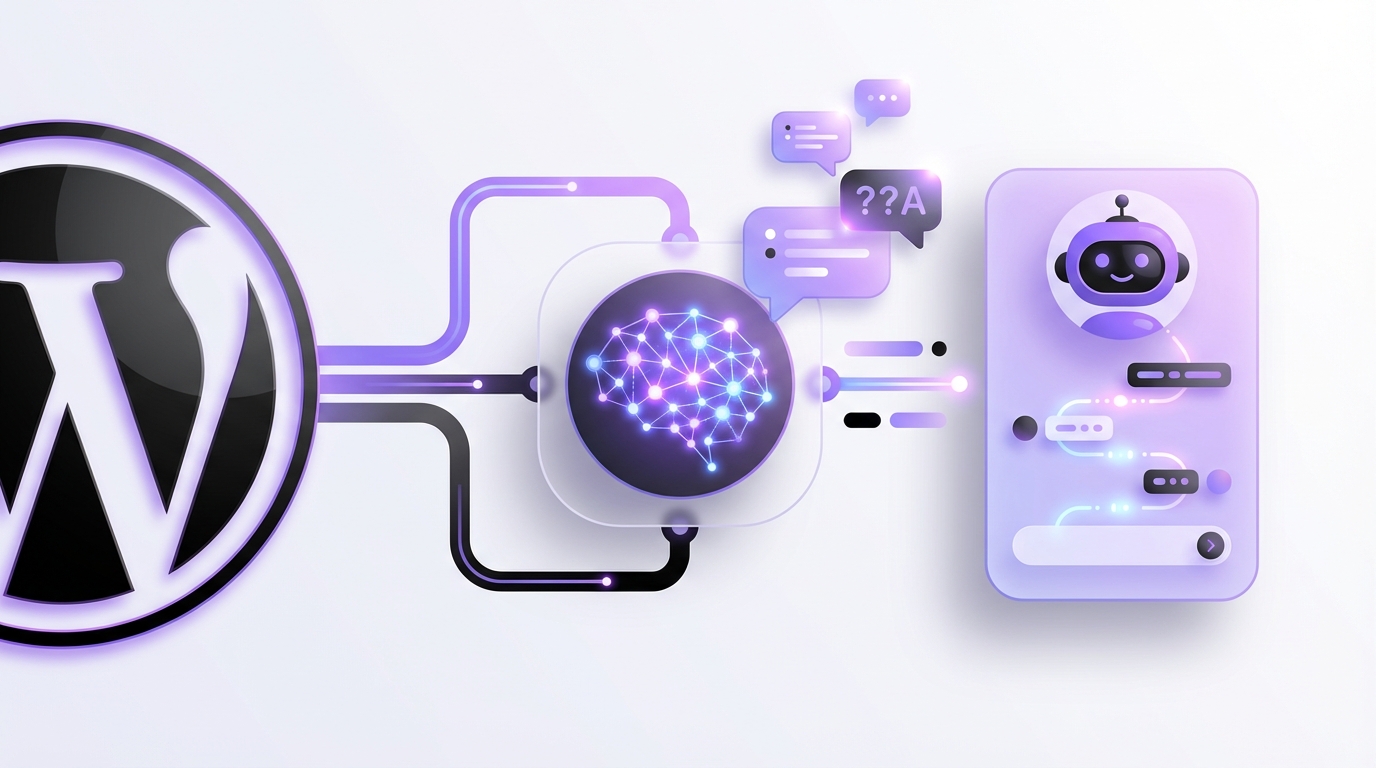
WordPress AI Chatbot Demo: A Guide for 2025
In 2025, providing instant, intelligent customer support is no longer a luxury—it’s an expectation. As businesses strive to meet this demand, AI-powered chatbots have become an indispensable tool. If you’re considering this technology for your website, running a WordPress AI chatbot demo is the most critical first step to ensure you choose the right solution. This hands-on approach allows you to experience the technology firsthand, test its capabilities, and see how it aligns with your brand before committing.
What Exactly is a WordPress AI Chatbot?
A WordPress AI chatbot is an advanced software application integrated into your WordPress website that uses artificial intelligence, particularly natural language processing (NLP), to understand and respond to user queries in a human-like manner. Unlike older, rule-based bots that follow rigid scripts, modern AI chatbots can interpret intent, understand context, and learn from interactions.
These systems are powered by sophisticated Large Language Models (LLMs) and often use technologies like Retrieval-Augmented Generation (RAG). RAG allows the chatbot to pull real-time, accurate information directly from a trusted knowledge base—like your company’s product documentation or FAQ pages—ensuring the answers it provides are always relevant and up-to-date.
Why a Live Demo is Crucial for Your Business in 2025
Jumping into a full-scale AI implementation without testing is a significant risk. A demo serves as a low-stakes, high-reward trial run. Here’s why it’s so important:
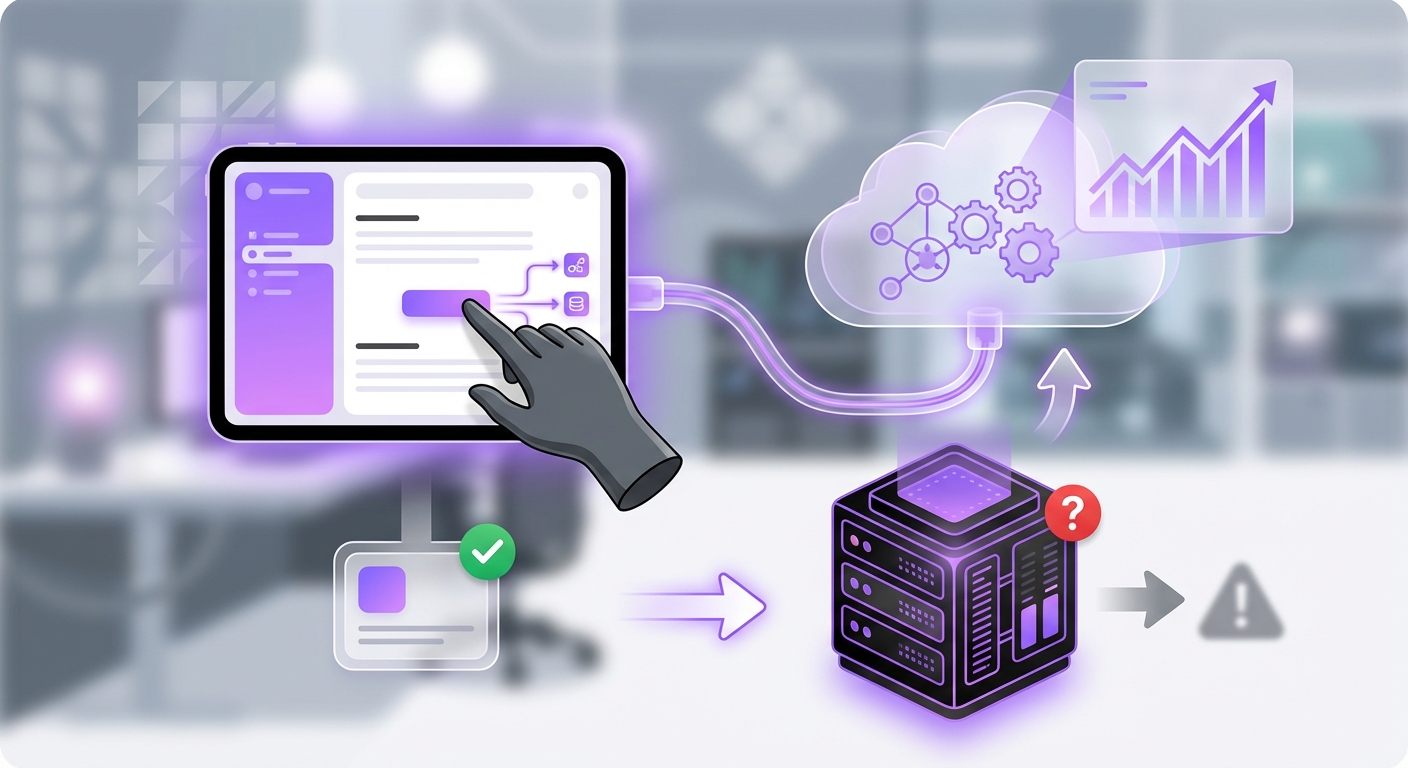
- Assess User Experience: A demo lets you interact with the chatbot as a customer would. Is the conversation natural? Are the responses fast and accurate? A smooth user experience is paramount for customer satisfaction.
- Verify Functionality: Does the chatbot perform as advertised? You can test its ability to answer complex questions, handle multi-turn conversations, and integrate with other tools like contact forms or e-commerce platforms.
- Ensure Brand Alignment: Your chatbot is a direct extension of your brand voice. A demo allows you to customize its personality, tone, and responses to ensure it perfectly reflects your company’s image.
- Test on Your Own Data: The most effective evaluation comes from seeing how the AI performs with your specific content. A good demo environment lets you train the bot on your own knowledge base and see how precisely it answers questions about your products or services.
How to Set Up Your Own WordPress AI Chatbot Demo
Creating a functional demo is more accessible than ever, thanks to user-friendly platforms designed specifically for WordPress. Here is a simple, four-step process to get started.
Step 1: Choose the Right AI Chatbot Platform
The foundation of your demo is the platform you choose. In 2025, the best solutions are no-code, meaning you don’t need to be a developer to build and deploy a powerful AI agent. When evaluating options, look for:
- Seamless WordPress Integration: The platform should offer a dedicated plugin or a simple integration process that works flawlessly with your existing site.
- Support for Multiple AI Models: Flexibility is key. A platform that supports various LLMs gives you the power to choose the best one for your needs.
- Ease of Use: An intuitive interface for building, training, and managing your chatbot is essential. Platforms like MxChat are designed for WordPress users, enabling you to deploy a fully functional AI agent in minutes without writing a single line of code.
- Advanced RAG Technology: To ensure your chatbot provides accurate, context-aware answers, verify that the platform uses advanced RAG technology.
Step 2: Train Your AI Agent with Your Knowledge
Once you’ve selected a platform, the next step is to train your AI. This is where you feed it the information it will use to answer customer questions. The process typically involves:
- Creating a Knowledge Base: Gather all relevant documents, including FAQs, product manuals, company policies, and support articles.
- Uploading Your Data: Upload these documents directly to the chatbot platform. The AI will process this information and use it as its single source of truth.
- Setting a Persona: Define the chatbot’s personality. Should it be professional and formal, or friendly and conversational? This ensures brand consistency.
Step 3: Integrate and Configure the Chatbot on Your Site
With your AI agent trained, it’s time to add it to your WordPress site. Modern solutions make this incredibly simple. For example, with a platform like MxChat, you typically install their WordPress plugin, connect it to your account with an API key, and the chatbot widget is ready to go. You can then customize its appearance—colors, logos, and placement—to match your website’s design.
Step 4: Test, Refine, and Gather Feedback
Now for the most important part: the demo itself. Interact with your new chatbot extensively. Ask it the same questions in different ways. Try to trick it with ambiguous queries. The goal is to identify its strengths and weaknesses.
- Ask common customer questions: Does it provide the correct product specifications or return policy details?
- Test its limits: What happens when it doesn’t know the answer?
- Review conversation logs: Most platforms provide analytics and logs. Use this data to see where the chatbot struggled and refine its knowledge base accordingly.
Key Takeaways
- AI Chatbots are Essential: In 2025, AI chatbots are a standard for efficient, 24/7 customer support on WordPress sites.
- Demos Mitigate Risk: A demo allows you to test functionality, user experience, and brand alignment before a full financial commitment.
- Choose a No-Code Platform: Modern platforms like MxChat make it easy for anyone to build and deploy a sophisticated AI chatbot without technical expertise.
- Training is Key: The quality of your chatbot’s responses depends entirely on the quality and comprehensiveness of the knowledge base you provide.
- Test and Refine: The demo phase is your opportunity to fine-tune the AI’s performance to ensure it meets your standards and your customers’ needs.
From Demo to Full Deployment
Running a WordPress AI chatbot demo is an invaluable exercise for any business looking to leverage artificial intelligence. It demystifies the technology and provides concrete proof of its potential impact on your customer service operations. By following these steps, you can confidently evaluate, test, and prepare to launch an AI agent that enhances customer satisfaction and streamlines your support processes.
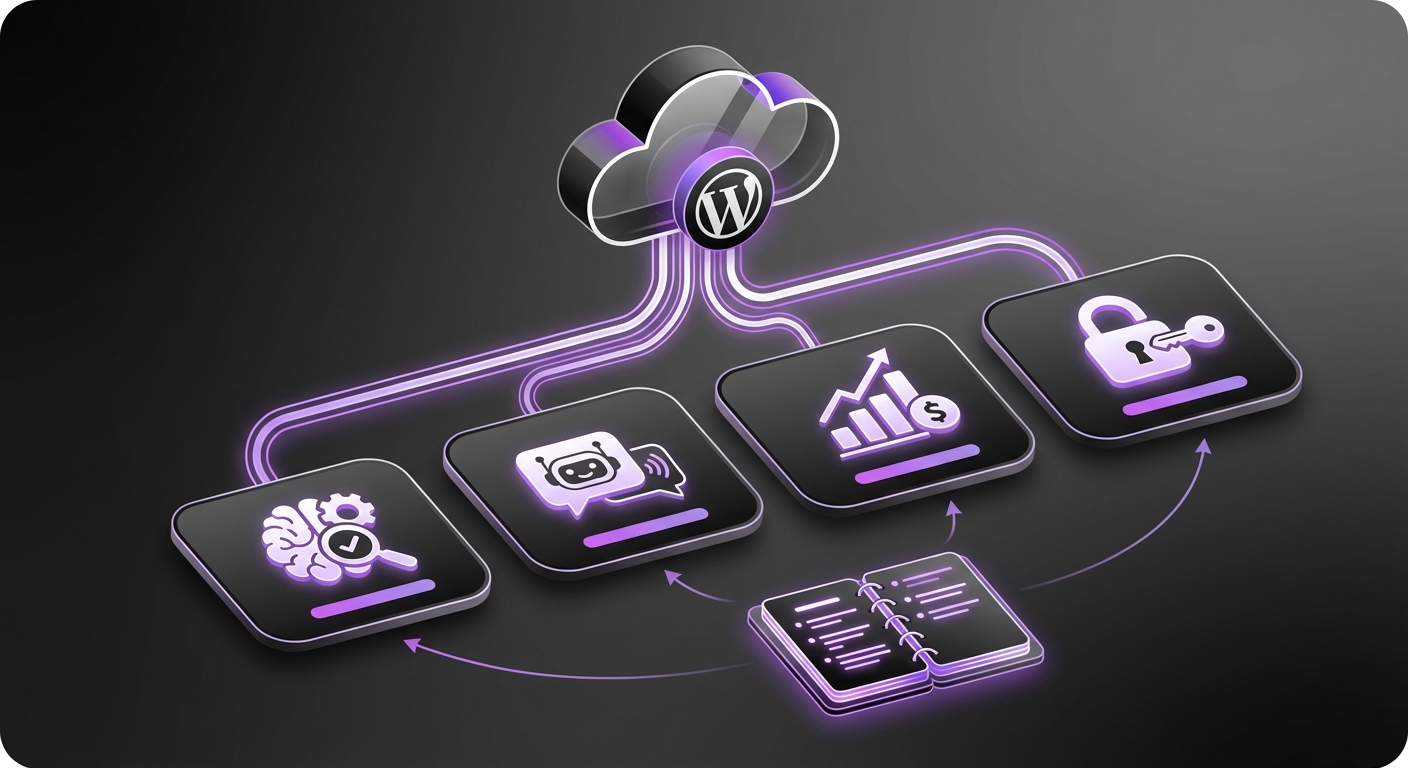
Once you’ve seen the power of an AI chatbot firsthand, the next step is full deployment. Platforms designed for this purpose, such as MxChat, offer seamless scalability, advanced features like WooCommerce integration, and robust support, making the transition from a successful demo to a permanent business asset both simple and effective.